Exit
  • Global community
    • Language:
      • Deutsch
      • English
      • Español
      • Français
      • Português
  • 日本語コミュニティ
  • 한국 커뮤니티
0

"Select Subject" Not Working on Specific Subjects

Engaged ,
Nov 03, 2022 Nov 03, 2022

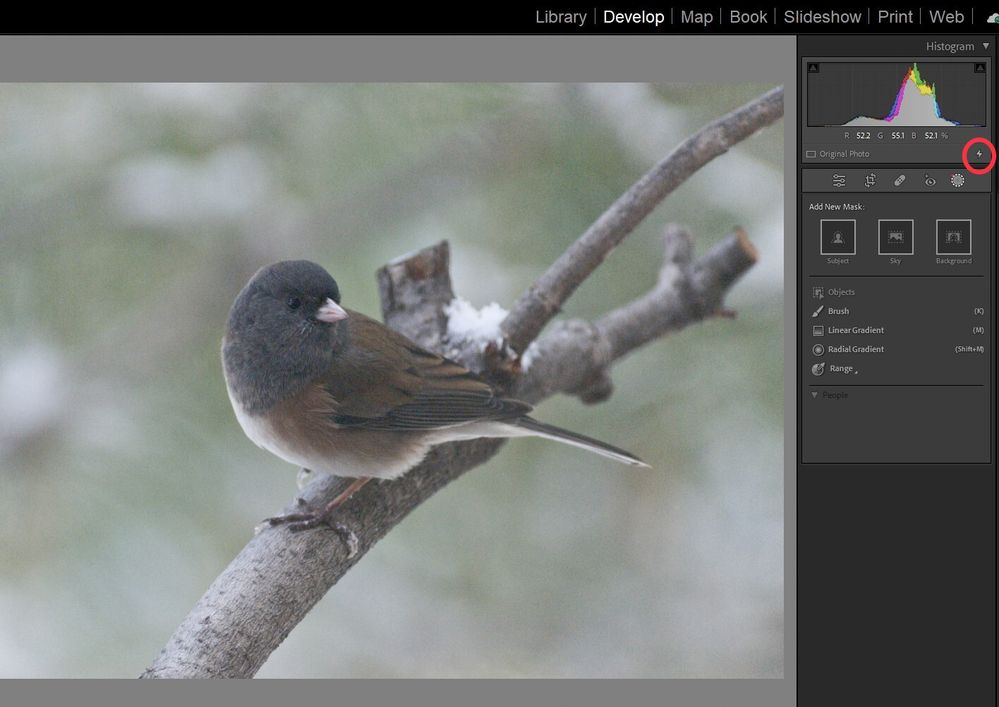
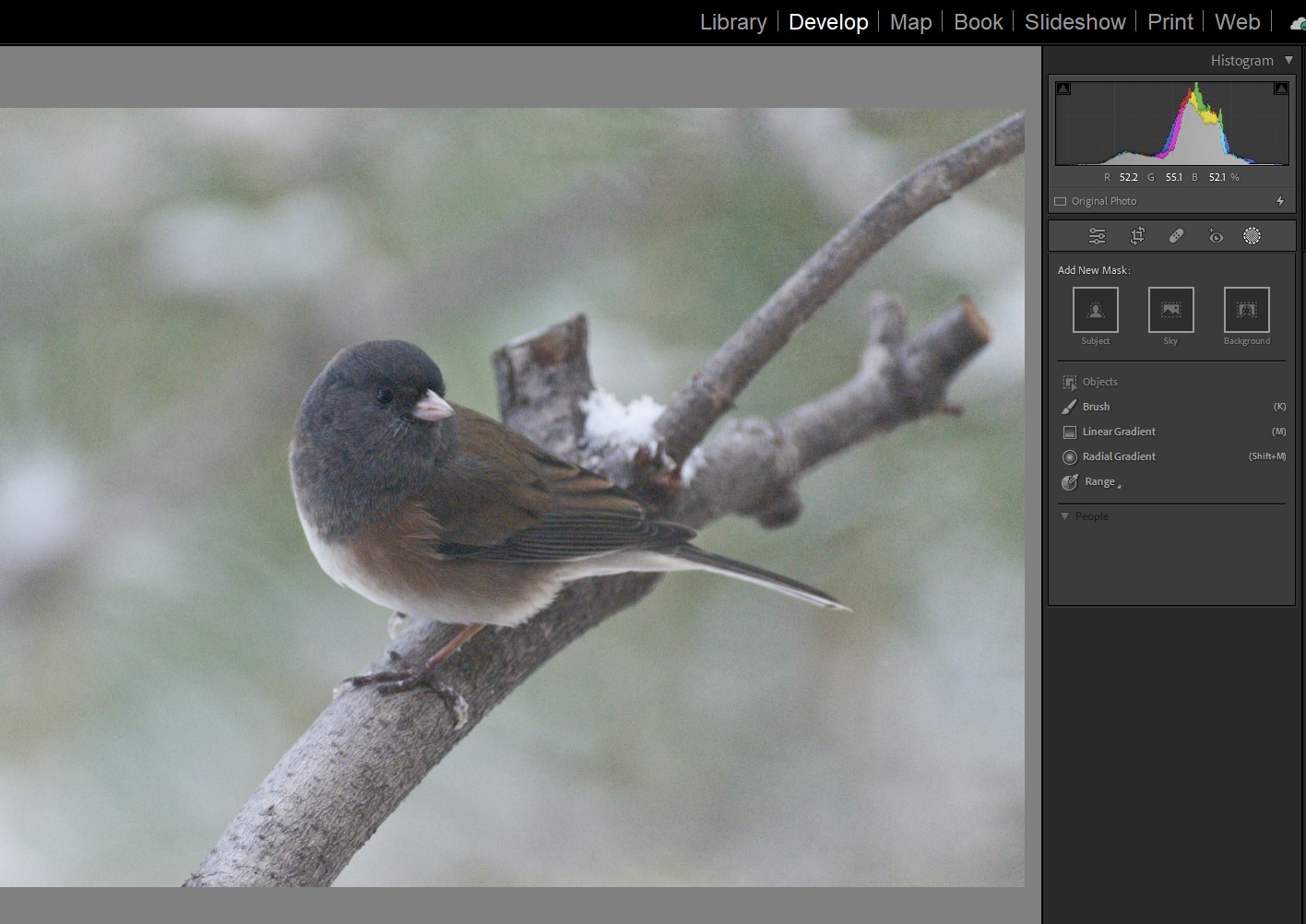
I am running Lightroom Classic 12.0.1 on a Windows 11 PC.  I have a problem with "Select Subject" not working on a specific group of bird photos.  On other bird photos it works fine.  This has never happened to me before.  Normally, the frame around the "Select Subject" panel lights up and then you click to select the subject.  When I hover over the "Select Subject" panel it doesn't even light up.  Clicking on the panel does nothing.  Here's two examples, one that worked and one that didn't.

TOPICS
Windows
2.5K
Translate
Report
Community guidelines
Be kind and respectful, give credit to the original source of content, and search for duplicates before posting. Learn more
community guidelines
Community Expert ,
Nov 03, 2022 Nov 03, 2022

Whenever LrC shows erratic behavior, the first thing to reset the preferences. Also restart the computer.

Ken Seals - Nikon Z 9, Z 8, 14mm-800mm. Computer Win 11 Pro, I7-14700K, 64GB, RTX3070TI. Travel machine: 2021 MacBook Pro M1 MAX 64GB. All Adobe apps.
Translate
Report
Community guidelines
Be kind and respectful, give credit to the original source of content, and search for duplicates before posting. Learn more
community guidelines
LEGEND ,
Nov 03, 2022 Nov 03, 2022

In your second screenshot, in the histogram panel, note the lighting bolt symbol bottom right corner (of the panel) .


4263FBBC-8FB1-449A-9393-7E9EDBEEE5C3.jpeg


Your selected photo is using an older process. Maybe imported long long ago? As a result, newer edit tools do not function, surprised they show up at all.


https://photographylife.com/lightroom-process-version


Translate
Report
Community guidelines
Be kind and respectful, give credit to the original source of content, and search for duplicates before posting. Learn more
community guidelines
Engaged ,
Nov 03, 2022 Nov 03, 2022
Hi GoldingD,


You nailed the problem. The image is using version 1. I changed to version
5 and now "Select Subject" is working perfectly. I'm not sure how that
image got to be version 1 though. It's a photo I took today and imported
today. Every picture I imported today was version 1.


Thanks


Jeff Goulden Photography

Nature, Wildlife and Landscape Photography

<> www.JeffGouldenPhotography.com

Phone: (253) 691-9258
Translate
Report
Community guidelines
Be kind and respectful, give credit to the original source of content, and search for duplicates before posting. Learn more
community guidelines
LEGEND ,
Nov 04, 2022 Nov 04, 2022
LATEST

If received a solution to your posting that resolved your problem, please mark it as correct. This will highlight the answer within the post and in the community and will help fellow community members if they experience the same problem.

Translate
Report
Community guidelines
Be kind and respectful, give credit to the original source of content, and search for duplicates before posting. Learn more
community guidelines