
MahaB82A
January 15, 2025
Question

From PSD to PSB

  • January 15, 2025
  • 1 reply
  • 400 views

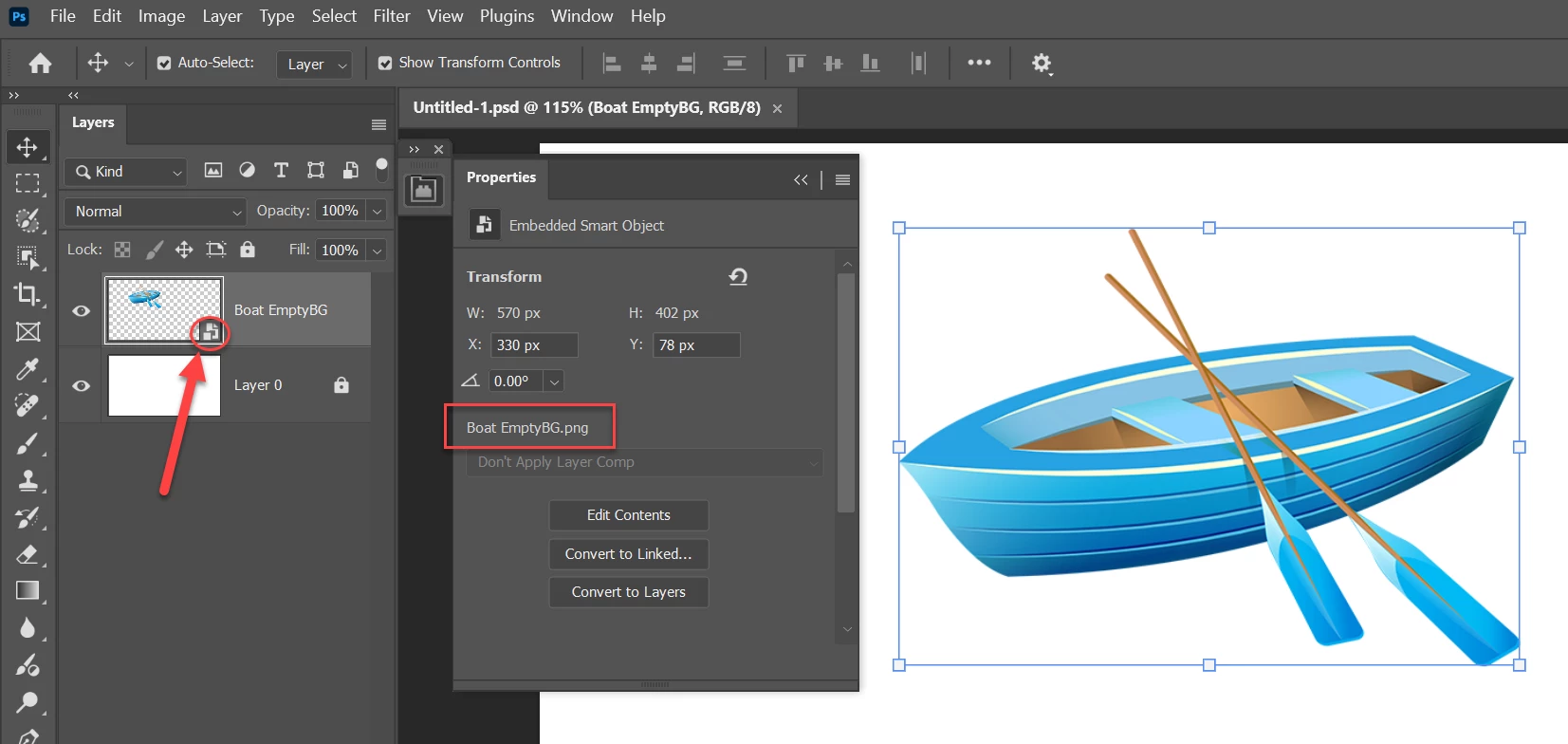
This image is a PNG file also a smart document. Whole is in PSD file format. I want to get this image in PSB file format. For that I click two times on smart icon but it is open as PNG file. What is the reason? Video also attached.
 

1 reply

Myra Ferguson
Community Expert
Community Expert
January 15, 2025

If you use File > Place Embedded... to place a PNG file, then Photoshop places it as a Smart Object. When you double-click on the Smart Object, then it will open that placed PNG.


If you want the contents of the Smart Object to be a PSB, then you could do the following:

  1. Double-click on the Smart Object in the document to open the PNG file
  2. Use File > Save As... to save a PSB version of the PNG to a location where you can find it
  3. Go back to the main document
  4. In the Layers panel on the Smart Object layer (and to the right of the thumnail) right-click and in the contextual menu that appears, select Replace Contents...
  5. Navigate to the PSB file that you saved
Stephen Marsh
Community Expert
Community Expert
January 15, 2025

@Myra Ferguson – I automated this via a script using a similar process here:


Another scripted option where the original image format is converted to PSD, however, the code could be changed to PSB:
 
 
However, a much simpler approach if one doesn't require the original file pixel dimensions, that could be recorded into a 2-step action would be to rasterize the active layer, then convert it to a smart object so that an embedded PSB is automatically created.
 
EDIT: There is nothing "special" about the embedded smart object being PSB, that is just the default format used when creating a smart object from raster content. PSB obviously supports canvas sizes over 30K px which makes it the perfect default internal format, regardless of canvas size.