Exit
  • Global community
    • Language:
      • Deutsch
      • English
      • Español
      • Français
      • Português
  • 日本語コミュニティ
  • 한국 커뮤니티
0

Lace in photoshop

Community Beginner ,
Apr 11, 2017 Apr 11, 2017

I NEED HELP!!   i have this maternity picture, i want to turn it into high key , but my floor is showing through the lace of the dress, i am a newbee at this photoshop thing! PLEASE help with any ideas... Towasrds the bottom the lace looks weird and has some unwanted artifacts that i know wouldnt print well... Any help is much appreciated. Thank You
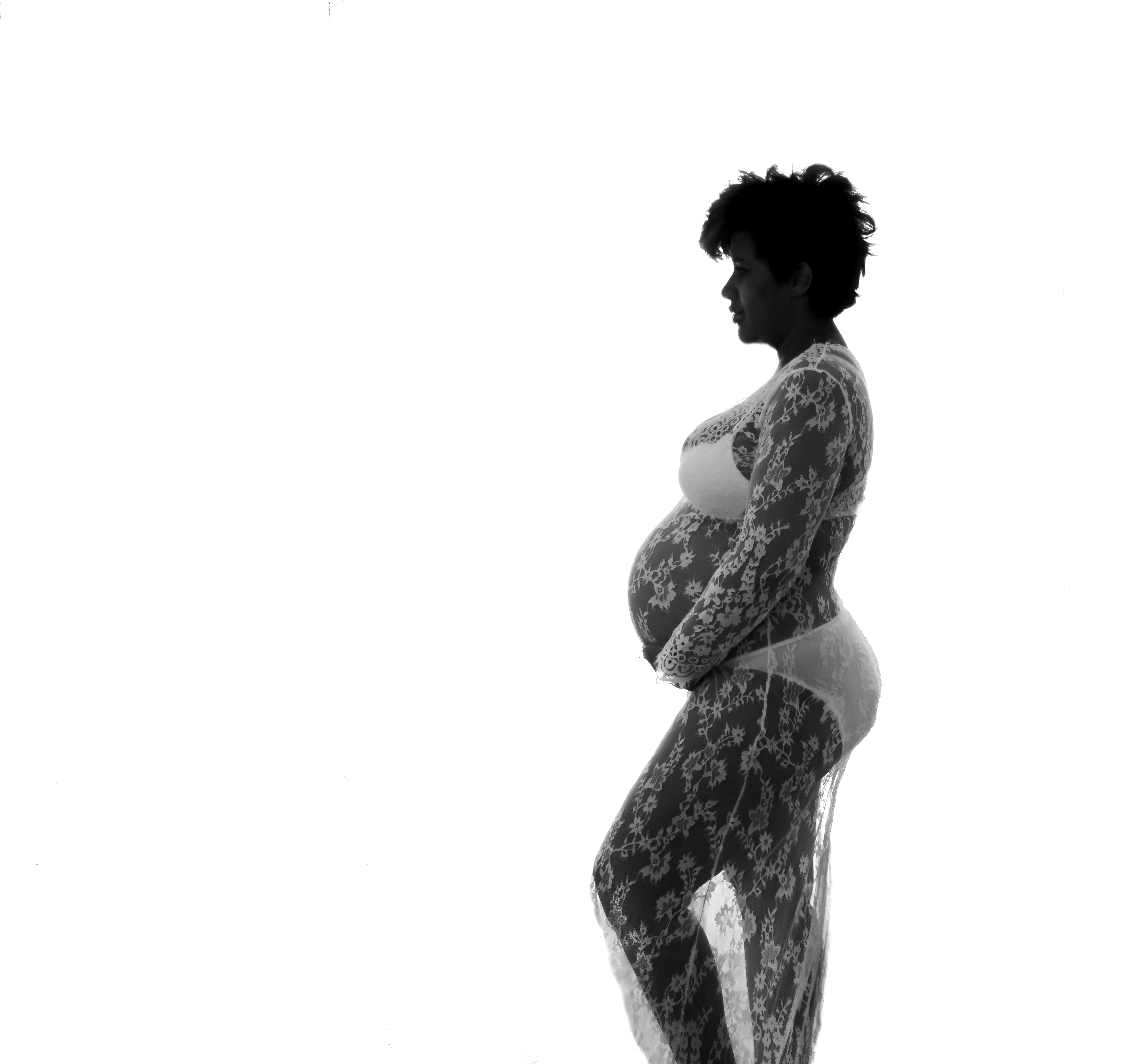

untitled-42.jpg

843
Translate
Report
Community guidelines
Be kind and respectful, give credit to the original source of content, and search for duplicates before posting. Learn more
community guidelines
Adobe
Enthusiast ,
Apr 11, 2017 Apr 11, 2017

Can you elaborate more on that?

Which unwanted artifacts are you referring to?

Translate
Report
Community guidelines
Be kind and respectful, give credit to the original source of content, and search for duplicates before posting. Learn more
community guidelines
Community Beginner ,
Apr 11, 2017 Apr 11, 2017

on the knee the lace looks like some black spots on it

untitled-42 (2).jpgBahaar Khan​

Translate
Report
Community guidelines
Be kind and respectful, give credit to the original source of content, and search for duplicates before posting. Learn more
community guidelines
Enthusiast ,
Apr 11, 2017 Apr 11, 2017

You can adjust the curves and make it look more white so that the lace is visible!

Translate
Report
Community guidelines
Be kind and respectful, give credit to the original source of content, and search for duplicates before posting. Learn more
community guidelines
Community Beginner ,
Apr 11, 2017 Apr 11, 2017

THANK YOU SO MUCH!!!!

Translate
Report
Community guidelines
Be kind and respectful, give credit to the original source of content, and search for duplicates before posting. Learn more
community guidelines
Enthusiast ,
Apr 11, 2017 Apr 11, 2017

Welcome. Please mark the answer correct if it helped you!

Translate
Report
Community guidelines
Be kind and respectful, give credit to the original source of content, and search for duplicates before posting. Learn more
community guidelines
LEGEND ,
Apr 11, 2017 Apr 11, 2017

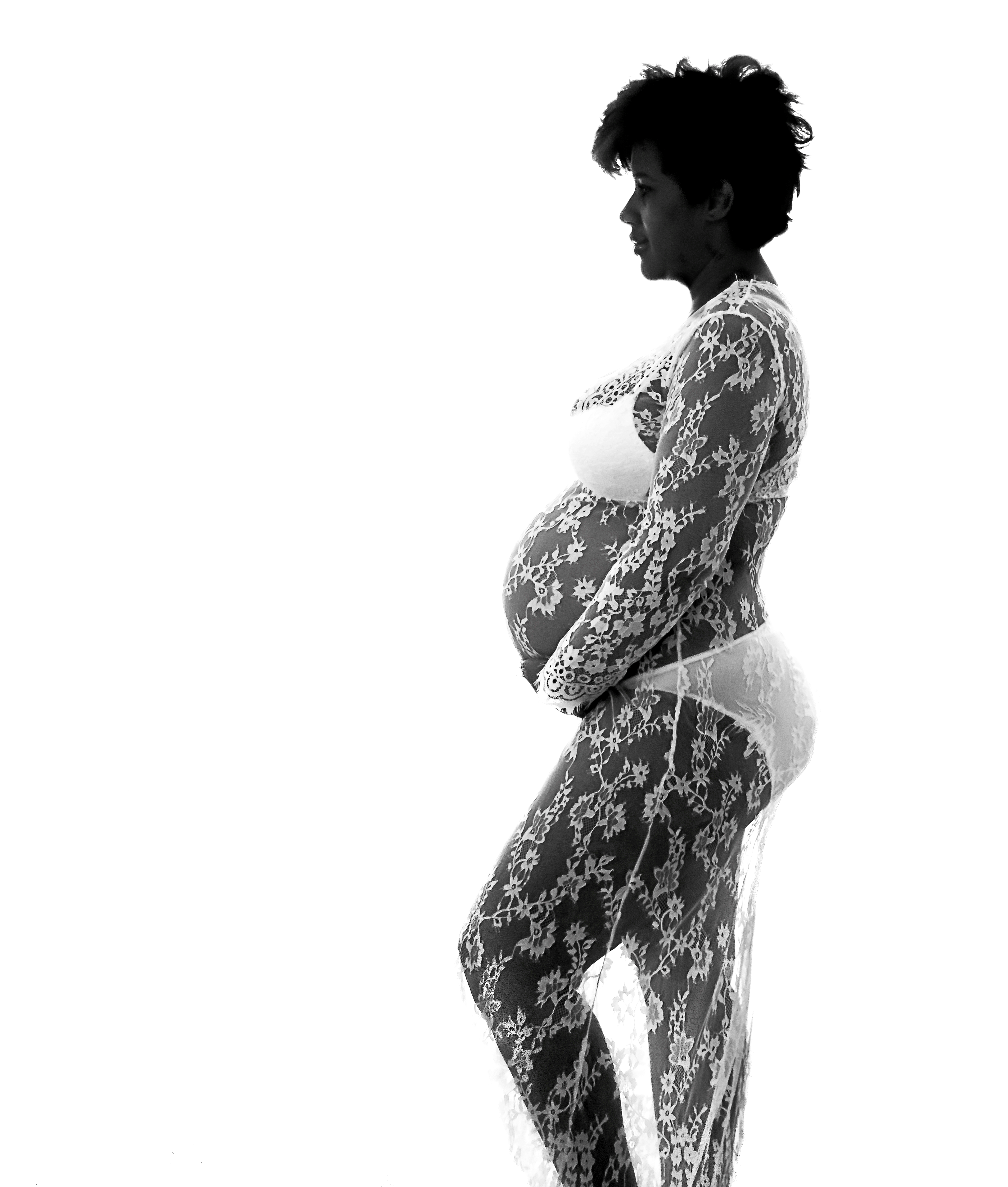
your image is quite underexposed and can be corrected as Bahaar has said, but it is also far to highly compressed and if you look at it closely you can see the characteristic mosquito artefacts due to the jpeg compression. I would suggest boosting the net contrast of the image a little like below. Just ask if you require further assistance, but you will get better results if you work on the image in an uncompressed file format.

pregW.png

Translate
Report
Community guidelines
Be kind and respectful, give credit to the original source of content, and search for duplicates before posting. Learn more
community guidelines
Community Beginner ,
Apr 11, 2017 Apr 11, 2017

i have it in raw form, i added a jpeg here because it wouldnt allow me a higher resolution... there's other thing wrong on the image im just going to give up on it.. i cant get sharp etc..

thank you for the help

Translate
Report
Community guidelines
Be kind and respectful, give credit to the original source of content, and search for duplicates before posting. Learn more
community guidelines
LEGEND ,
Apr 12, 2017 Apr 12, 2017

What you could try is using Silver Efex Pro which is part of the Google Nik collection of plugins. It comes with a series of presets that work very well with B/W images. The image on the left uses the neutral preset and has been sharpened a little, the one on the right is your original. You do get a lot more of the girl's face revealed. With a Raw file without the artefacts should give reasonable results. The Nik collection is free by the way.

Google Nik Collection

pl2.png

Translate
Report
Community guidelines
Be kind and respectful, give credit to the original source of content, and search for duplicates before posting. Learn more
community guidelines
Community Beginner ,
Apr 12, 2017 Apr 12, 2017
LATEST

thank you Ms. Stevens i appreciate that. i will give it a try. have a great day

Translate
Report
Community guidelines
Be kind and respectful, give credit to the original source of content, and search for duplicates before posting. Learn more
community guidelines