- Home
- Premiere Pro
- Discussions
- Re: Premiere Pro doesn't recognize transparent png...
- Re: Premiere Pro doesn't recognize transparent png...
Premiere Pro doesn't recognize transparent png (appears as just black)

Copy link to clipboard
Copied
Hi everyone,
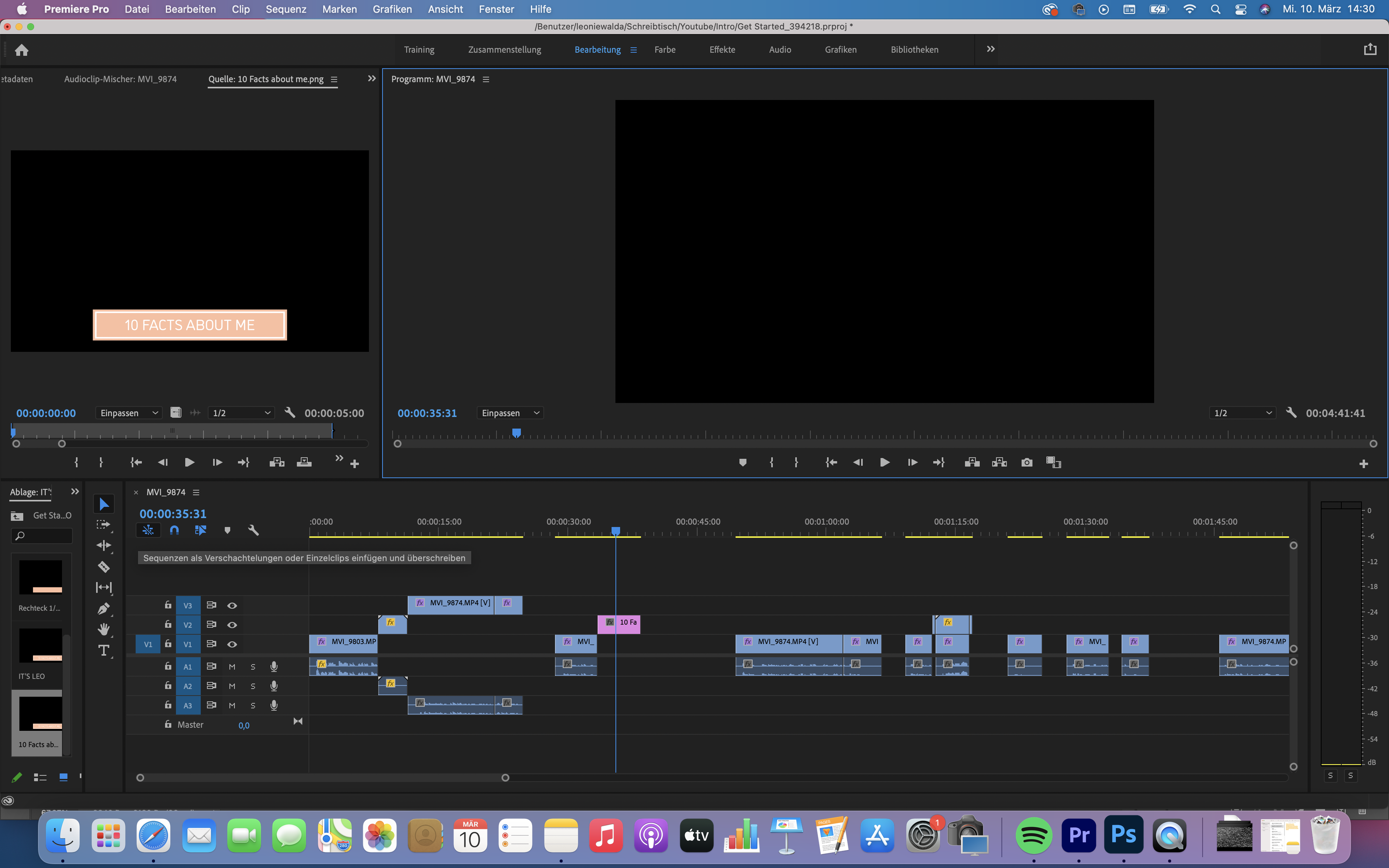
I am a total beginner in Premiere Pro and have a problem with my png file. I created a png file with a transparent background in Photoshop. When I import it in Premiere Pro, I am able to drop it at the right place of my sequence but when playing it, only a black background appears without the picture on it. It's the same when it is imported as psd file with different layers.
Thanks for your help!


 9
Replies
9
9
Replies
9


Copy link to clipboard
Copied
Transparancy shows as black.
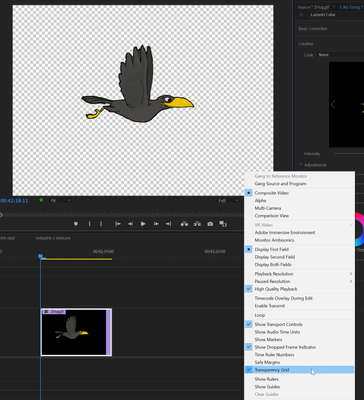
Move the png over an image or check the transparancy grid under the wrench in the Program window.

Copy link to clipboard
Copied
When you import images with transparency into Premiere (like .png), it'll look like it's black background but it's transparent. Premiere shows black as a background by default.
Drop your image onto V2 track and add another clip onto V1 and you should see the transparency 😉
Adobe Certified Professional

Copy link to clipboard
Copied
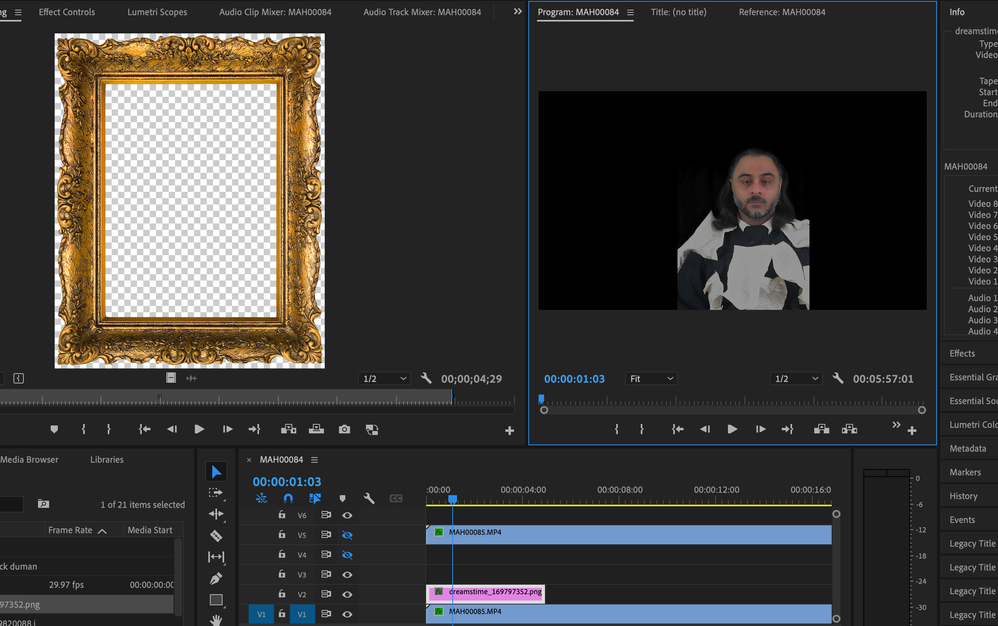
Hello. I know this is an old thread, but this is exactly the issue I'm having...but I have the transparency showing. Looks great in source monitor, but when I add it to the sequence it's just black. I really don't understand it.
Can someone from this thread please help me? I didn't want to start a new thread.
Copy link to clipboard
Copied
Works fine here. Might want to set Set to Framesize as the image is huge.
Nothing else in V7 and 8?

Copy link to clipboard
Copied
Do you have the transparency set for both source and program monitors?
Copy link to clipboard
Copied
That was it...DUH!
Downloaded from a silly site, and didn't realize how big it was. Brain glitch.
Thanks so much for quick response, I was really confused.

Copy link to clipboard
Copied
Thanks pro ..it's a trick

Copy link to clipboard
Copied
The first frame must contain some transparency. Go figure it!

Copy link to clipboard
Copied
In my case the issue was that Proxies were on... The transparency is not kept on the proxy video.
After turning proxy off, the video became transparent...


Find more inspiration, events, and resources on the new Adobe Community
Explore Now
 AdChoices