
How to save to mpeg4?
NOOB ALERT
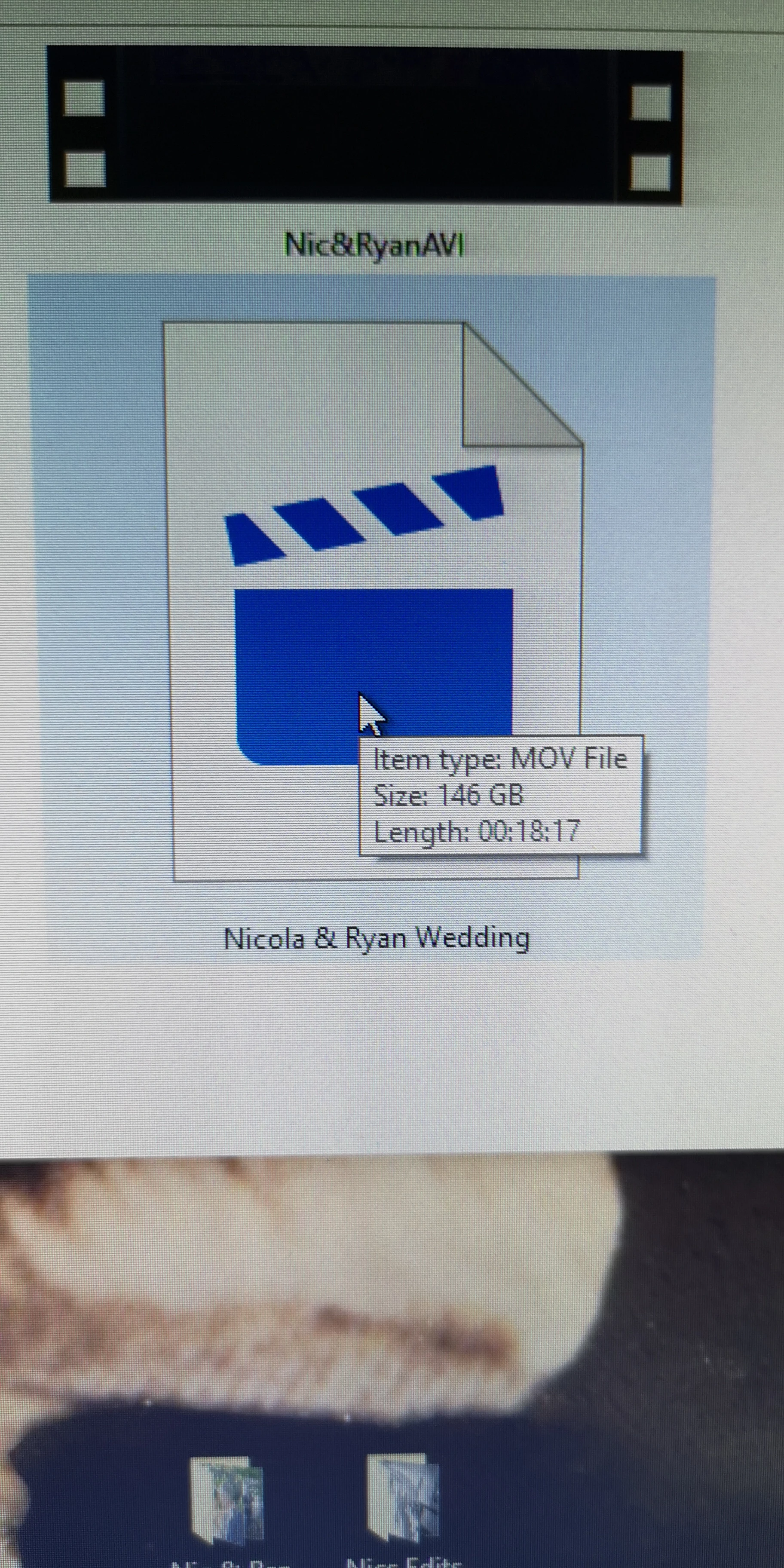
Hi, I filmed a friends wedding on my P20 Pro mobile phone on my DJI Osmo, the whole film is around 18mins 15 seconds long with music playing in the background, so I've been using Adobe premier for the first time to edit it and learning as I've been going. When I come to export it and select match sequence settings the menu greys out and defaults for me to save in just QuickTime which gives me an MOV file ridiculously huge (as seen in the image),any ideas how I can save to mpeg4? As when I don't select match sequence and try other formats the video playback quality is awful...when doing this I also try to match the source with the output.
ANY HELP OR ADVICE WOULD BE GREAT
[title edited by mod for clarity]
I'M STILL USING THE TRIAL, I HAVE 4 DAYS LEFT HAHA
 AdChoices