
Question
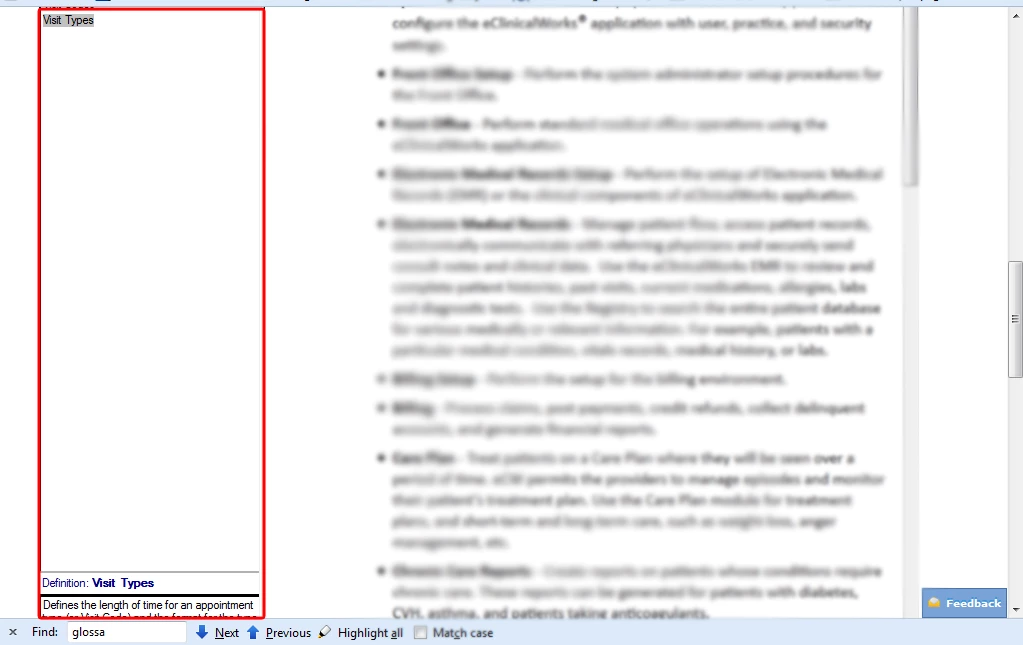
Glossary has huge white space
I have RH 9. In my local webhelp, the Glossary Terms and Definitions display fine in expanding text. However in our client website where we display our webhelp, there is a huge white space between the term and the definition. I have opened it in different browsers, but it still results in the space.
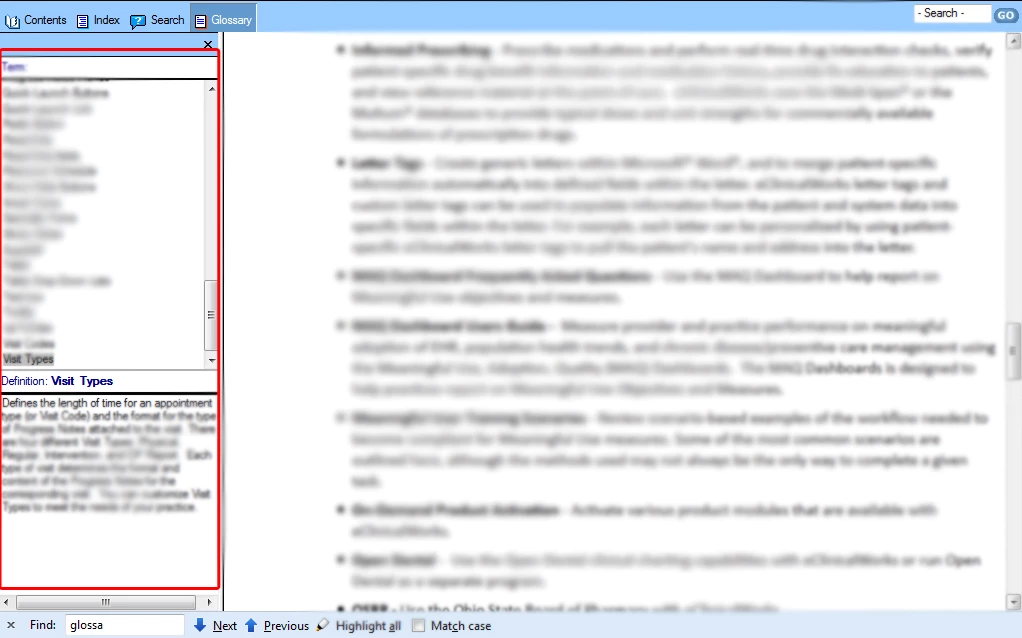
I have included two images. The first one shows how the glossary displays in the website with a huge white space (and no scroll bar for the glossary), and the second image shows how the glossary displays in the local webhelp in the correct format. Any suggestions on what is going wrong for the glossary on the website?
 AdChoices