 Adobe Community

- Home
- Stock Contributors
- Discussions
- Hi can anyone tell me why my photo has been refuse...
- Hi can anyone tell me why my photo has been refuse...

Copy link to clipboard
Copied


 1 Correct answer

Hi,
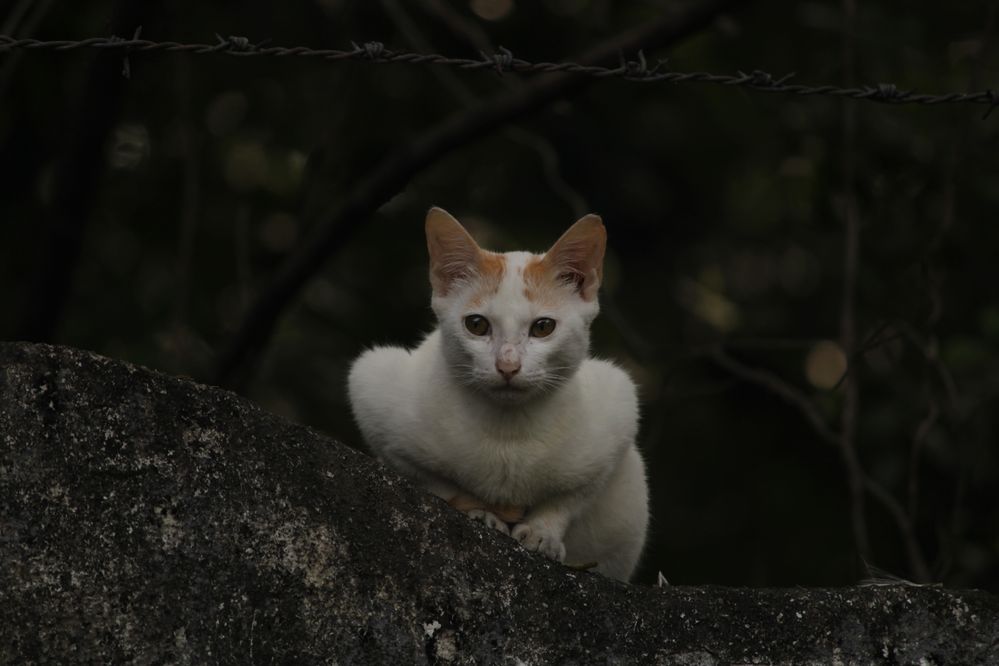
It is very dark and the cat could use some sharpening.
There are also artifacts and banding in the background:
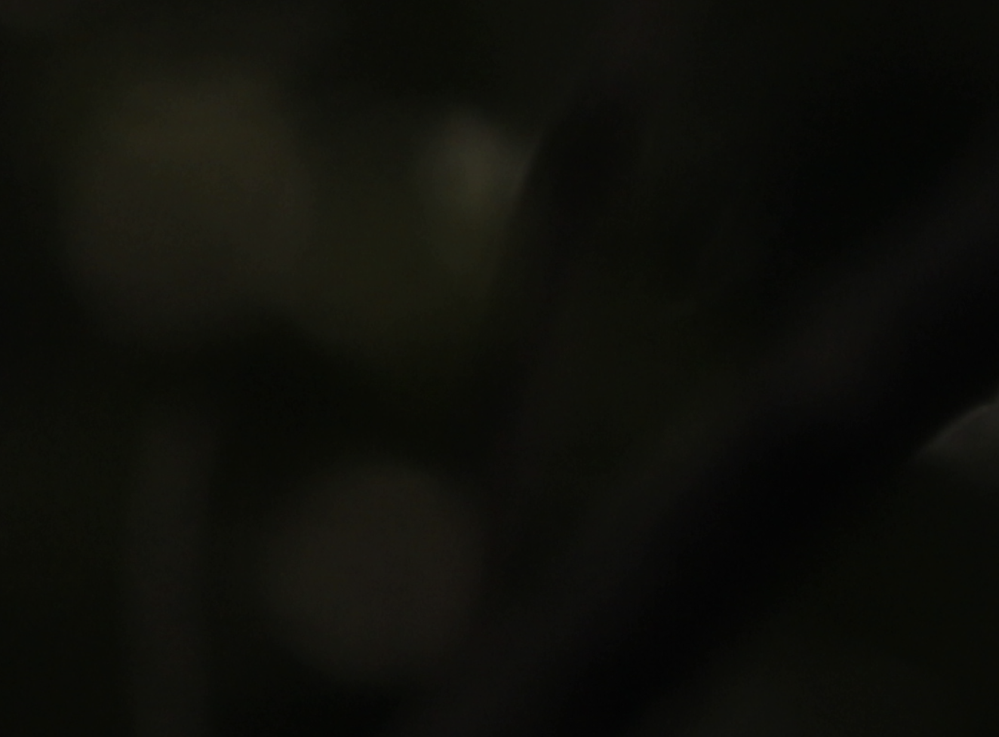
For more details about "technical issues" and the other rejection reasons, take a look at this article from the Adobe Stock help:
Reasons content is rejected at Adobe Stock
Hope that helps,
Michael
_____________
Michael Niessen - Photographer, photo-editor, educator

 2
Replies
2
2
Replies
2

Copy link to clipboard
Copied
Hi,
It is very dark and the cat could use some sharpening.
There are also artifacts and banding in the background:
For more details about "technical issues" and the other rejection reasons, take a look at this article from the Adobe Stock help:
Reasons content is rejected at Adobe Stock
Hope that helps,
Michael
_____________
Michael Niessen - Photographer, photo-editor, educator


Copy link to clipboard
Copied
Look at the histogram - it's way underexposed. Take note of the graph that the pixels are all on the left. This shows that it is underexposed.

Read about histograms from Adobe help files:
View histograms and pixel values in Photoshop (adobe.com)
or
Histogram in photography | Adobe

 AdChoices