Answered

Hi Chicamepa,
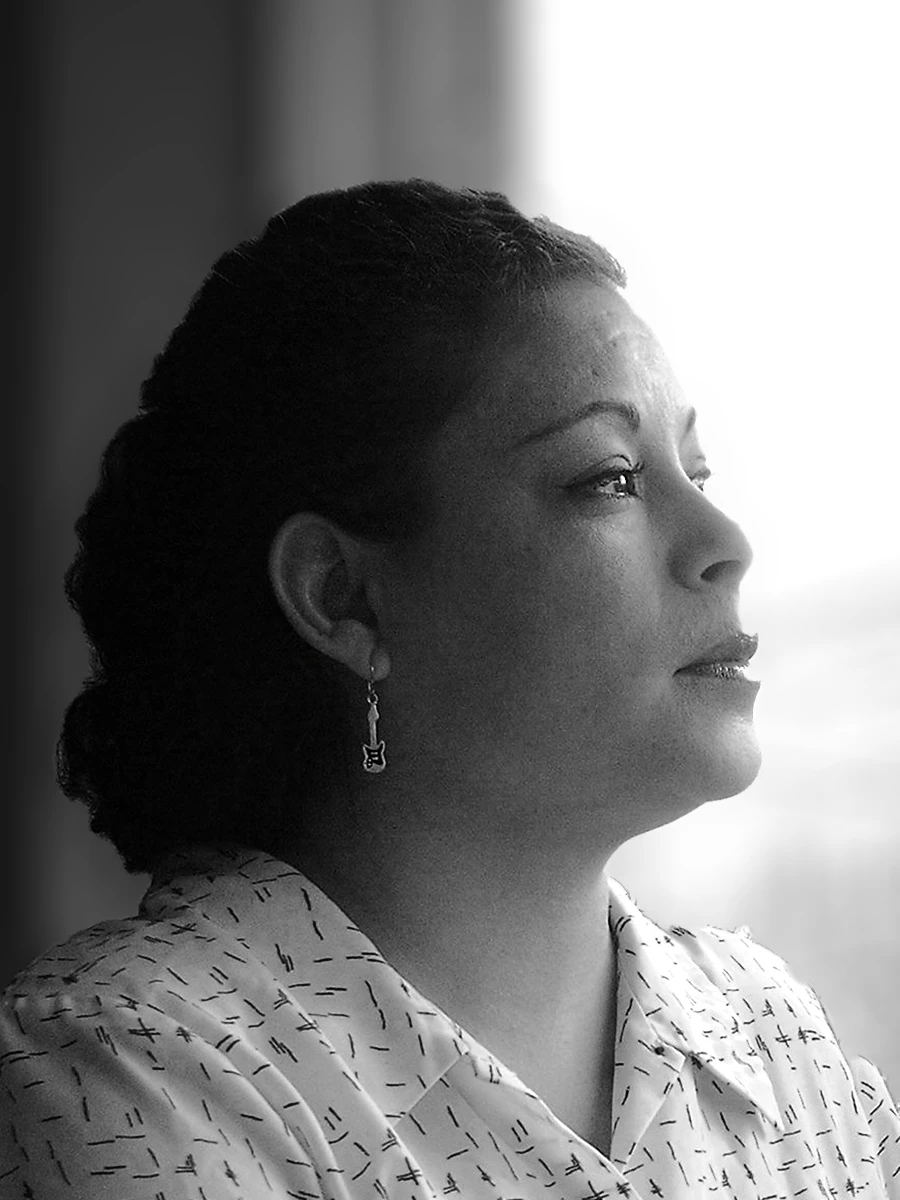
That is a nice shot. You did not state what the photo was rejected for, however I observed that it is excessively noisy. To inspect your files for noise, focus, or color fringing, you need to zoom the file to between 100 and 200% using a photo editor such as Photoshop or Lightroom. Noise is the dots/grain that is visible especially in dark areas. Color fringing is artificial colors you will find at the edges. You may use the noise reduction tool of the photo editor you choose to reduce noise. Lens correction tool sometimes corrects color fringing. If the rejection reason is noise, when you are done with the corrections, resubmit. Otherwise please post the rejection reason here.
Best wishes
JG
Already have an account? Login
Enter your E-mail address. We'll send you an e-mail with instructions to reset your password.
 AdChoices