


Copy link to clipboard
Copied
Hi,
I am trying to bake by mesh name but it is not working. I have name everything correctly but still it's not working.
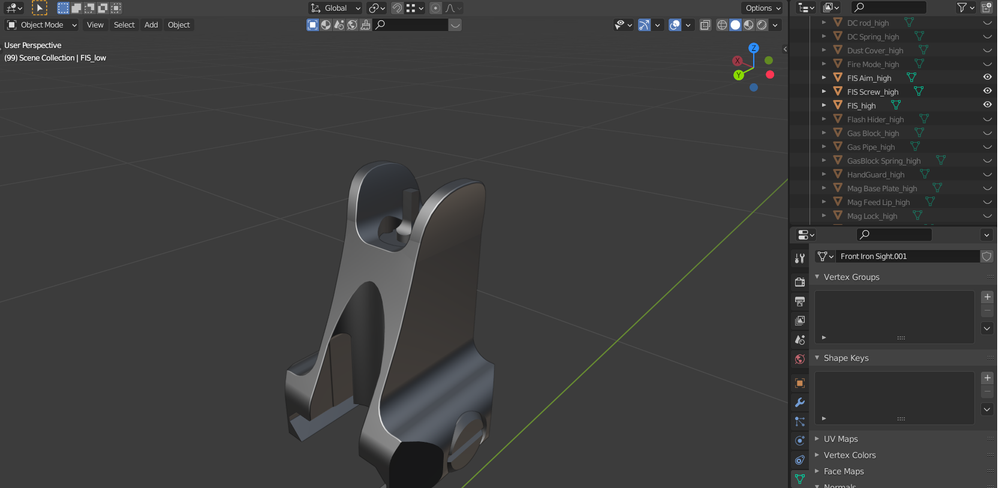


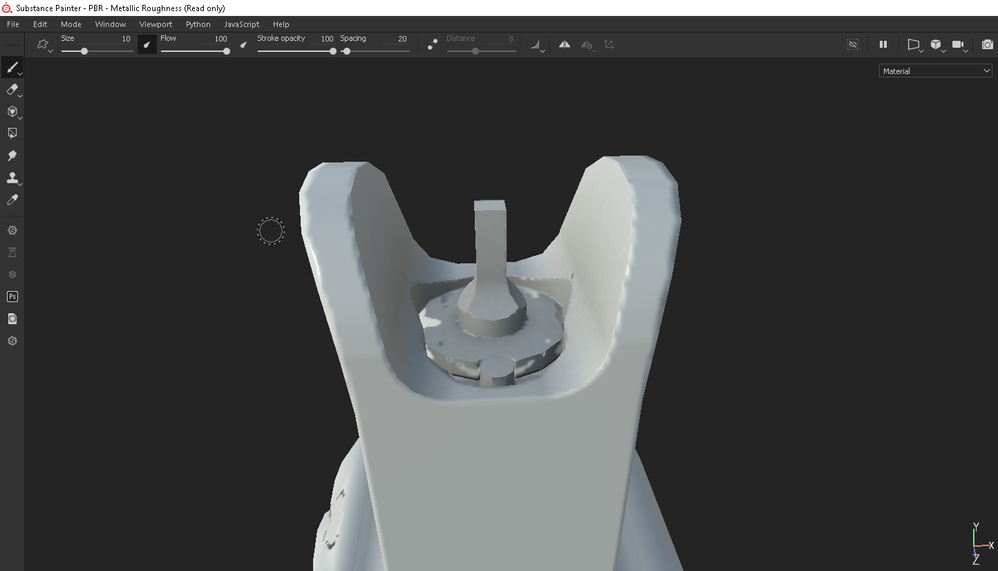


 1 Correct answer
Thanks you for you reply. It was my first time using substance painter and I was only changing the normal to "by mesh name. I didn't know that I have to also change the AO and curvature to "by mesh name".

 2
Replies
2
2
Replies
2


Copy link to clipboard
Copied
After baking, you can export the log file from the help menu and open it in a text editor like notepad. You can check in there the name of both the low and high poly meshes.
This is a good way to see if you naming convention was properly loaded or if there any typos you missed.
Copy link to clipboard
Copied
Thanks you for you reply. It was my first time using substance painter and I was only changing the normal to "by mesh name. I didn't know that I have to also change the AO and curvature to "by mesh name".


 AdChoices