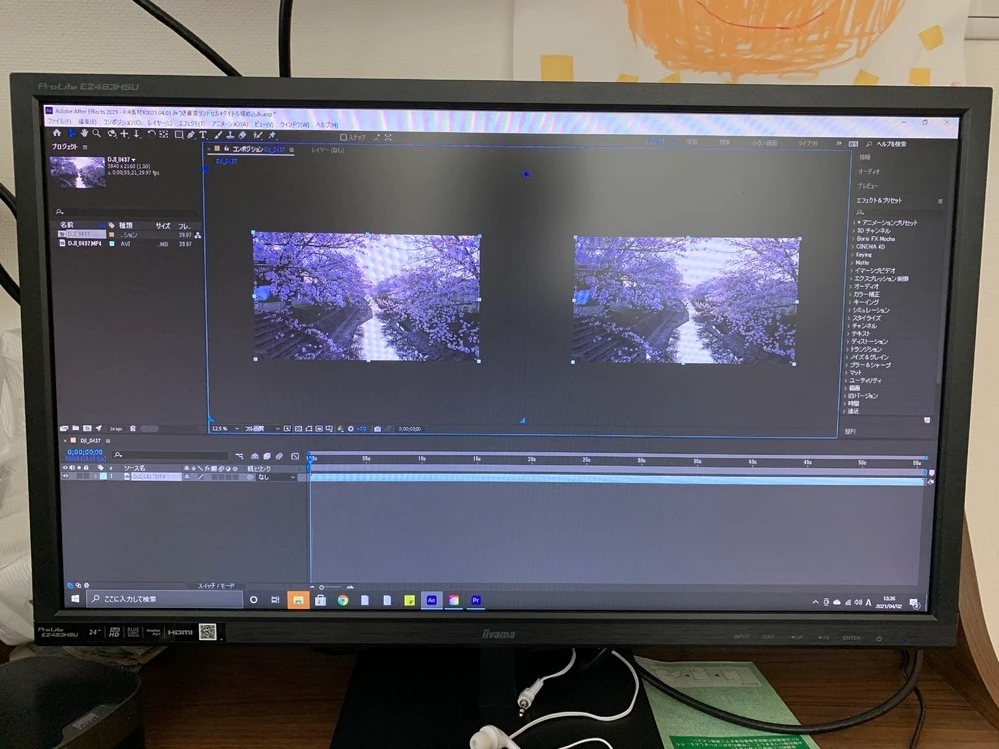
あー、よく調べてから返信すればよかったw
少し時間が空いたので英語で調べたら、これですね。↓
In After Effects 18.0, the Composition panel’s toolbar was updated to improve the layout and to improve designing in 3D. As part of these changes, 3D controls, including the View Layout menu, now only appear when there are 3D layers in the comp. More details here:
https://helpx.adobe.com/after-effects/user-guide.html/after-effects/using/composition-basics.ug.html#Improvedcompositiontoolbarfor3Ddesigning
英語全くわからんけど、コンポ内に3Dレイヤーがあれば画面変更のやつ出ますよ!ってこと?
実際、どのレイヤーでもいいから3Dにすれば確かに右下に出てきおったわいw
(初心者の人はあれね、画面左下のスイッチ/モード(F4)で出てくる一番右の立方体みたいなアイコンにチェック!)
もう主さんは解決済みかもだけど、一応誰かここに訪れた時用に書き残しとくねw
Sign up
Already have an account? Login
To post, reply, or follow discussions, please sign in with your Adobe ID.
Sign inSign in to Adobe Community
To post, reply, or follow discussions, please sign in with your Adobe ID.
Sign inEnter your E-mail address. We'll send you an e-mail with instructions to reset your password.