



Rotoscope 3.0 Layer tab is all black
Hey everyone, first time posting here
So I encountered this error where I need to make a rotoscope but as soon as I double click on the Layer, redirecting me to the Layer tab (where you should do the roto brush) the screen just turns all black and I can't see what I'm working on.
It's strange because if I paint with the brush, it affects the footage, but it doesn't help if you can't see what you are doing.
I'll display some screenshots:
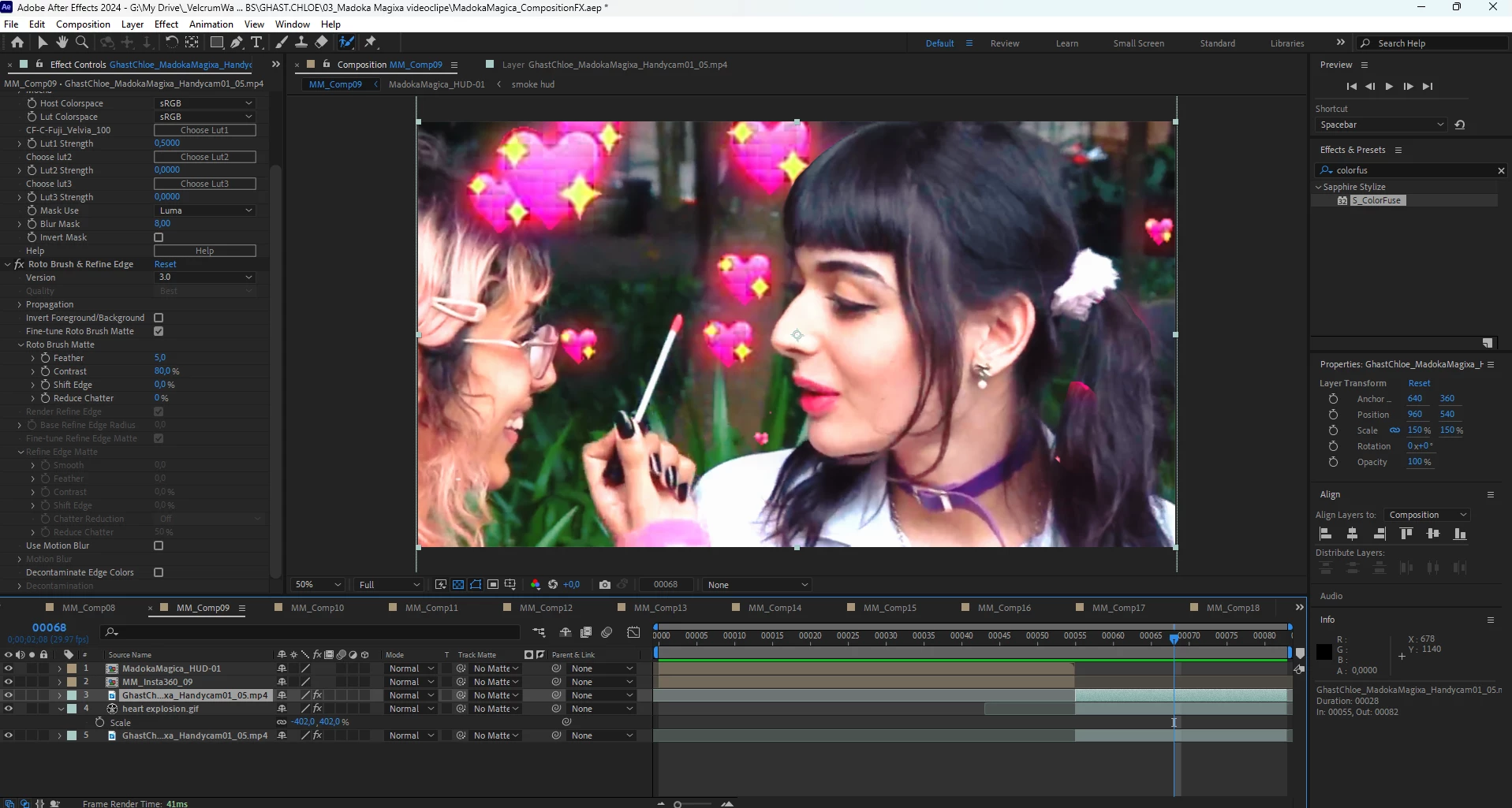
Here's the comp, and the layer I'm talking about is selected.
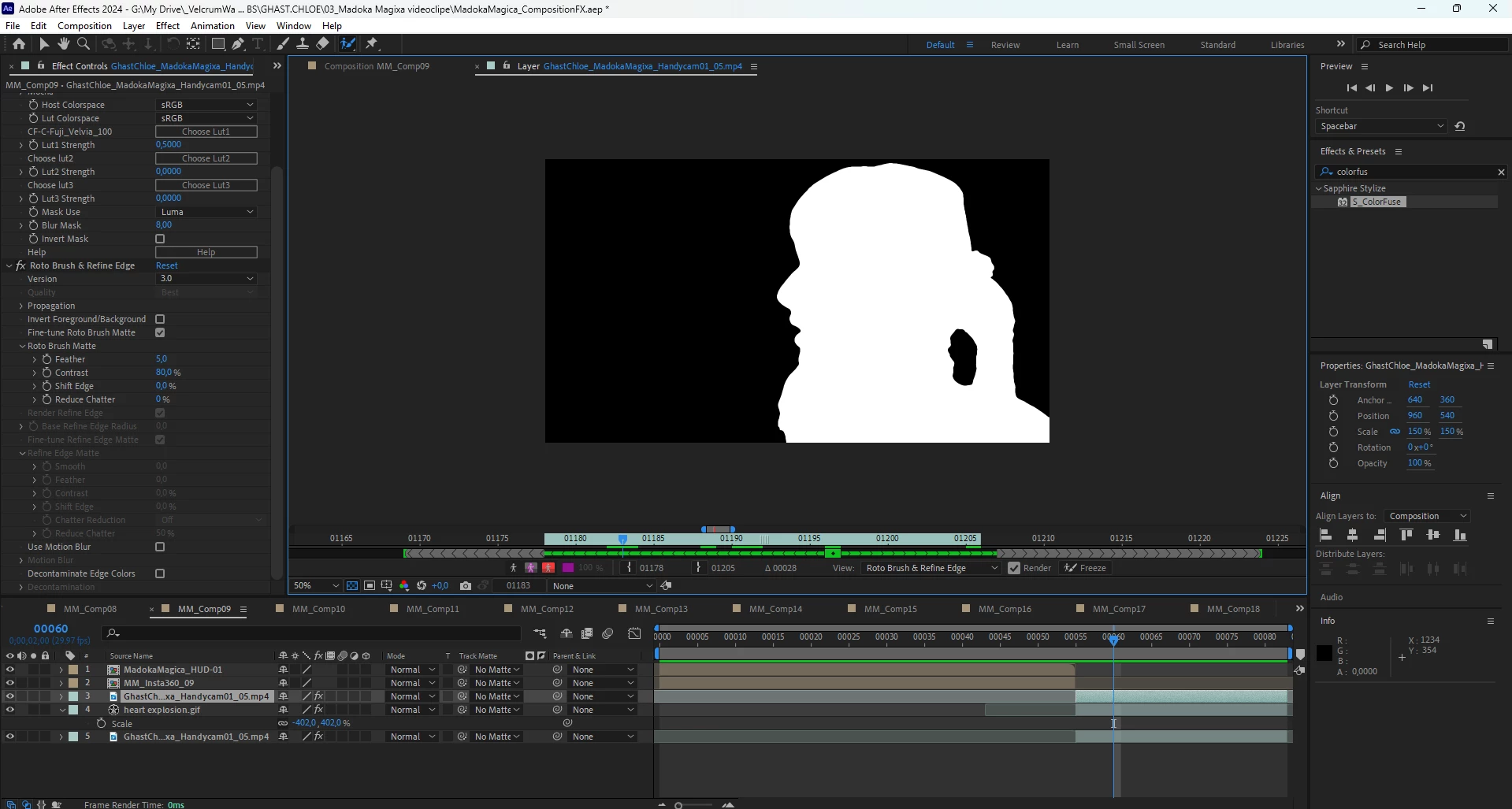
When I select the Layer it only shows tha Alpha channel (I already checked the view settings and if you dont paint nothing, it's just black).
I have some theories about the issue, wich is that I'm using 360 videos and old handycam (.MPG converted to .mp4) footage, so maybe it's a bug on the type of footage. I'm also using dynamic link, this is a Music Video wich I edited in Premiere now I'm making th e composition in After. This never happended before so I'm confused. I already tried restarting the program and restarting the PC, b t didn't work.
 AdChoices