created by assause <https://forums.adobe.com/people/assause> in Illustratorコミュニティフォーラム (Japan) - View the full discussion <https://forums.adobe.com/message/10580635#10580635>
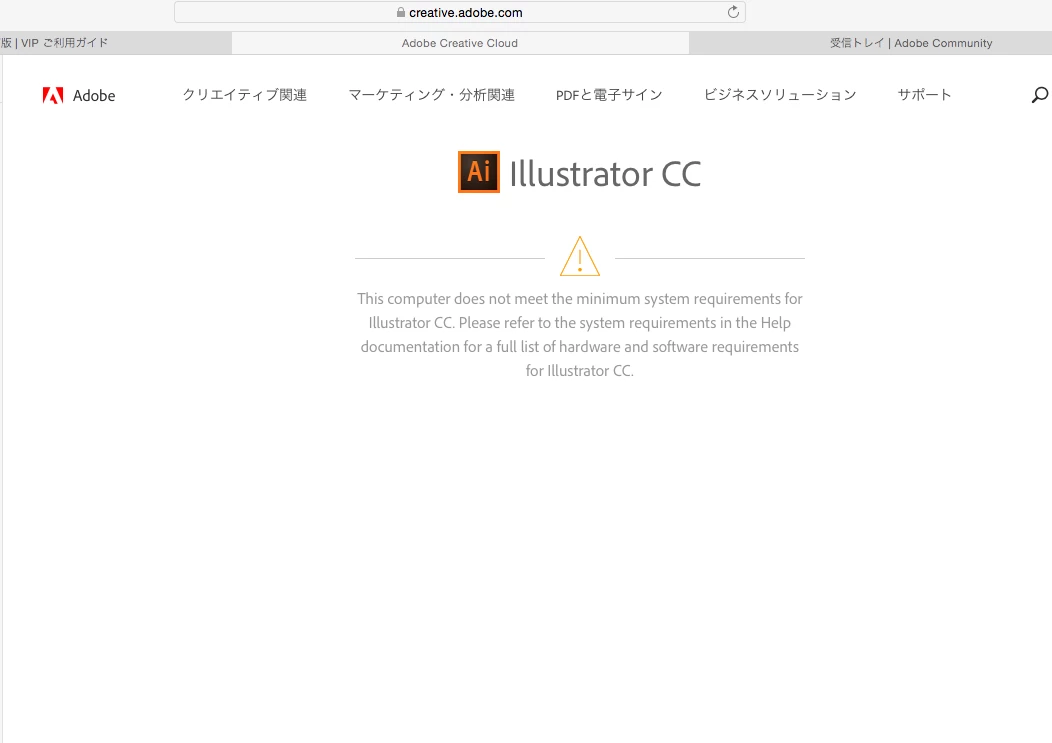
akatsuki_pocketさんの補足ですが、もしMac環境でOSが10.10未満であれば、
最新版のVer.22は動作保証外になるので、インストール自体ができません。
そして10.10以下についてはそもそもAppleのサポートも終わっていますし、
セキュリティ面の問題がどうしてもつきまといます。
よって、旧バージョンを入れるにしても、プラットフォームとしての脅威問題がありますから、
その点をどう考えて運用するかが課題になってきます。
(10.7以降のOSはリリースから3年しかサポートされていません)
If the reply above answers your question, please take a moment to mark this answer as correct by visiting: https://forums.adobe.com/message/10580635#10580635 and clicking ‘Correct’ below the answer
Replies to this message go to everyone subscribed to this thread, not directly to the person who posted the message. To post a reply, either reply to this email or visit the message page:
Please note that the Adobe Forums do not accept email attachments. If you want to embed an image in your message please visit the thread in the forum and click the camera icon: https://forums.adobe.com/message/10580635#10580635
To unsubscribe from this thread, please visit the message page at , click "Following" at the top right, & "Stop Following"
Start a new discussion in Illustratorコミュニティフォーラム (Japan) by email <mailto:discussions-community-international_forums-japanese-illustrator@adobe-v8.hosted.jivesoftware.com> or at Adobe Community <https://forums.adobe.com/choose-container.jspa?contentType=1&containerType=14&container=4065>
For more information about maintaining your forum email notifications please go to https://forums.adobe.com/thread/1516624 <https://forums.adobe.com/thread/1516624>.
This email was sent by Adobe Community because you are a registered user.
You may unsubscribe <https://forums.adobe.com/unsubscribe.jspa?email=katsuhisachujoh18%40icloud.com&token=5b8127d9056ae6687a279ba33af738801d41f94e8411d761d0cd28ccd747e1cd> instantly from Adobe Community, or adjust email frequency in your email preferences <https://forums.adobe.com/user-preferences!input.jspa>




 AdChoices