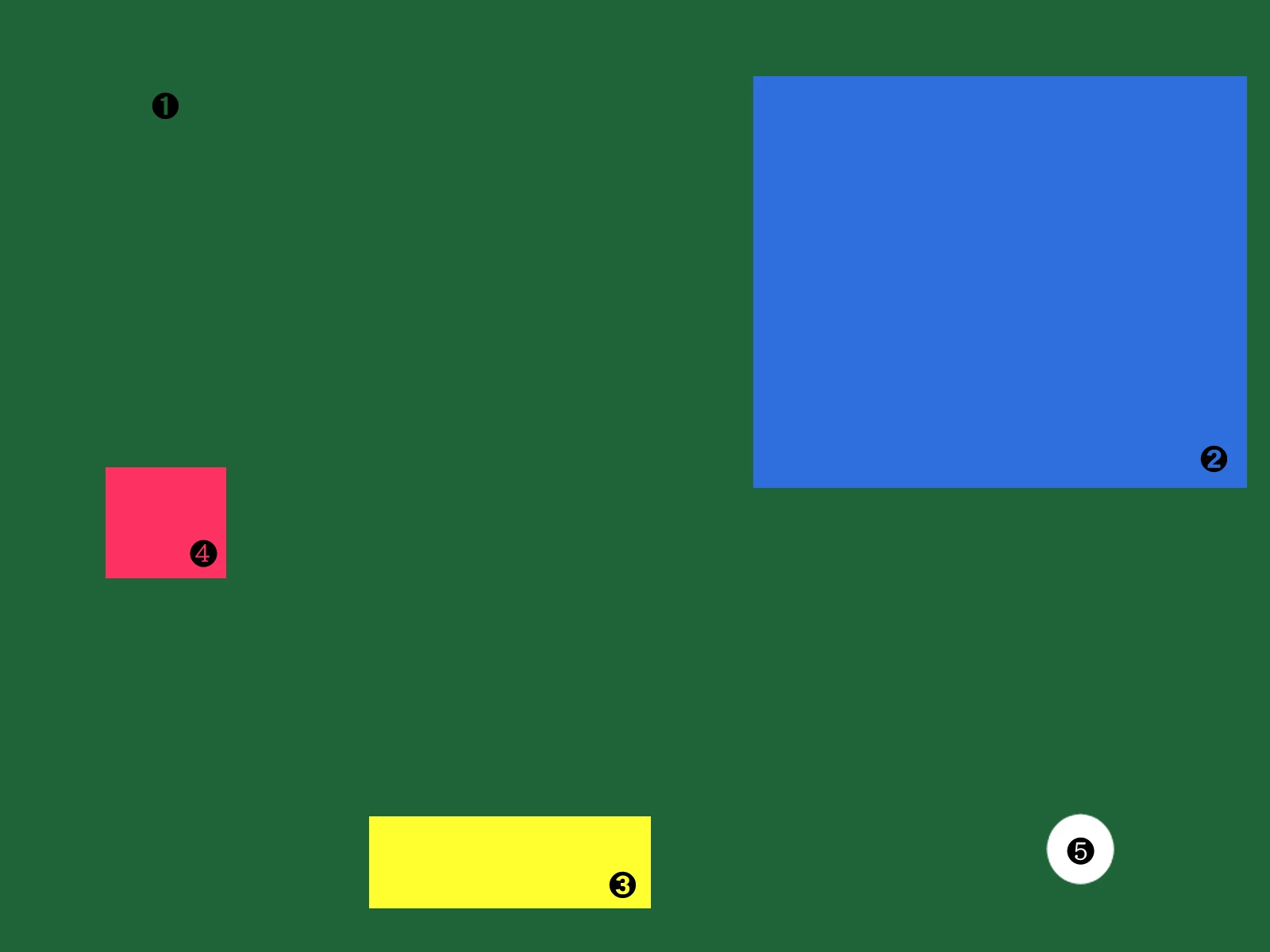
各オブジェクトの位置は、Photoshop上でスクリプトを使って求めることができます。
下記リンクに投稿されているスクリプトは、左上と右下の座標を表示できるので応用して中心の座標を表示するようにしてみました。
Solved: How to find X & Y position of multiple objects on ... - Adobe Community - 11322087
コードをコピーしてメモ帳に貼り付けて拡張子 .jsx を付けて保存します。
// 2020, use it at your own risk;
#target photoshop
if (app.documents.length > 0) {
    var theLayers = collectSelectedLayersBounds ();
    alert (theLayers.join("\n"));
};
////// collect bounds of selected layers //////
function collectSelectedLayersBounds () {
// set to pixels;
    var originalRulerUnits = app.preferences.rulerUnits;
    app.preferences.rulerUnits = Units.PIXELS;
// get selected layers;
    var selectedLayers = new Array;
    var ref = new ActionReference();
    ref.putEnumerated( charIDToTypeID("Dcmn"), charIDToTypeID("Ordn"), charIDToTypeID("Trgt") );
    var desc = executeActionGet(ref);
    if( desc.hasKey( stringIDToTypeID( 'targetLayers' ) ) ){
    desc = desc.getList( stringIDToTypeID( 'targetLayers' ));
    var c = desc.count;
    var selectedLayers = new Array();
    // run through selected layers;
    for(var i=0;i<c;i++){
    try{activeDocument.backgroundLayer;
    var theIndex = desc.getReference( i ).getIndex();
    }catch(e){var theIndex = desc.getReference( i ).getIndex()+1 };
    // get id for solid color layers;
    try {
    var ref = new ActionReference();
    ref.putIndex( charIDToTypeID("Lyr "), theIndex );
    var layerDesc = executeActionGet(ref);
    var theName = layerDesc.getString(stringIDToTypeID('name'));
    var theIdentifier = layerDesc.getInteger(stringIDToTypeID ("layerID"));
    var theBounds = layerDesc.getObjectValue(stringIDToTypeID("bounds"));
    var theseBounds = [theBounds.getUnitDoubleValue(stringIDToTypeID("left")) + (theBounds.getUnitDoubleValue(stringIDToTypeID("right")) - theBounds.getUnitDoubleValue(stringIDToTypeID("left"))) / 2, theBounds.getUnitDoubleValue(stringIDToTypeID("top")) + (theBounds.getUnitDoubleValue(stringIDToTypeID("bottom")) - theBounds.getUnitDoubleValue(stringIDToTypeID("top"))) / 2 ];
    selectedLayers.push([theName, theIdentifier, theseBounds]);
    } catch (e) {};
    };
    // if only one:
    }else{
    var ref = new ActionReference();
    ref.putEnumerated( charIDToTypeID("Lyr "), charIDToTypeID("Ordn"), charIDToTypeID("Trgt") );
    var layerDesc = executeActionGet(ref);
    try {
    var theName = layerDesc.getString(stringIDToTypeID('name'));
    var theIdentifier = layerDesc.getInteger(stringIDToTypeID ("layerID"));
    var theBounds = layerDesc.getObjectValue(stringIDToTypeID("bounds"));
    var theseBounds = [theBounds.getUnitDoubleValue(stringIDToTypeID("left")) + (theBounds.getUnitDoubleValue(stringIDToTypeID("right")) - theBounds.getUnitDoubleValue(stringIDToTypeID("left"))) / 2, theBounds.getUnitDoubleValue(stringIDToTypeID("top")) + (theBounds.getUnitDoubleValue(stringIDToTypeID("bottom")) - theBounds.getUnitDoubleValue(stringIDToTypeID("top"))) / 2 ];
    selectedLayers = [[theName, theIdentifier, theseBounds]]
    } catch (e) {};
    };
// reset;
    app.preferences.rulerUnits = originalRulerUnits;
    return selectedLayers;
};
対象のレイヤーを全て選択した状態で、Photoshopのメニューからスクリプトを選択して実行するとレイヤー名と数値が表示されます。
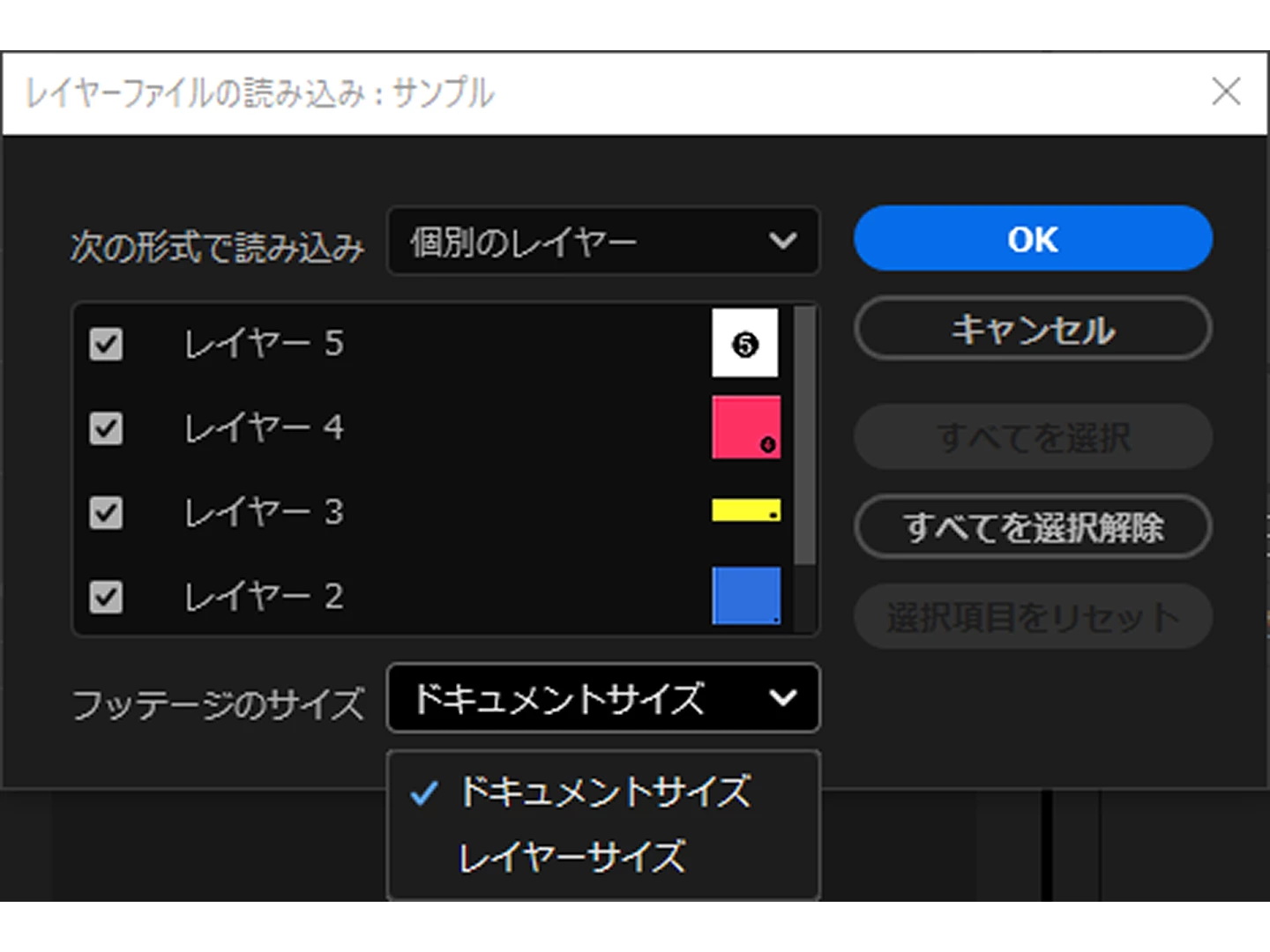
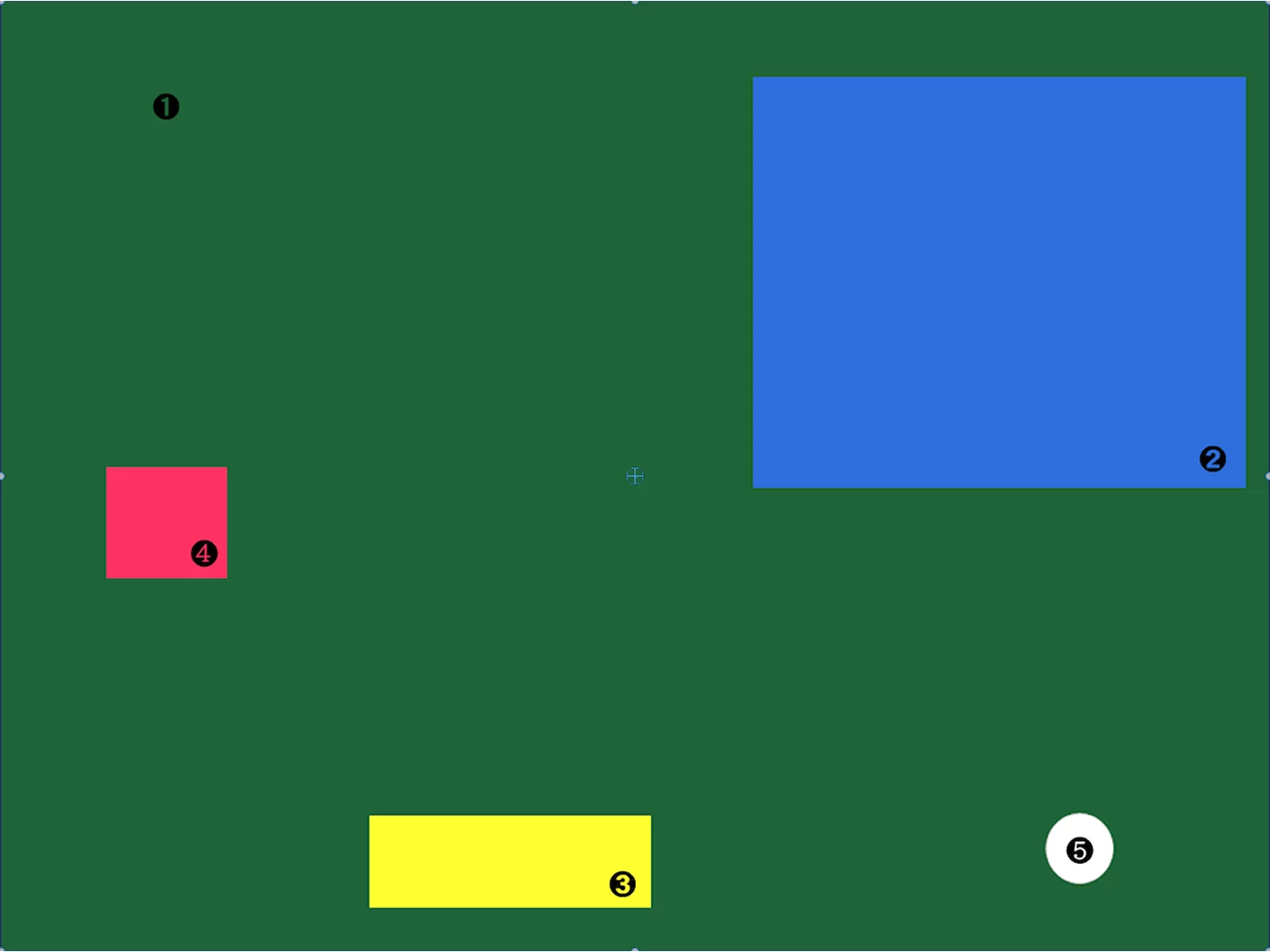
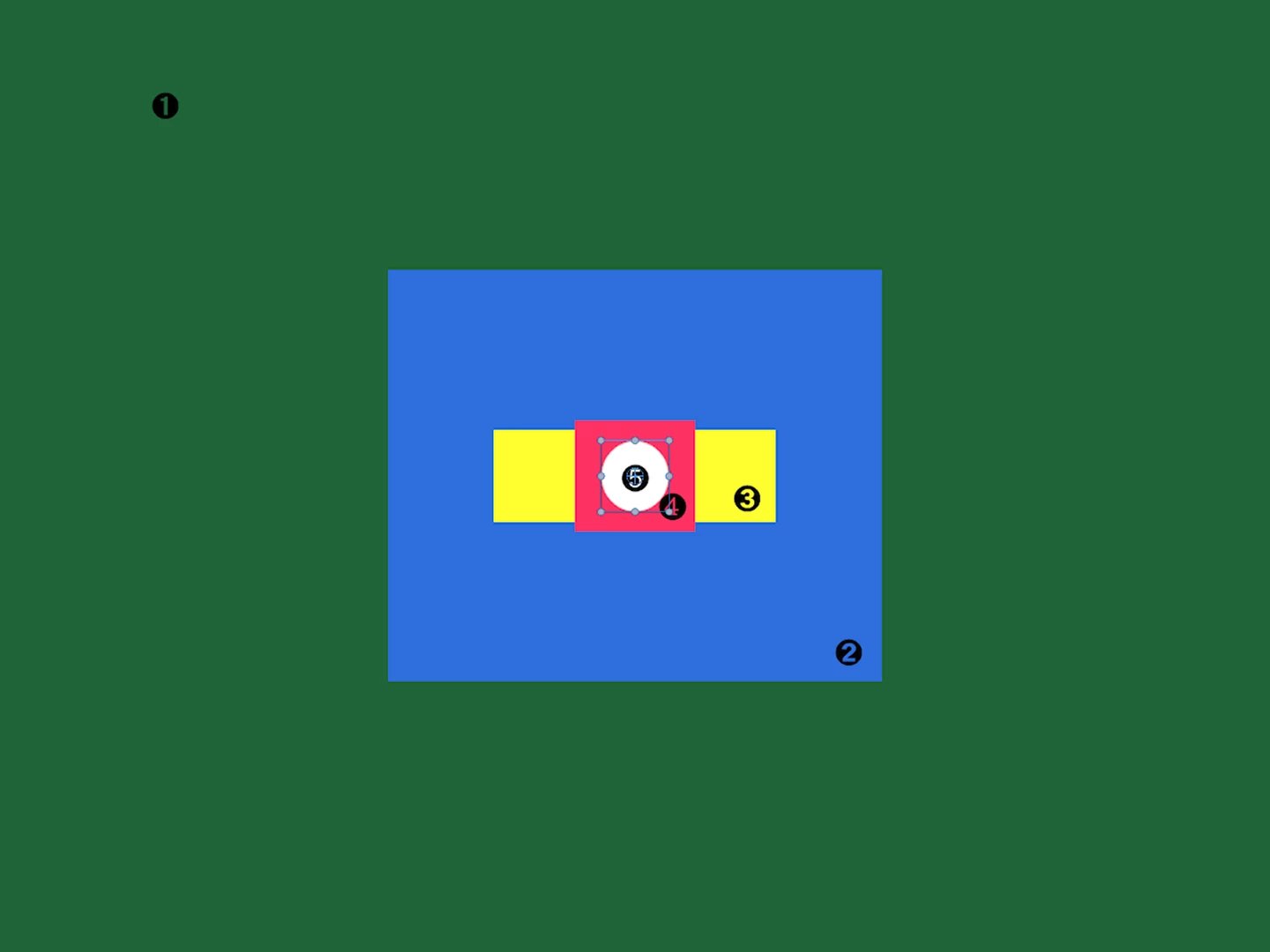
Premiereの読み込みは「レイヤーサイズ」を選択して、位置に値を入力します。
尚、After Effects は、Photoshopのレイヤーの位置のままで読み込みができるので、すぐに作業が行えます。



 AdChoices