Anshul_Saini
Community Manager
Community Manager
September 19, 2023

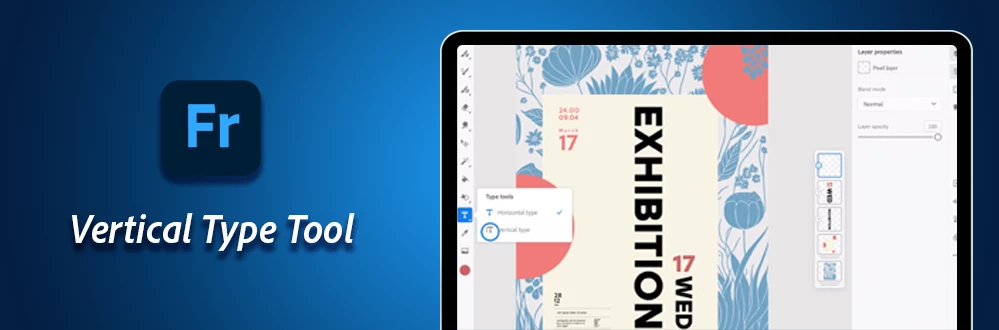
Enhance your textual creations with the Vertical Type tool in Adobe Fresco!

  • September 19, 2023
  • 4 replies
  • 2559 views


Explore the new way to type with the "Vertical Type" tool


Watch Our Tutorial: Want to see this amazing feature in action? Check out our YouTube video tutorial that demonstrates all the functionalities of the Vertical Type Tool in Adobe Fresco!


 Vertical Text: A Creative Revolution

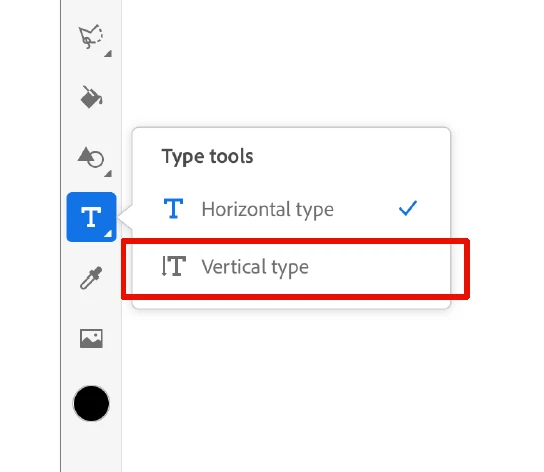
  • Unleash your artistic flair like never before with the Vertical Type tool, accessible through the Type Tools icon on the toolbar.
  • Perfect for expressing your ideas in languages like Chinese, Japanese, and Korean (CJK).
  • Seamlessly compatible with Photoshop and Illustrator for a unified creative experience.


East Asian Type Options: Customize Your Text


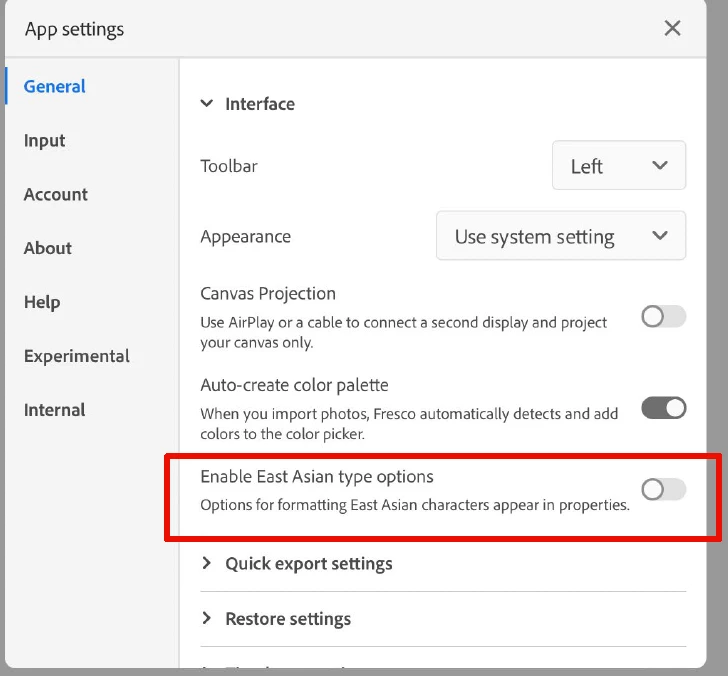
  • Enable East Asian Type Options in App settings > General.
  • For CJK languages, these options are ON by default, ensuring you get the best out of vertical text composition.
  • For other languages, they are OFF by default, offering flexibility to choose your text direction.


Text Direction: Tailor Your Typography


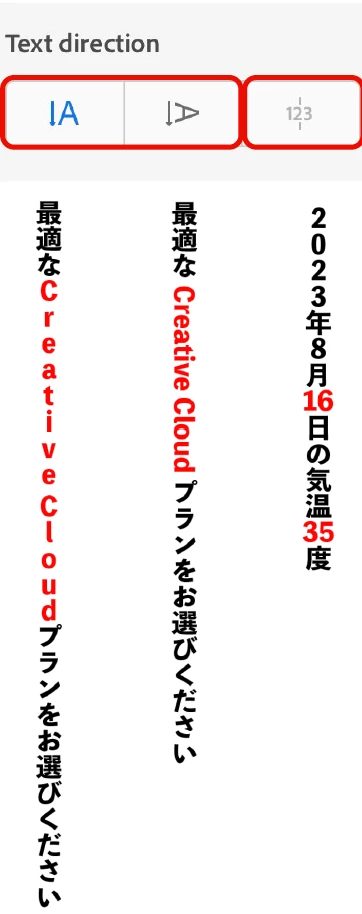
  • Experiment with different text directions to match your creative vision:
    • Upright: Characters are upright in vertical text by default in Fresco.
    • Sideways: Characters are rotated in vertical text.
    • Tate-chu-yoko (TCY): A block of horizontal text within vertical lines, enhancing readability for numbers, dates, and foreign words.
  • Apply text direction to the entire text layer or specific ranges for precision. To cancel an alignment, apply any one of the other Vertical Alignment options.


Kerning Model: Refine Your Typography


Customize kerning to achieve the perfect visual balance in your text:


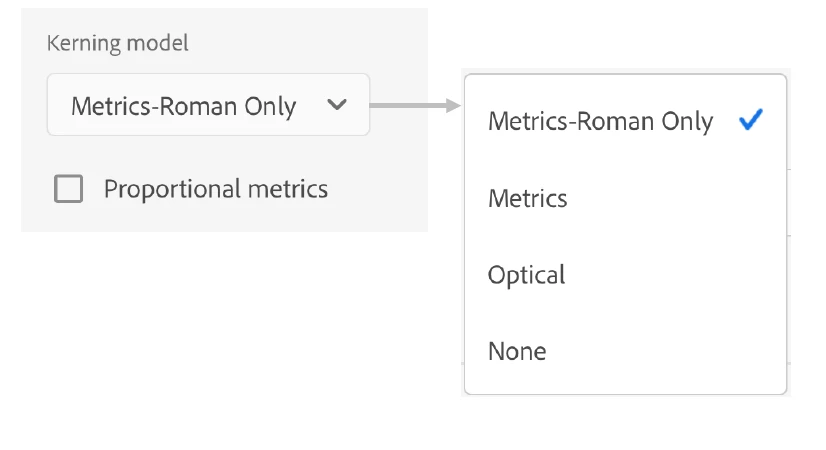
  • Metrics-Roman Only: Applies kerning to Roman fonts but not Japanese fonts.
  • Metrics: Utilizes pair kerning info in Roman fonts; if unavailable, it behaves like proportional metrics.
  • Optical: Adjusts character spacing based on character shapes for optimal aesthetics.
  • Learn more about Optical vs. Metric Kerning here.


New Additions: Manual Kerning Option


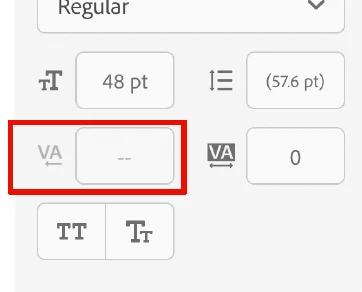
With "Enable East Asian type options" ON, enjoy manual kerning, providing you with complete control over your text's spacing and aesthetics.


For more details about this new feature, please click here.


Join the Adobe Fresco community and explore the endless possibilities of vertical text and East Asian-type options. Share your creations, tips, and tricks with fellow artists today!


Let your creativity soar with Adobe Fresco's new Vertical Text and East Asian Type Options!


Thanks,
Anshul Saini
 

Hey y'all! Upvote if this post was helpful & leave a comment to join the conversation, and share your creations on the Adobe Fresco community.

 

    This topic has been closed for replies.

    4 replies

    Participant
    February 15, 2024

    Thank you for the useful information. I'm also reading here

    yviejojo
    Community Expert
    Community Expert
    October 2, 2023

    Great direction for Fresco Type tools! ✨

    Community Expert
    September 21, 2023

    nice new addition to Fresco

    Jess Telmanik
    Community Expert
    Community Expert
    September 20, 2023

    Yay for manual kerning!!!