Anshul_Saini
Community Manager
Community Manager
Oct 28, 2024 12:38 PM UTC

Fresco iOS v6.1 & Windows v5.5.5 | Unlock Thousands of Free Brushes

Adobe Fresco: Creativity for Everyone

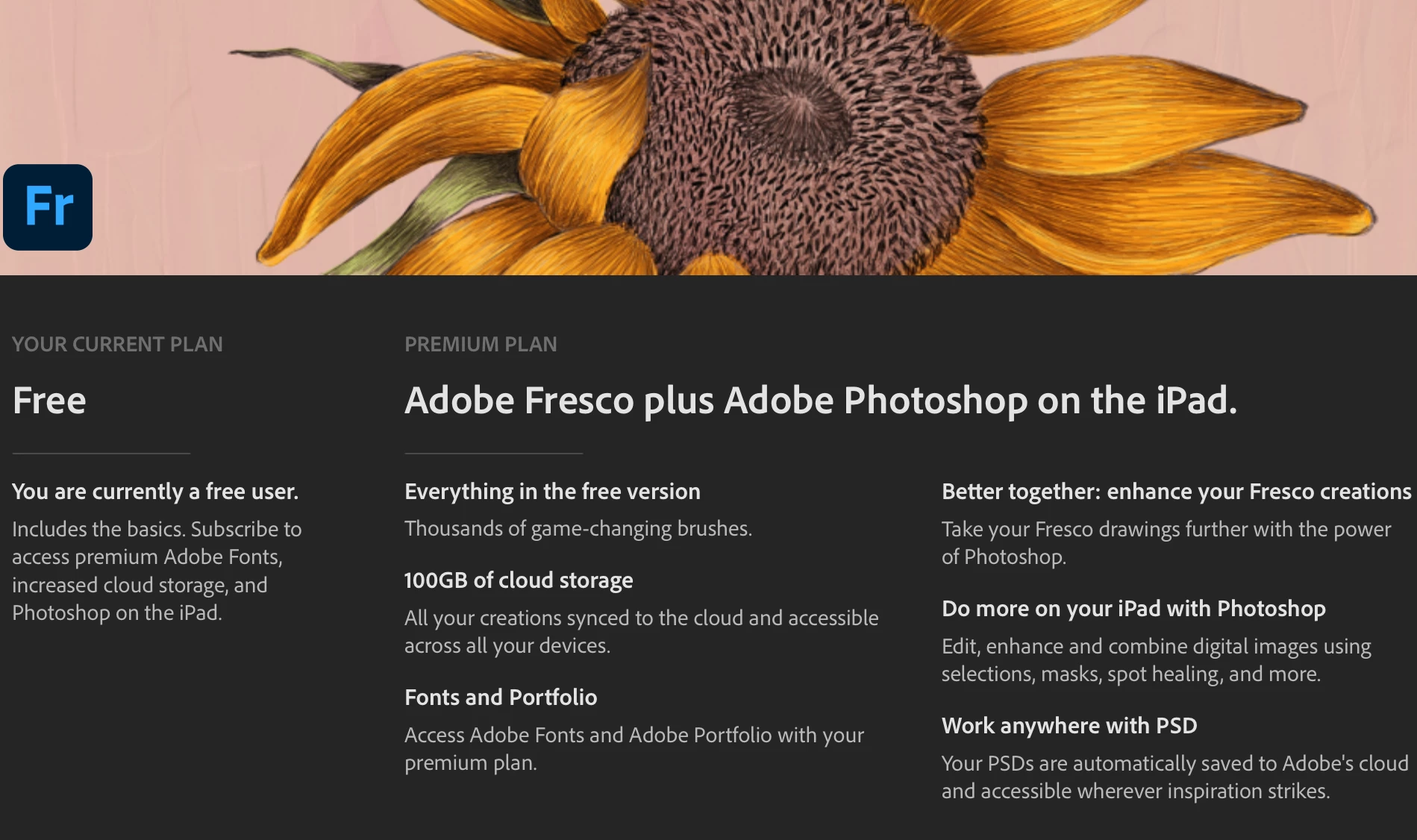
Adobe Fresco is a completely free app designed for both beginners and seasoned artists, offering 5 GB of free storage and access to premium shapes and brushes.

For additional storage and access to premium Adobe fonts, you can subscribe to Adobe Fresco + Photoshop on iPad (paid plan) for 100 GB of storage.


Free Brushes, Unlimited Creativity

Now, everyone can access thousands of brushes that were previously premium, all for free in Fresco. Expand your creative horizons with these high-quality brushes, and import your own to further customize your artistic workflow.


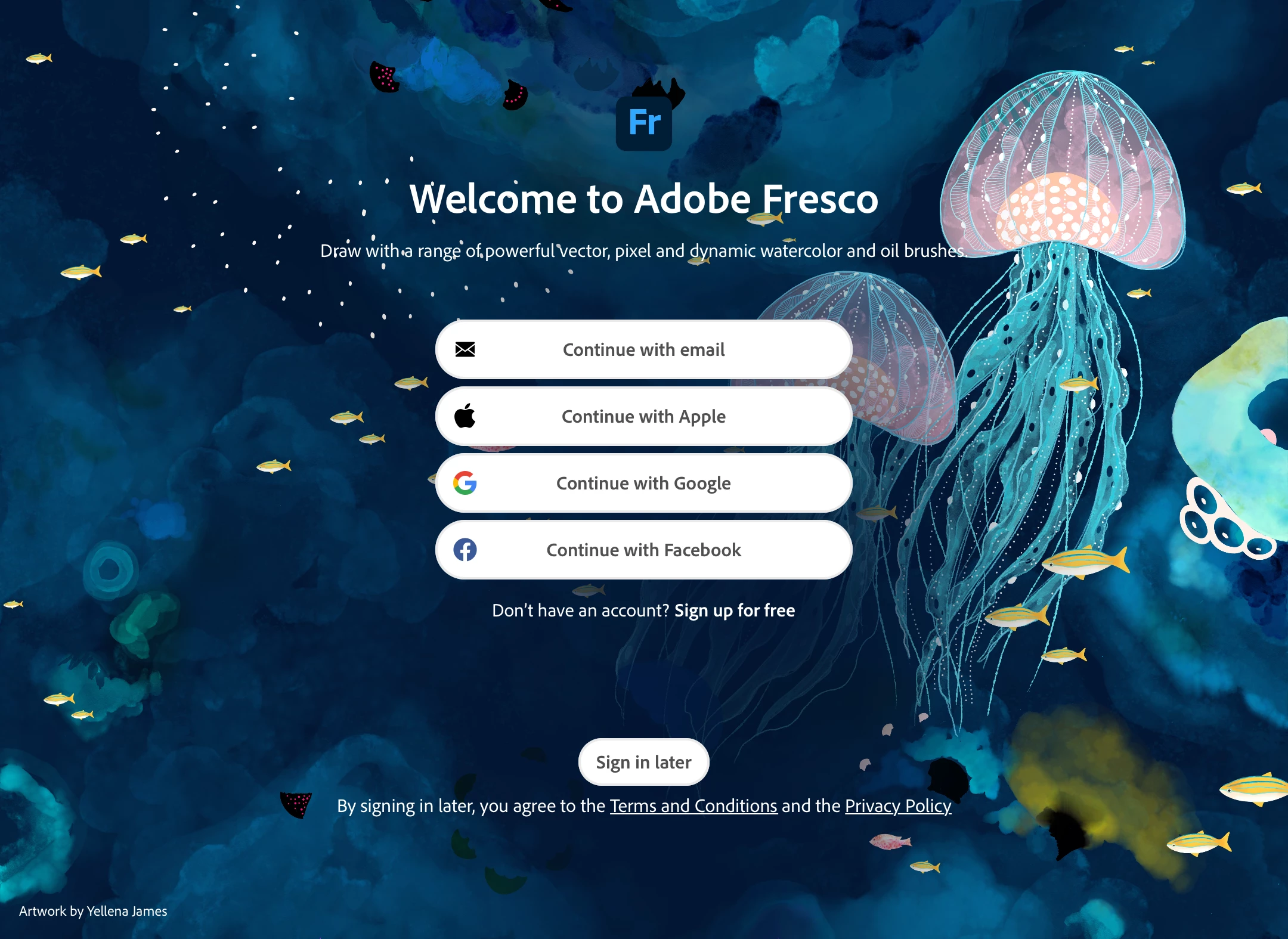
No Longer Need to Sign In—Jump In and Start Creating Artwork!

You can now start creating artwork in Adobe Fresco without needing to sign in!


Here’s a quick look at what you can access when you are signed in:

  • Export, download, or save your work to the Creative Cloud.
  • Access to all brush packs under the pixel brush menu.
  • Import brushes freely from ABR files.


For more details about this, please click here.

We’d love to hear from you!

Try out the thousands of free premium brushes now available in Fresco and let us know what you think! If you have any questions or need tips on using them, feel free to reach out!

If this was helpful, please click the Upvote icon in the top left corner of this post. Your feedback helps us improve the experience. Thank you!


Have questions? Click 'Reply' below to ask.

Click 'Follow' below to bookmark this post for easy reference.

    25 replies

    Participant
    Sep 27, 2026 8:11 AM UTC

    IM having some issue when i open fresco instantly closes and crashes

    Translate
    k9drwho
    Participant
    May 16, 2026 4:18 AM UTC

    I am having the same issue click add and nothing happens and no brushes add to my libary.

    Translate
    Participant
    Aug 28, 2025 1:54 PM UTC

    Hello. I'm also having the same issue when I click "Add" brushes. It stays on "Adding in progress" and doesn't go anywhere. I just installed Fresco, so it's up to date. I'm using Windows 11. Can you help me?

    Translate
    Anubhav M
    Community Manager
    Community Manager
    Aug 28, 2025 2:32 PM UTC

    Hello @Galahad Gommez,

    I have sent you a DM. Kindly check.

    Anubhav

    Translate
    Participant
    Aug 5, 2025 7:09 PM UTC

    Why does my Fresco say "adding in progress" when I am trying to download the brushes and it does not go anywhere?


    Translate
    Anubhav M
    Community Manager
    Community Manager
    Aug 7, 2025 2:54 PM UTC

    Hello @EMDOOL,

    I'm sorry to hear about the trouble you're having. I have sent you a DM. Kindly check.

    Anubhav

    Translate
    Participant
    May 17, 2025 11:18 PM UTC

     None of these brushes activate even though they show in manage pixel brushes. Deleted and reinstalled app. Now I only have one brush, so Fresco is largely useless as a creative device. Spent better part of a day troubleshooting with no success. 

    Translate
    Anshul_Saini
    Community Manager
    Community Manager
    May 19, 2025 12:04 PM UTC

    Hi @jaaksbus,


    Thanks for reaching out. I understand how frustrating it must be to lose access to your brushes, especially after spending so much time troubleshooting. Let’s try to get this sorted out together.

    Since you mentioned reinstalling the app, you might now be on version 6.4.1 (iOS) or 5.5.5 (Windows). Could you please confirm which device make and model you’re using (e.g., iPad Pro 11”, Surface Pro, etc.)?


    Also, how much storage does your device currently have? Lastly, could you share a short screen recording of what’s happening when you try to select or activate the brushes? That’ll help us better understand what’s happening and offer more specific guidance.


    I'm looking forward to hearing back from you. We’re here to help!


    Best,

    Anshul Saini

    Translate
    Participant
    Jul 10, 2025 10:19 PM UTC

    i'm someone else but i'm having the same issue. I'm on version 5.5.5 on a HP spectre x360. I have 537GB free. if you want a screen recording I can make one but I think a screenshot provides just as much information. This is as far as I can get. As you can see it says 'adding in progress...' but it does not matter how long I wait nothing happens. 

    I have also tried downloading the brushes from the adobe Photoshop site and importing them that way but that did not work either.


    Translate
    Community Expert
    Dec 15, 2024 2:14 PM UTC

    This is absolutely amazing news!

    Translate
    Participating Frequently
    Dec 13, 2024 10:48 PM UTC

    Too bad the brush engine sucks compared to sketch. So all brushes look terrible. Non dynamic flat and lifeless.


    making it more accessible wont help when it looks cheap and bad.


    bring back sketch.

    Translate
    Participating Frequently
    Feb 2, 2025 8:29 PM UTC

    There are ways to adjust brush settings to your liking. Give it a try and see if you like them better and be sure to save the setting or create a new version of the brush with your preferred settings but with a new name.

    Translate
    PANs Studio
    Known Participant
    Dec 11, 2024 6:32 PM UTC

    Always when I try to open a cardboard in Fresco, it shuts down and disappears. New installation doesn't help. What to do? I'd like to work with the thousands of brushes.

    Translate
    Participating Frequently
    Feb 2, 2025 8:30 PM UTC

    Uninstall, reboot, reinstall. If that doesn't work maybe a reset of the device will work but back up everything first! Consider if your device is up to date or new enough to handle the software too.

    Translate
    Participant
    Nov 29, 2024 3:32 PM UTC

    hi, i uninstalled 4.4 version then installed 5.5 version but i dont see symmetry menu please help

    Translate
    Participating Frequently
    Feb 2, 2025 8:24 PM UTC

    You could try uninstalling the older version, reboot, then reinstall the newer version. This might clear it up because I see this symmetry option after installing so it should be visible for you also. Make sure you are looking in the right location for it. Go into their help information for this information or search it on Google.

    Translate
    bridget_3975
    Known Participant
    Nov 24, 2024 7:34 PM UTC

    What about android, cuz we have been waiting for YEARS

    Translate
    Anubhav M
    Community Manager
    Community Manager
    Nov 25, 2024 12:06 PM UTC

    Hello @bridget_3975,

    I understand that having Fresco on Android is important to you, and I apologize for its unavailability at this time. Would you mind upvoting the UserVoice for this request (https://adobe.ly/3V43eVy) and adding your comments there? Doing this will help us prioritize this request, and you will be notified of any updates.


    Feel free to reach out if you have more questions or need assistance. We'd be happy to help.


    Anubhav

    Translate
    bridget_3975
    Known Participant
    Nov 26, 2024 12:06 AM UTC

    No we hav been requesting this since 2019

    Translate