



Fresco v6.5 | Organize Your Favorite Brushes & Protect Your Art with Content Credentials
Fresco v6.5 brings you smoother control, a cleaner workspace, and smarter protection for your work, whether you’re sketching on iPad or iPhone. From customizing your brushes to adding authenticity with Content Credentials, this update keeps you creative and in control.

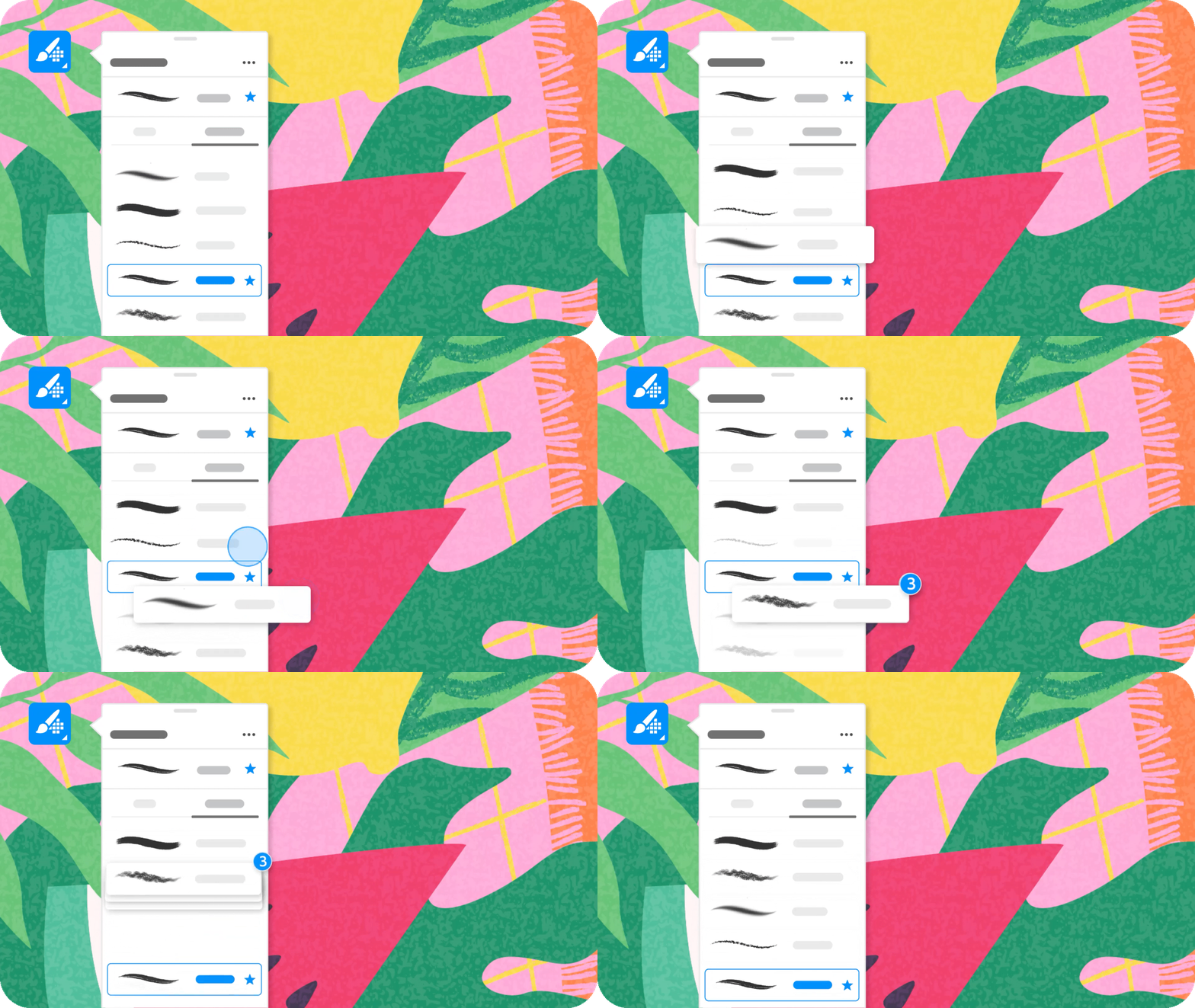
Reorder Favorite Brushes (iPhone and iPad only)
|
Speed up your process by organizing your most-used brushes just the way you like. Simply drag and drop to reorder your favorites and keep your creative flow uninterrupted. |
|
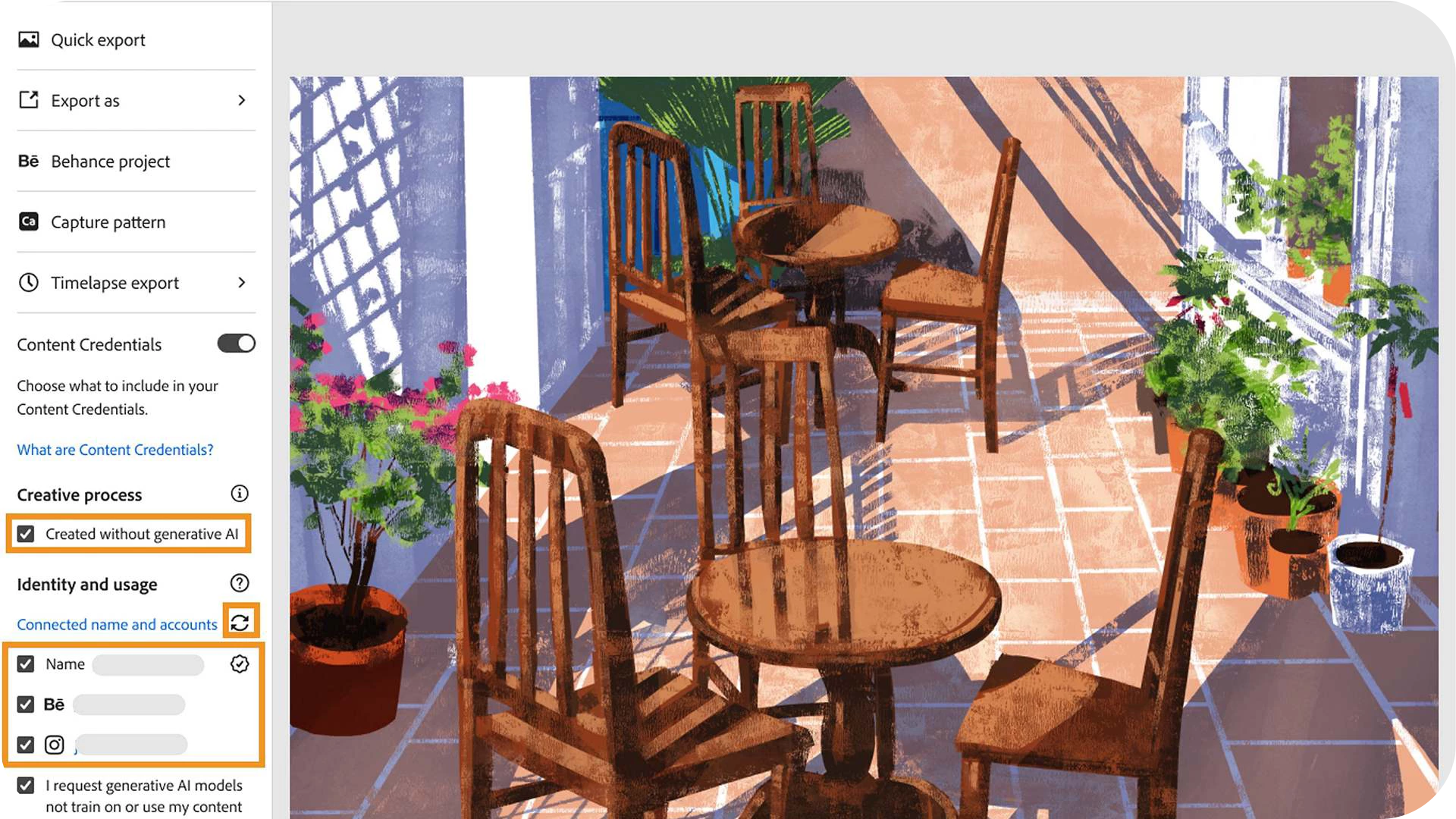
Add Content Credentials to Your Art (iPad only)
|
Protect your artwork and build trust with your audience by attaching Content Credentials when exporting. You can add a “Created without generative AI” label and optionally link your social media accounts to connect your art to your name and values. |
|
Simple Workspace (iPad only – UK & Germany exclusive)
|
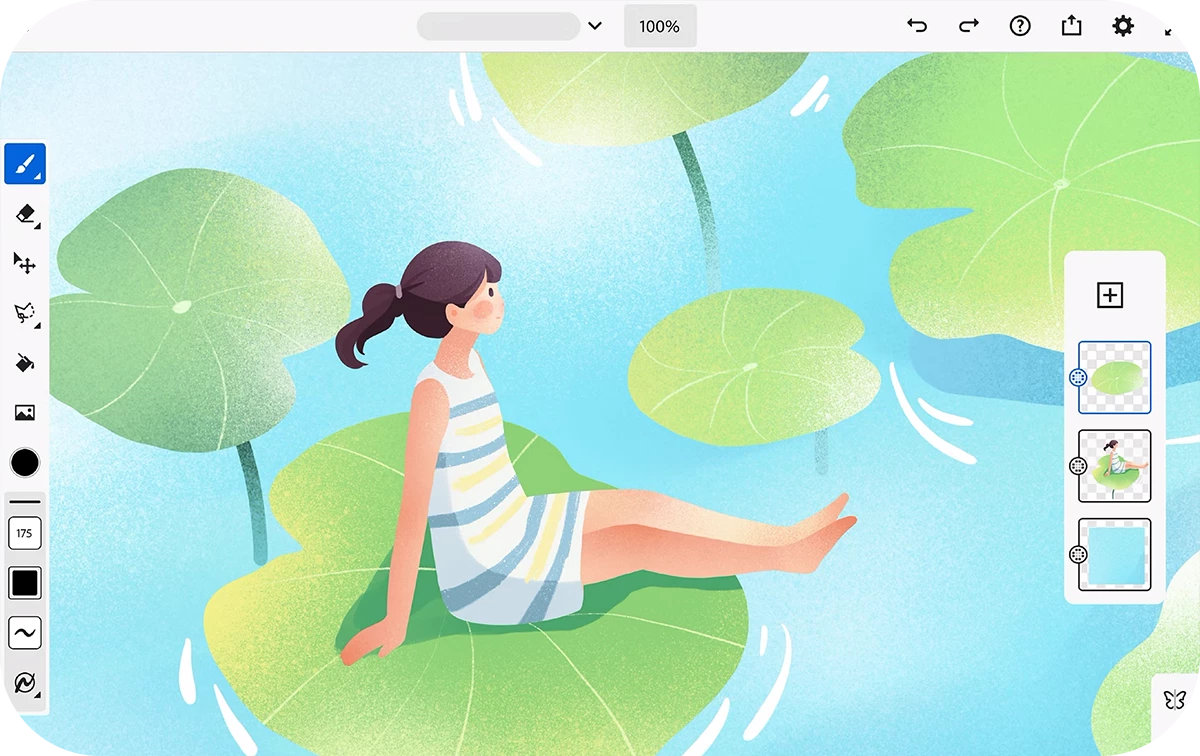
Simple Workspace offers a streamlined, beginner-friendly layout perfect for those new to digital art. It features a curated set of essential brushes and simplified layer actions to keep drawing intuitive and stress-free. Want more tools later? You can always switch back to the full workspace via Settings > Workspace > Advanced. Learn how to enhance your drawing experience with Simple Workspace › |
|
 Note:
Note:We’d love to hear from you!

Have questions? Click 'Reply' below to ask.
Click 'Follow' below to bookmark this post for easy reference.


 AdChoices