

Check out these new features (released in October) for Photoshop Express on iOS!
Explore new features in Photoshop Express for iOS!
We are bringing additional features to Photoshop Express to get your ideas to life. Photoshop Express provides you with everything you need to swiftly edit and transform images, making them stand out on social media and everywhere else. Make easy edits and transform your images in a snap using Photoshop Express on mobile.
Key Features in Focus
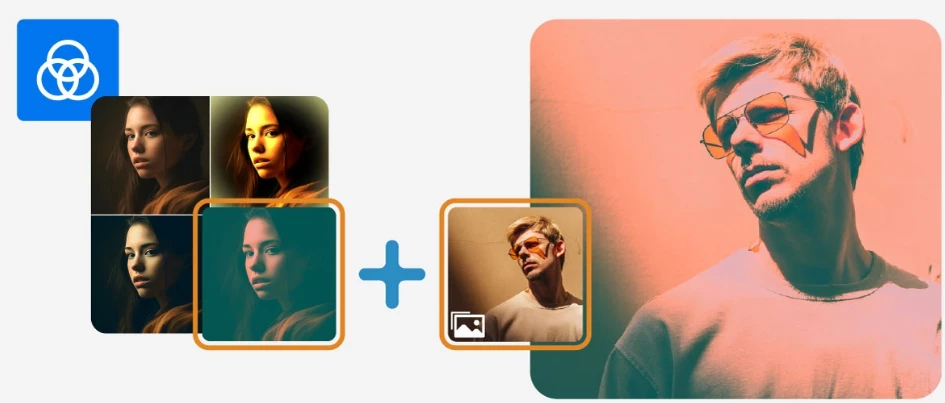
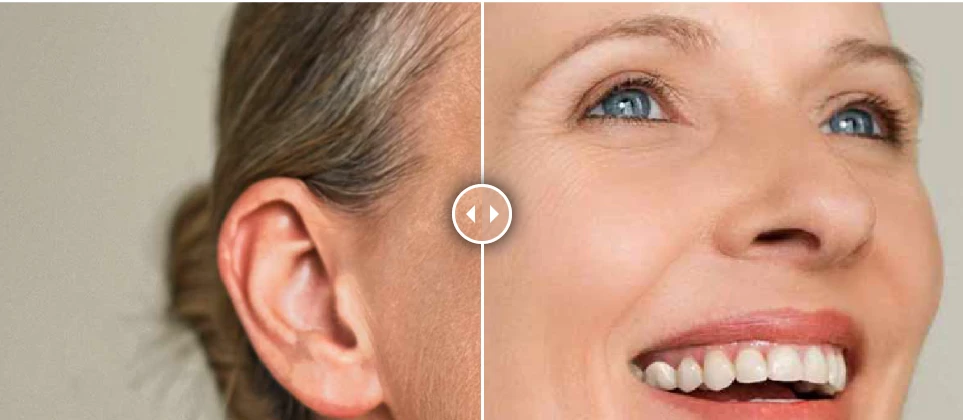
Apply Smooth Skin Quick Action on a close-up shot portrait to touch up light makeup smudges by moving a slider in Photoshop Express.
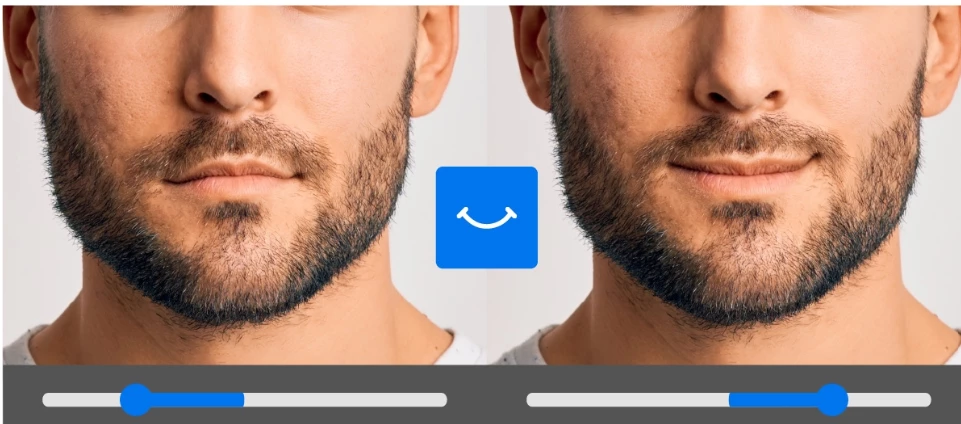
Ensure a seamless and precise edit that captures a radiant smile, enhancing the brand's appeal.

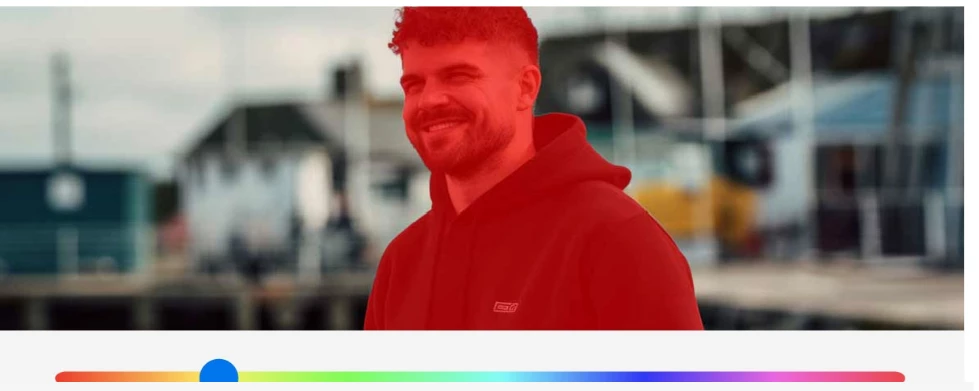
Add more focus on your subject by altering the background into a subtle one. You can also try plain backgrounds to design Facebook ads, Instagram stories, and more.
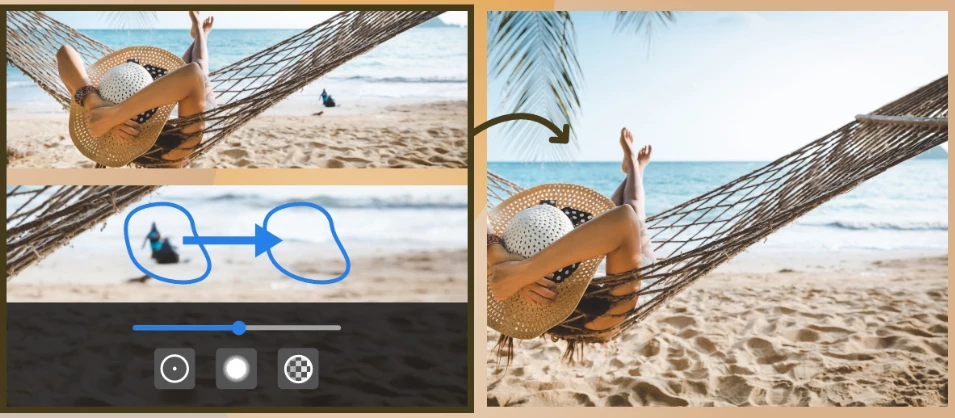
Reproducing images on your mobile during post-production is easy, from restoring old photographs to fixing lighting or make-up imperfections using Spot Heal option.
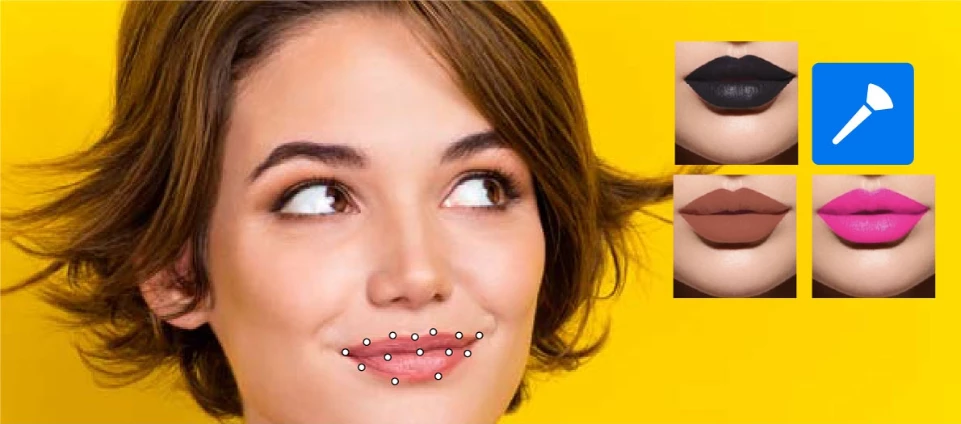
Give a makeover to your subject using Photoshop Express on mobile. Experiment with various makeup looks on your mobile device without applying makeup.

Enhance image quality by reducing noise. Reduce noise in a snap without losing essential details of the photograph.

Improve images taken in poor climatic conditions using dehaze. Correct the overall appearance of a photograph by fixing contrast and sharpness in a few simple steps.
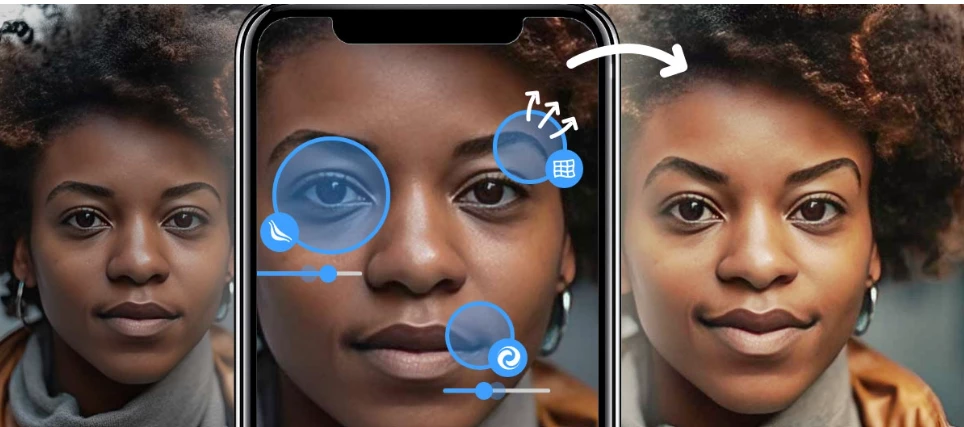
Stylize illustrations, alter portraits and landscapes, decorate fonts, or mend digital art on the go using Reshape. Correct distortions to achieve the desired effect. Modify a portrait's eyebrows and eyes using Reshape.
Vote!
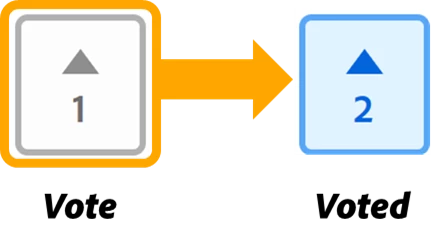
Threads in the Community forum now have an UpVote feature. The Photoshop Express team uses this vote count to know which bugs or issues are most important to you. If you're seeing a similar problem or bug that has already been reported, add your vote!
Useful Links
- FAQ: Get answers to common questions about Photoshop Express
- Quick actions: Get answers to common questions about Quick actions.
- System requirements: Find the minimum technical specifications to use Adobe Express.
- Discover feed: With Discover, stay updated about Trending Memes, Nature, Landscape, and the recently shared.


 AdChoices