


Srishti Bali
Community Manager
Community Manager
Sep 17, 2026 3:23 PM UTC
Sticky

Adobe Premiere Elements 2027 Is Here: AI-Powered Creativity, Smarter Workflows, and Faster Editing
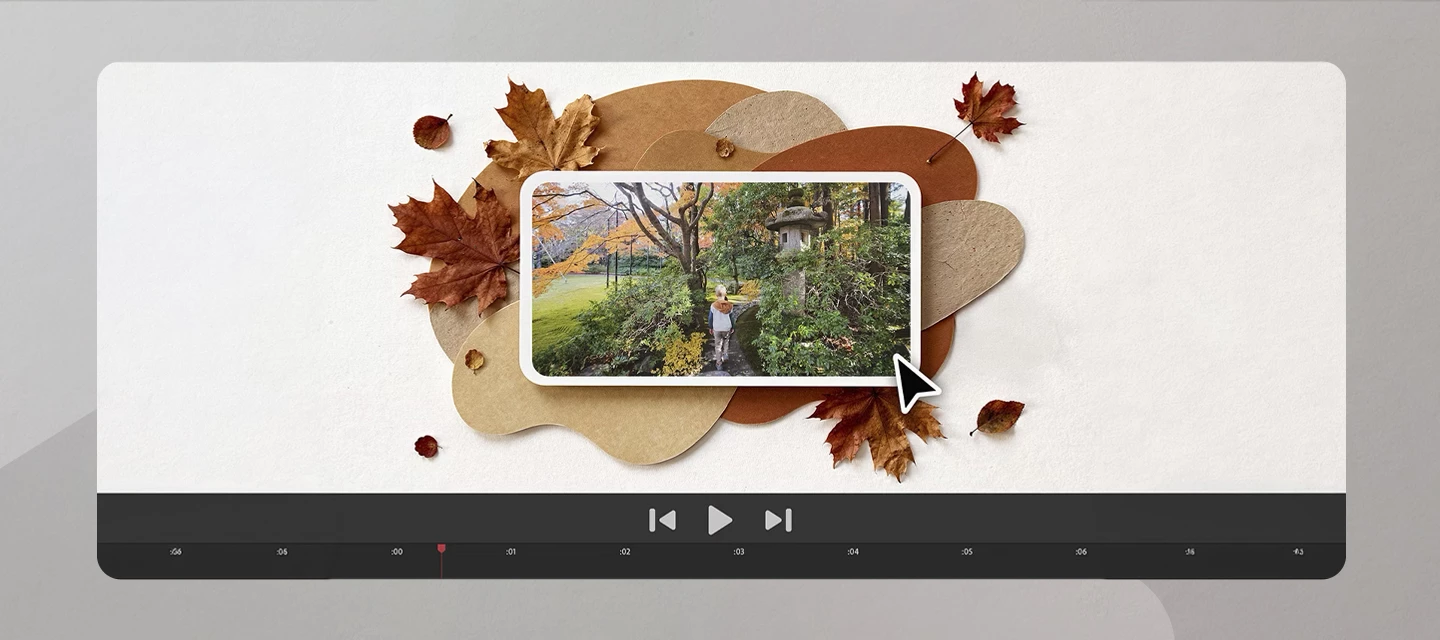
 

The latest release of Adobe Premiere Elements brings a collection of AI-powered tools and workflow enhancements designed to help you create more quickly and creatively.

You can now turn text prompts into original visuals with Generate Image, create striking, stylized titles with Title Art, and choose from supported Adobe and partner AI models for greater flexibility in generative workflows.

To help you get started even faster, the release also includes sample photos and videos for experimentation and learning, plus a new Contextual Task Bar that surfaces relevant tools and actions based on what you're working on in the moment.


In addition to these headline features, this release introduces several usability improvements, including the new FX Badge for easier effect management and a textbox overrun indicator that helps ensure your text stays visible and formatted as intended.


Click here to easily edit and share stunning videos

Get creative with colour, effects, transitions, text, and music. Create reels, reframe and trim with AI powered tools.


Join the conversation

Have you tried Generate Image, experimented with Title Art, or explored the new Contextual Task Bar yet? We'd love to hear how you're using these features in your creative projects. Share your favorite workflows, creations, and feedback with the community and help inspire others to get the most out of Premiere Elements.

    11 replies

    Participating Frequently
    Nov 16, 2026 5:21 PM UTC

    What I mean by multicam is a way similar to Premiere Pro multicam management :synchronization of clips, and 2 or more videos on a single screen to allow easy editing.

     That’s the way similar softwares as Elements do.

    But the solution of Prem Pro is of course more complete

    Translate
    Participant
    Nov 9, 2026 4:26 PM UTC

    To recap, so far I: 1)created a project, 2)was forced to sign in, and the software was updated to 2027 3) original project files and sequence were deleted 4) two versions of software sitting on machine 5) I deleted version 2026 6) turned on computer and old project was reinstated, but new version with new files completely deleted (source files literally deleted off hard drive).

    At least there’s awesome generative AI so I can just replace my hard work with some slop! Yay!

    Translate
    Participant
    Nov 9, 2026 4:16 PM UTC

    I really wish software companies would stop adding this goofy AI everywhere and make the basic things usable. This is just terrible.

    Translate
    Participant
    Nov 9, 2026 4:15 PM UTC

    So far what happened is a sign-in forced the update to 2027. I then had two versions of Premiere Elements on my machine. My project was eaten including the source files. I recreated it and added new content. I must have used the same name on the parent folder because today, it re-instated the original project and deleted all the new files. So far this is nothing short of a total nightmare and completely unusable. I work in a school (and have been a Premiere Pro power user for many years). My next step is that I am going to just try installing 2027 on another machine and bring the source files to the new machine. 

    Very frustrating.

    Translate
    Participating Frequently
    Sep 19, 2026 7:27 PM UTC

    Multicam support is available on simple video editors similar to Elements (similar cost or same functionnalities) since several years, even on free open editors !

     The issue now is most of events (family or others) are filmed by several smartphones, and it’s not possible with Elements to edit rushes in a simple way. 

    Dommage.


    Translate
    Legend
    Sep 18, 2026 2:03 PM UTC

    Here’s my look at the cool new Generative AI features in version 2027.


    Translate
    Participating Frequently
    Sep 19, 2026 6:48 AM UTC

    Still no basic multicam support !  crazy ...

    Translate
    John T Smith
    Community Expert
    Community Expert
    Sep 19, 2026 2:11 PM UTC

    I don’t work for Adobe so I may only GUESS that such an advanced feature is only available in the ‘big’ Premiere program

    Translate