


Open for Voting
Adobe express not available in localhost
Hi,
I am trying to test the "Convert to SVG" feature from Quick Actions in the Adobe Express SDK. I cannot get it working in my local, following the necessary steps. I see the "Adobe express not available" error when clicking the "Convert to SVG" button.
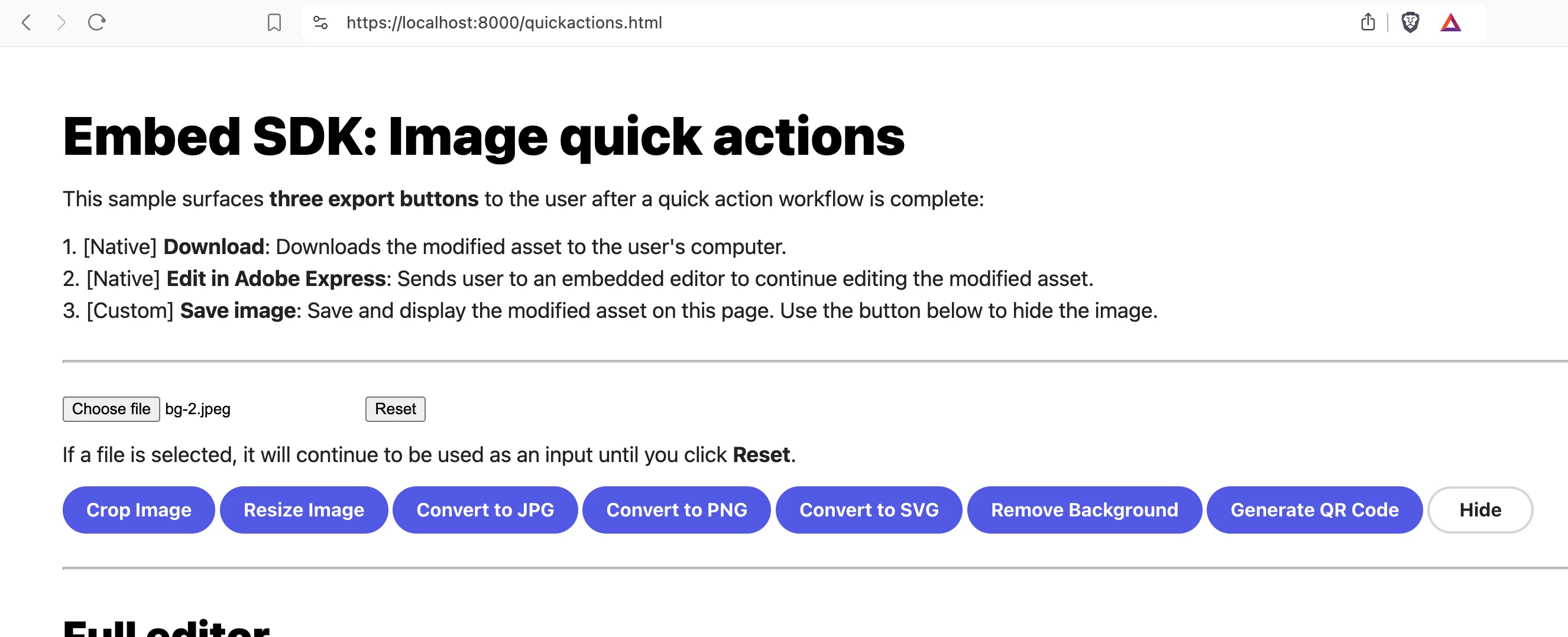
- I have downloaded the embed-sdk-samples repo from GitHub and set it up locally.
- I have created a project in the Adobe developer console and connected it with the Adobe Express Embed SDK service.
- Added localhost:8000 domain to test from my local.
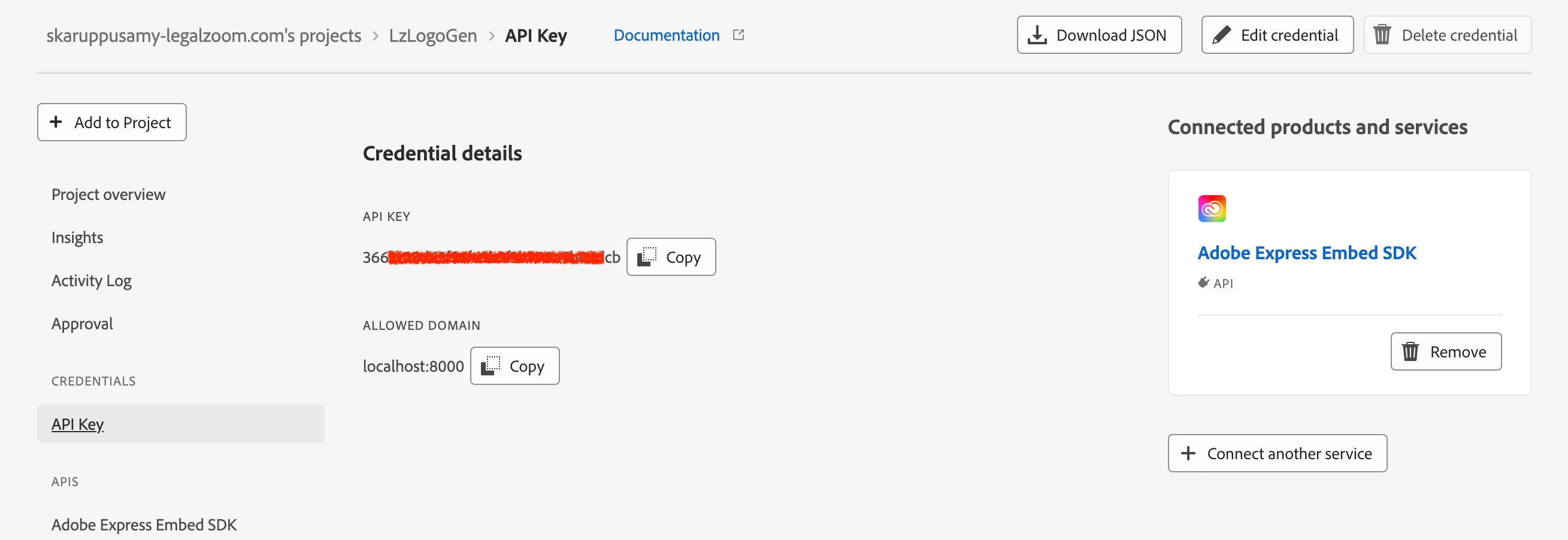
- Updated the client-id and the appName in the relevant html files in local setup, mentioned here (https://github.com/AdobeDocs/embed-sdk-samples/blob/main/code-samples/cc-everywhere/v4-sample/sample.md#step-1-clone-the-sample).
What am I missing here? Please help
Best,
Selva
 AdChoices