


Open for Voting
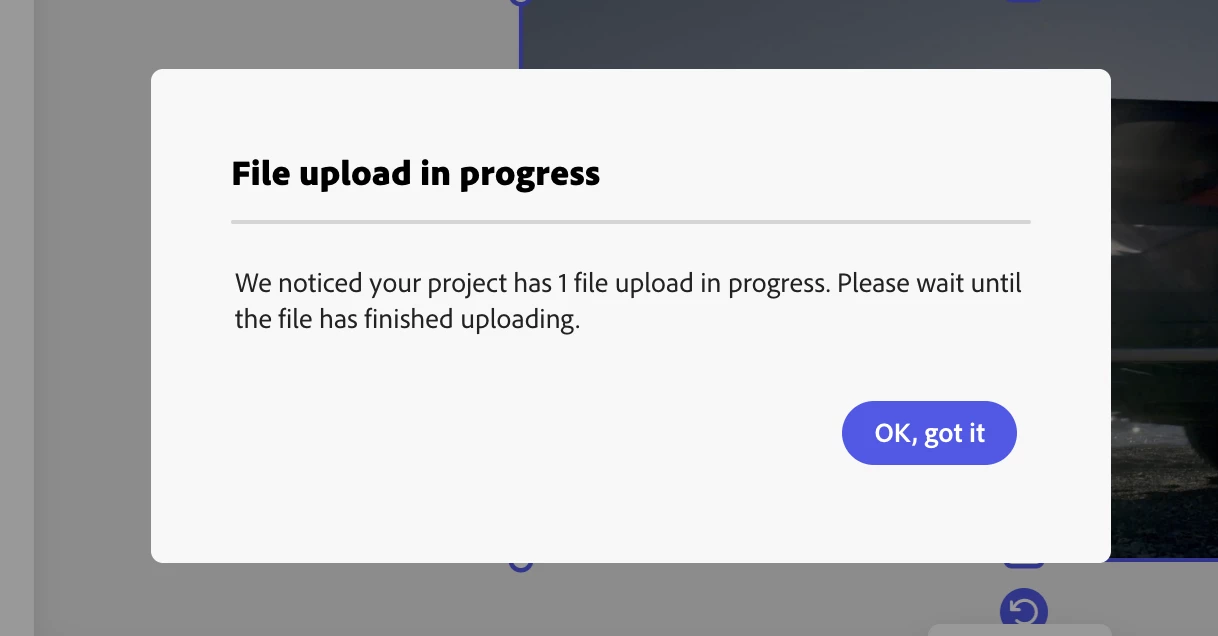
File upload in progress
Hi, I'm upgrading adobe express embed from v3 to v4.
Things seem straight forward except for exporting a file. I initiated the project with a asset video url, bellow is how I did it:
ccEverywhere.editor.createWithAsset(
					{
						...docConfig,
						asset: {
							type:'video',
							dataType: 'url',
							data: dataUrl, //url to video file
						},
					},
					appConfig,
					exportOptions,
					containerConfig
				);
The video is loaded successfully into the canvas but when export it, the exporting modal keep showing File upload in progress but nothing is being upload.
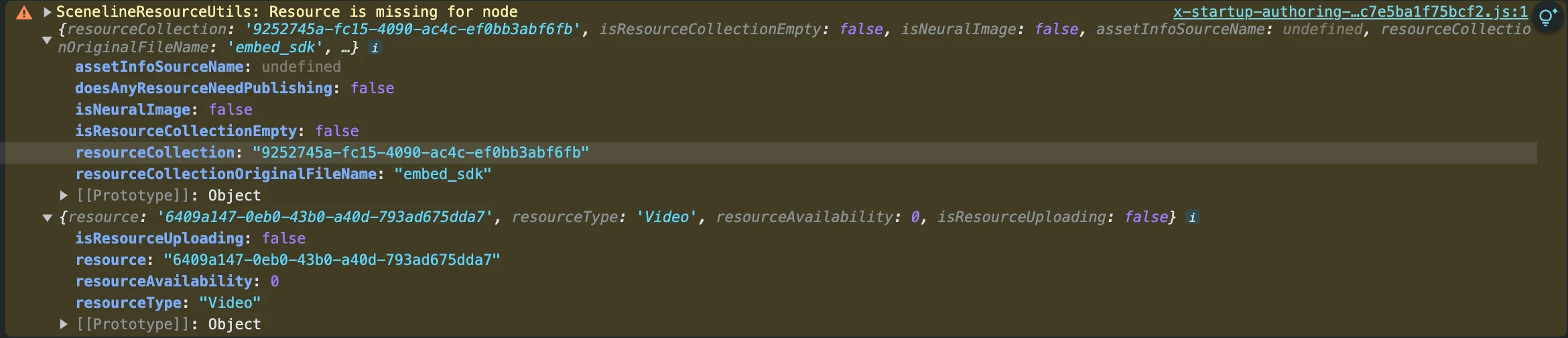
I also notice that in browser console there are some warning log about 'Resource is missing for node'.
This was working nicely in v3. So any helps would really appreciate.
- Version of the app: https://cc-embed.adobe.com/sdk/v4/CCEverywhere.js
- Platform and OS version: MacOS sonoma v14.1.1, Chrome Browser v129.0.6668.90
- Expected result and actual result: Should be able to export the project.
 AdChoices