Participating Frequently
February 13, 2025

Full editor throw error when createWithAsset with dataType is blob

  • February 13, 2025
  • 7 replies
  • 801 views

Hi, I'm trying to create project with a video by using blob type. I used createWithAsset () method with bellow configuration but the edtior show an error message and then close. So if anyone know what I did wrong please let me know, any helps would be really appericated.


  1. Version of the app: v4
  2. Platform and OS version: Chrome 131.0.6778.205 (Official Build) (arm64)
  3. Basic steps to reproduce the problem: 


...
// data dataUrl is a url to the mp4 file
// fetch the file
const fetchedVideo = await fetch(dataUrl);
// covert to blob
const videoBlob = await fetchedVideo.blob();

//open and upload to adobe embeded with below config
ccEverywhere.editor.createWithAsset(
					{
						canvasSize: 'Video',
						asset: {
							type: 'video',
							dataType: 'blob',
							data: videoBlob,
						},
					},
					{
						selectedCategory: 'media',
						allowedFileTypes: ['image/png', 'image/jpeg', 'video/mp4'],
						callbacks: {
							onPublish: (intent, publishParams) => {
								//...
							},
						},
					},
					[
						{
							id: 'export-btn',
							label: 'Save & Export',
							action: {
								target: 'publish',
							},
							style: {
								uiType: 'button',
							},
						},
					],
					{
						zIndex: 1,
					}
				);​


  • Expected result and actual result
    The editor should be opened with the video file but throw an error and close instead.
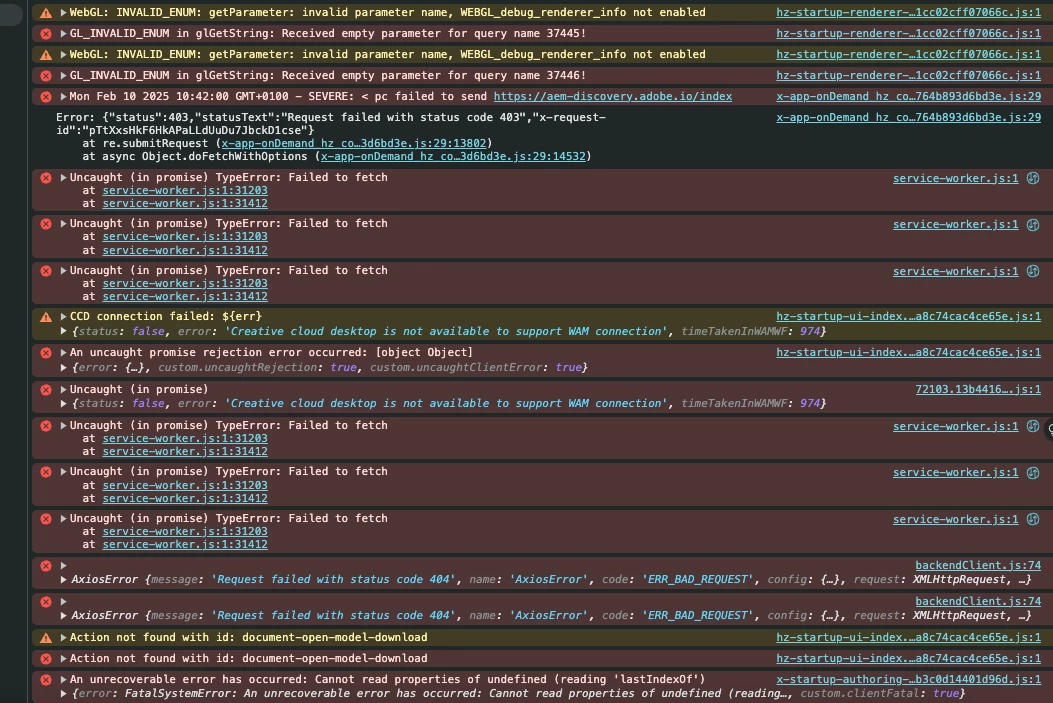
    Other error logs from my browser console:

      

7 replies

freked
Known Participant
February 21, 2025

@Barranca Hey, so we'll need to verify it a bit more carefully during next week, but for the initial testing, it seems to finally work now! So that is a great way to end the week and thank you for getting back quickly 🙂

Adobe Employee
February 21, 2025

Hi,
there's one more step involved: fetch -> blob -> file, then it works:


const video = await fetch(
  "https://videos.pexels.com/video-files/8468212/8468212-hd_1080_1920_30fps.mp4"
)
  .then((res) => res.blob())
  .then((blob) => new File([blob], "My video File", { type: "video/mp4" }));

let docConfig = {
  canvasSize: "YoutubeVideo",
  asset: {
    data: video,
    dataType: "blob",
    type: "video",
  },
};

editor.createWithAsset(docConfig, {}, []);


I hope this helps! And thank you so much for your patience 😊


Davide Barranca | Sr. Developer Relations Engineer @Adobe
freked
Known Participant
February 21, 2025

@Barranca  Thanks for the update, hoping for a swift solution and that this can be prioritized by the team. This is becoming more critical by each passing day for us. 

Adobe Employee
February 20, 2025

Hi @freked ,
I've passed this along to Eng. I just tested a workflow where you pick a local file with a file picker and pass the file as a blob and it works. But fetch().then(res => res.blob()) does not, although the blob seems valid. I'll let you know as soon as I hear something back.


Davide Barranca | Sr. Developer Relations Engineer @Adobe
freked
Known Participant
February 20, 2025

Hey @Barranca it would be extremely appreciated if you or the team could just confirm that the issue is not our end (based on the examples provided above) so we don't need to spend more time on debugging until you make another fix.

Participating Frequently
February 19, 2025

Hi, Thank you very much for your reply! I tried and it's seem have no different with last one. 

I'm using v4 from this: https://cc-embed.adobe.com/sdk/v4/CCEverywhere.js

Could you please take a look if my implementation is correct? or an working example would be appericated.  🙂


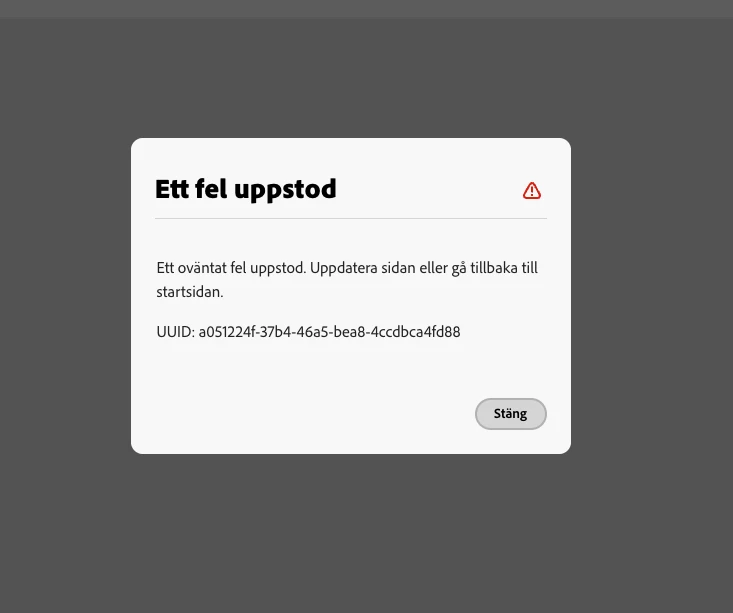
Some further log screenshot from my browser if it's help:


Adobe Employee
February 18, 2025

Hi,

could you please try again? The SDK has just pushed a new version that addresses `blob` and `base64` video inputs for `createWithAsset()`. Thank you!


Davide Barranca | Sr. Developer Relations Engineer @Adobe