


Open for Voting
Adobe Camera RAW 18.7 problem bug fix More image settings!
Adobe Camera RAW 18.7 problem bug fix help!
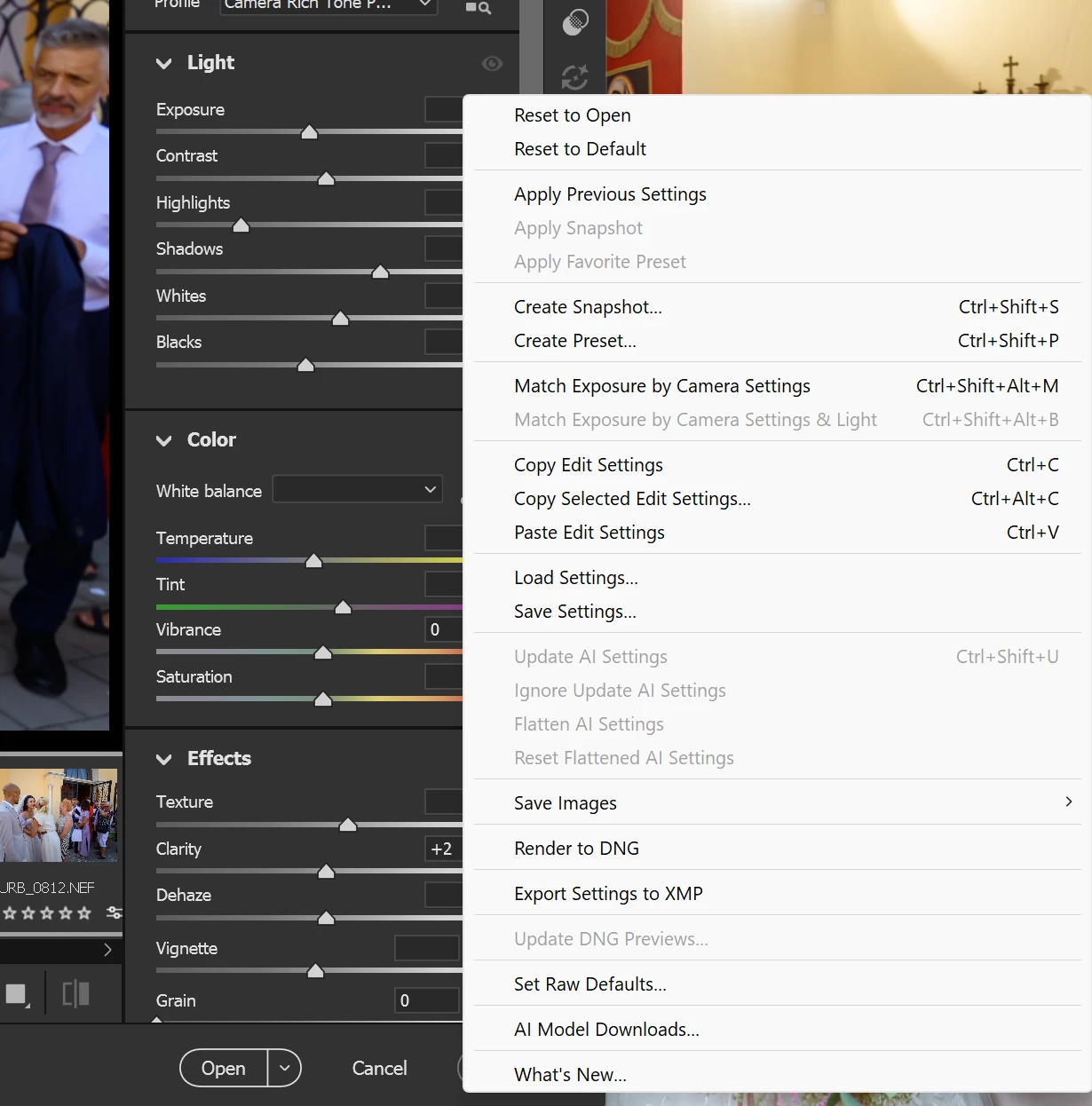
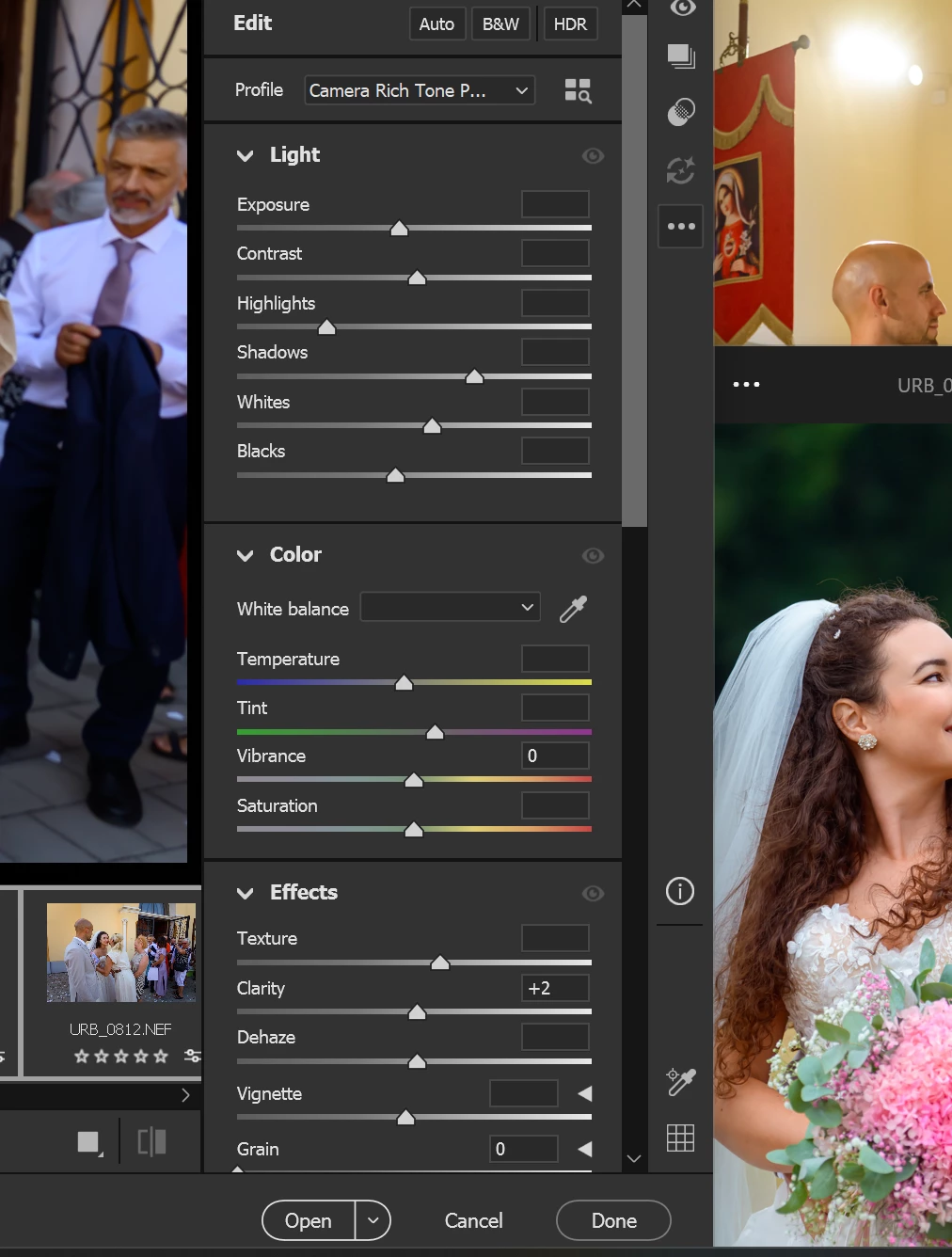
I updated to the new version 18.7, and the "more image settings" menu isn't working correctly—specifically, expanding the options. It often happens that when I click the three dots, the "reset to open" or "reset to default" function triggers immediately. Why are those settings right there at the very top? I just want to export the settings to XMP, but instead, I end up resetting everything! I’ve actually lost all my edits because of this! The previous version didn't have this issue. Please fix this bug or move the reset option!
 AdChoices