Known Participant
June 30, 2025

P: Aurora Panorama Merges produce unexpected results

  • June 30, 2025
  • 4 replies
  • 447 views

Dear all, 

Somewhere over the last few months, Lightroom's panorama merge has taken a steep nosedive. I used to merge panoramas from very challenging shots seamlessly. Aurora shots at high ISO's and dark conditions. Now however, even well lit and simple compositions come out absolutely unusable. Often, Lighroom will merge things even completely twisted and mirrored. 

Lightroom CC 8.4, MacOS 15.5 (2023 MacBook Pro M3 Max)

Lightroom version: 8.4 arm64 [ 20250603-0500-10f89fb ] (Jun 2 2025)
NGL Version: 1.41.0.11
WF Version: 7.4 a9dfbad
VF Version: 1.0.154
HIL Version: 40501
CAI Version: c2pa-c/0.6.0 c2pa-rs/0.46.0
PH Version: 5.2.3

Operating system: macOS
OS Version: macOS 15.5 (24F74)


The images are all shot on Sony A7IV in ARW and then imported into Lightroom off the camera. I select them in the Detail's view and select "Photo Merge > Panorama Merge" and untick the Auto settings. 
Am happy to share RAWs with Adobe staff if needed. 


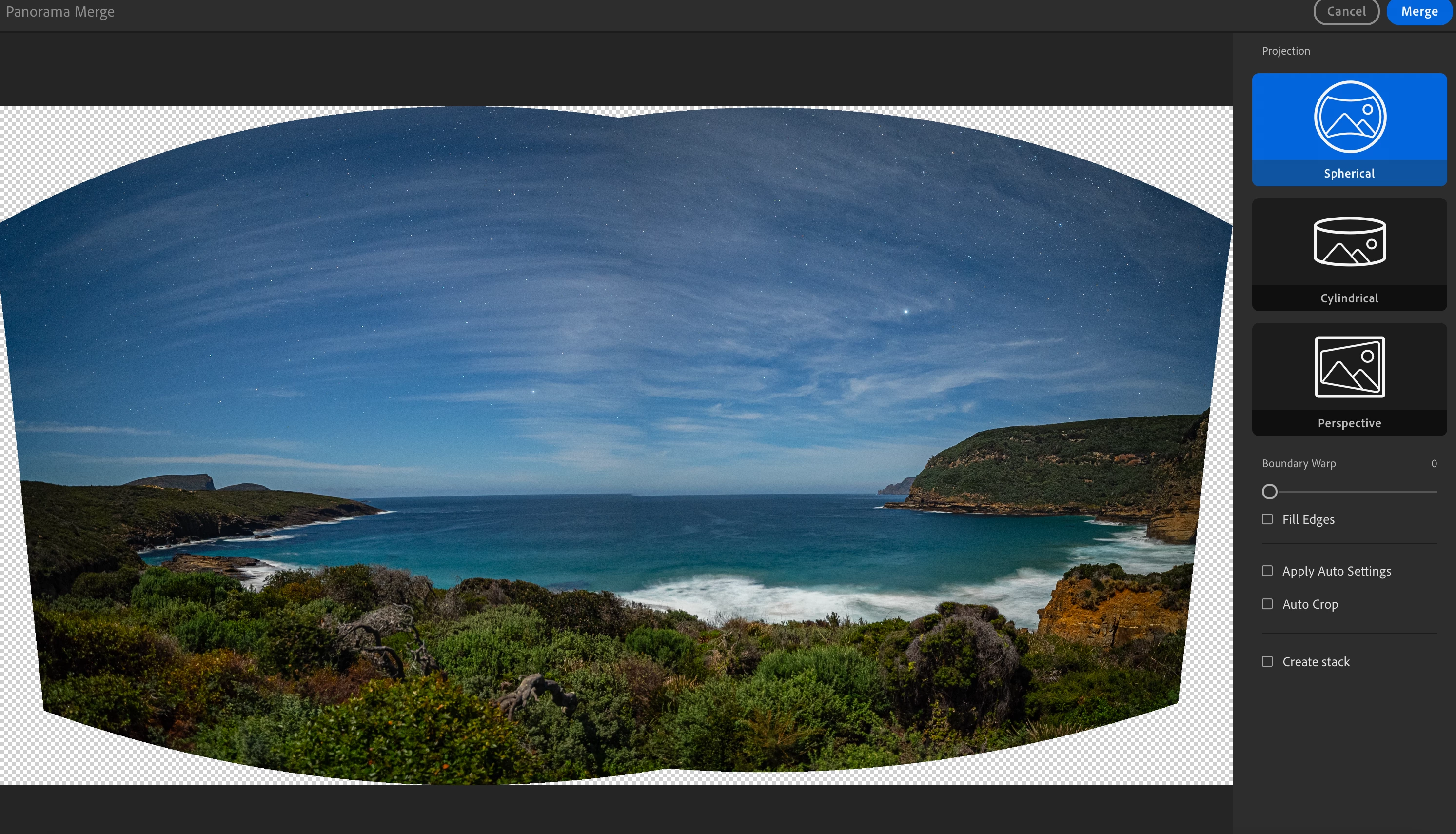
Two or three landscape images, but regardless of mode, there is a more or less visible gap on the horizon. 


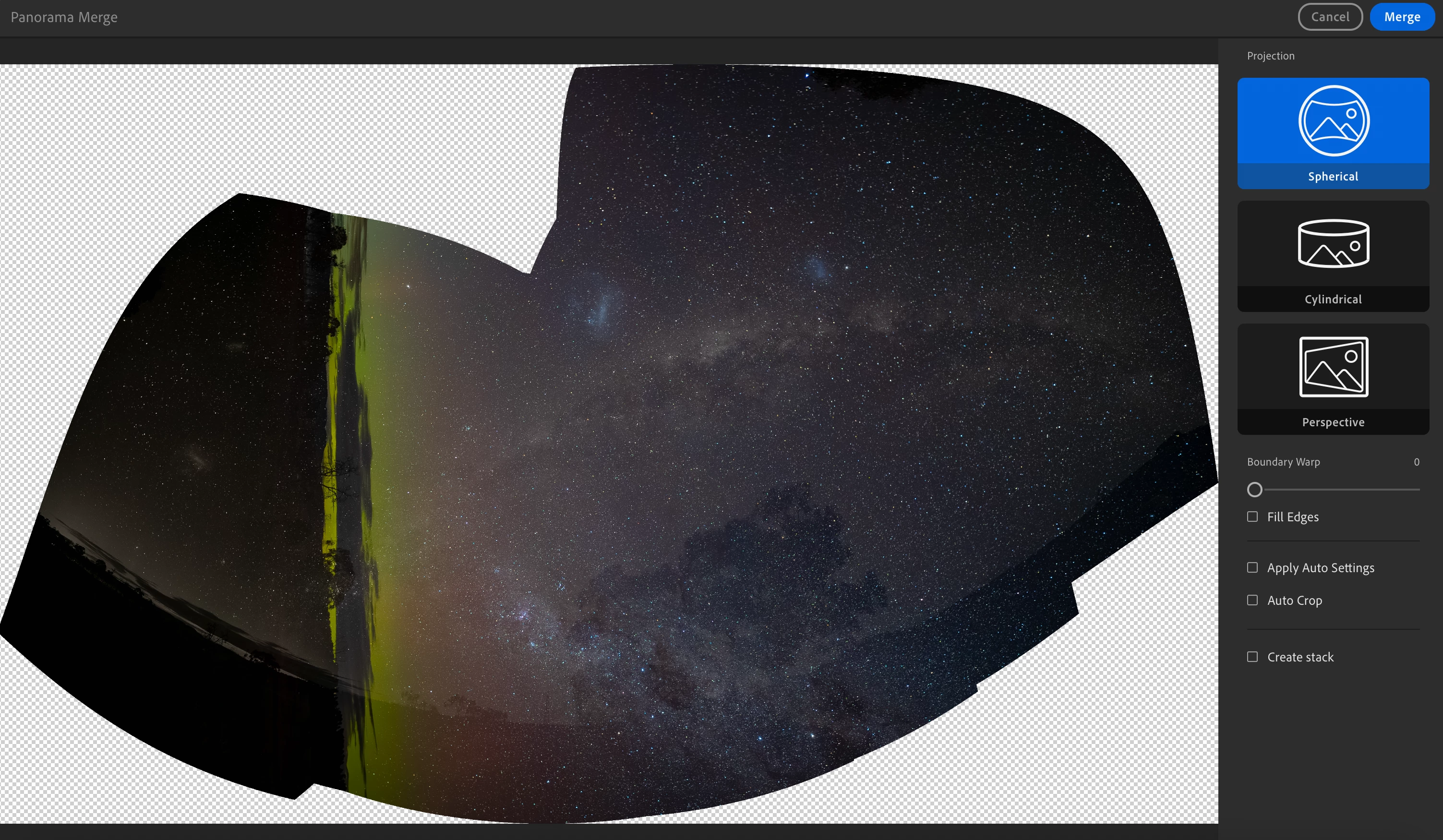
Now the following images are more challenging as they were taken as portraits. But it used to manage images like these without complaining. The suggested outcome now is... creative? 



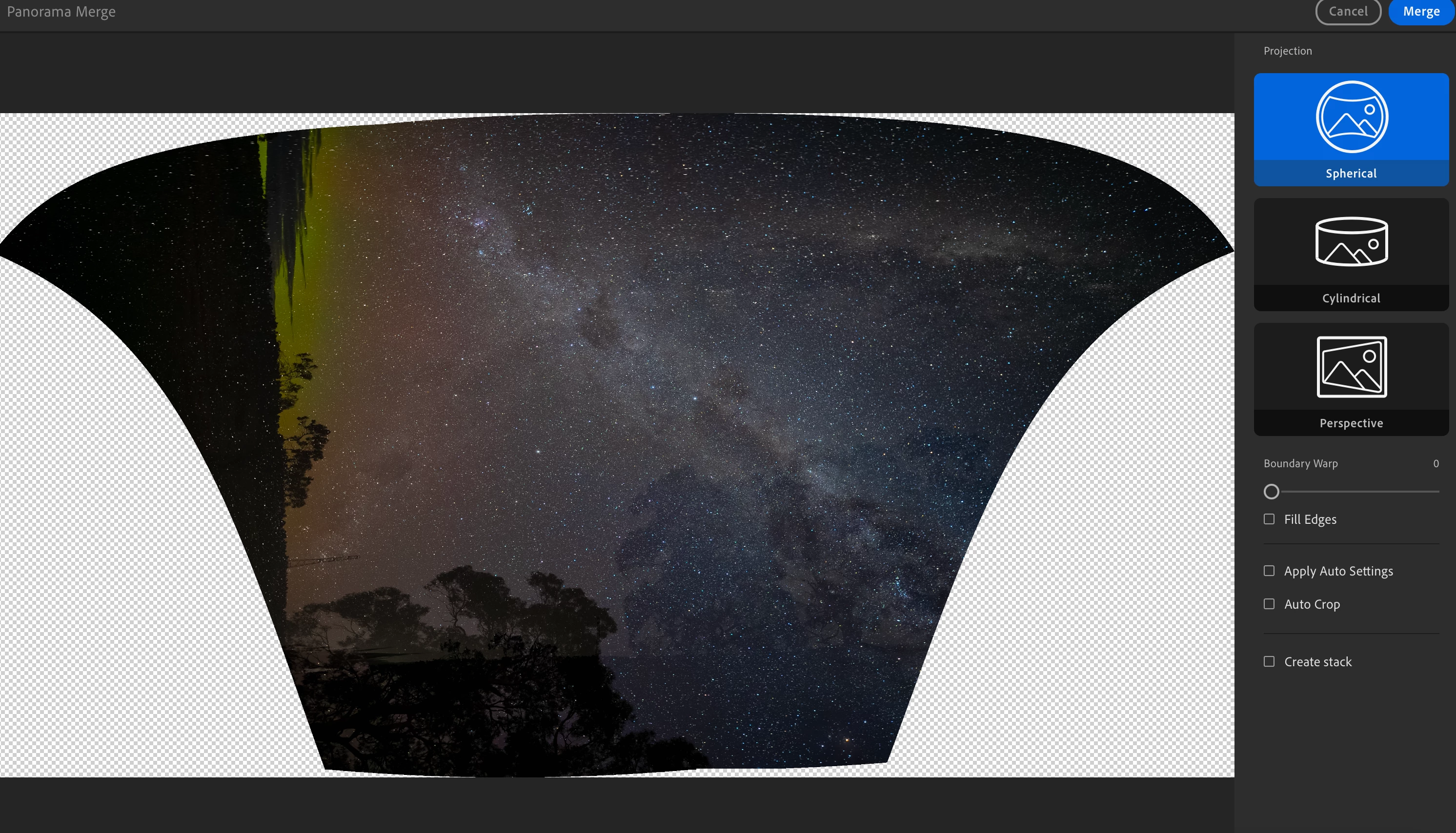
Choosing a smaller set of images produces the same:
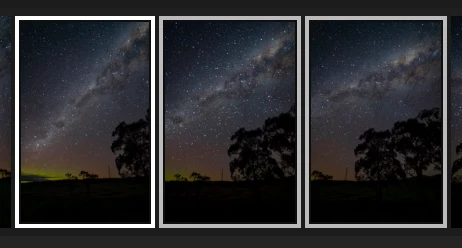


It just seems to struggle with the concept of portraits becoming a panorama altogether. 

In fairness, I don't use portraits for panoramas usually but have been playing more and more. But the fact that it can no longer stitch together simple landscape composition makes me think there is a major issue in the feature. 


4 replies

Known Participant
September 18, 2025

Even with the latest version, it's still doing weird things. What is going on?


Is it just Sony ARW that are suffering from this? There's gotta be a way to get to the bottom of this. 


Rikk Flohr_Photography
Community Manager
Community Manager
July 10, 2025

Thank you for the test files @EmeraldSkies. I see the same issues you do. When I go to Camera Raw, it also fails, meaning this set is failing in the underlying engine and not the Lightroom application. 

I am moving this to Camera Raw and attaching your sample files to the investigatory ticket. 

Thank you!

Rikk Flohr: Adobe Photography Org
Rikk Flohr_Photography
Community Manager
Community Manager
July 8, 2025

I am unable to replicate the failures on vertical panorama merges. I've tested a couple of sets. If you are willing to provide us with a set of images that fail, please post them to a file-sharing site and provide us a link do download your originals. 


Thanks!

Rikk Flohr: Adobe Photography Org
Known Participant
July 9, 2025

Thanks Rikk!

Here are horizontal ones: 
https://adobe.ly/3TrMC9d

And here the vertical images. 
https://adobe.ly/44kIWw9


I hope these help!

Rikk Flohr_Photography
Community Manager
Community Manager
July 9, 2025

Unfortunately, I cannot download the originals from this method of sharing. Can you post to Dropbox or similar?

Rikk Flohr: Adobe Photography Org
Participant
June 30, 2025

I have noticed that all my attempted panorama merges are showing up with broken color and exposure. In most cases parts of the image are over exposed, with some parts looking faded or broken. This pano was created with 7 individual image all with identical exposure, zero edits and straight out of camera. I have tried with or without lens corrections. I have tried selecting different images to "start" the pano merge. Nothing. No clue why this is happening. All images are DNG's, the full image once generated looks just like the preview, and in Photoshop this error does not happen. I have also tried Lightroom Classic and have the exact same error there as well. 

Known Participant
July 9, 2025

Yeah, I think that's the same culprit I'm facing. It never used to be this bad. Are you on MacOS as well?

Participant
July 9, 2025

Yup. Newest version, and two different Macbooks as well.