


Participant
June 25, 2023

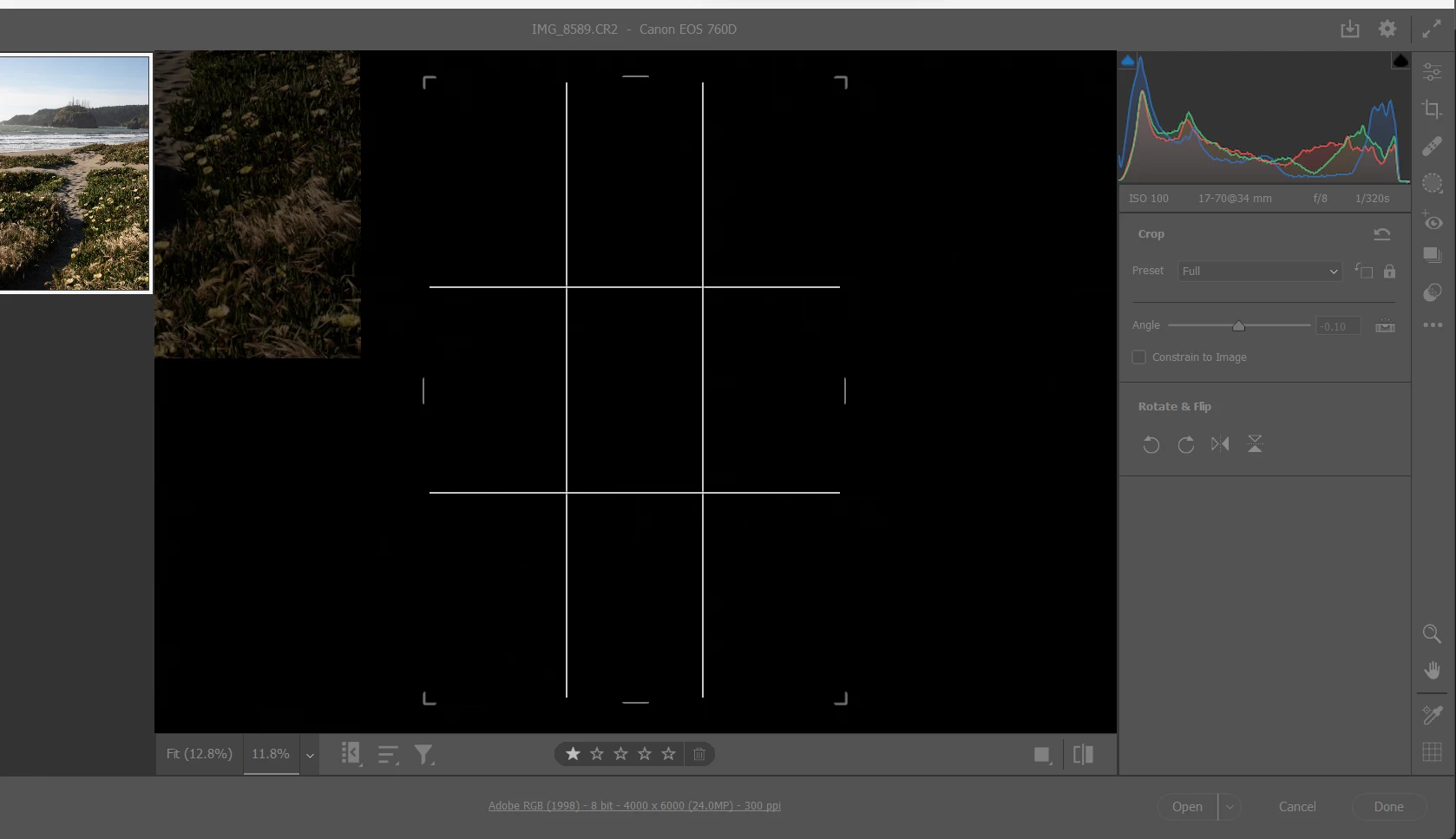
P: Crop selection changes when angle is input manualy

  • June 25, 2023
  • 4 replies
  • 2028 views

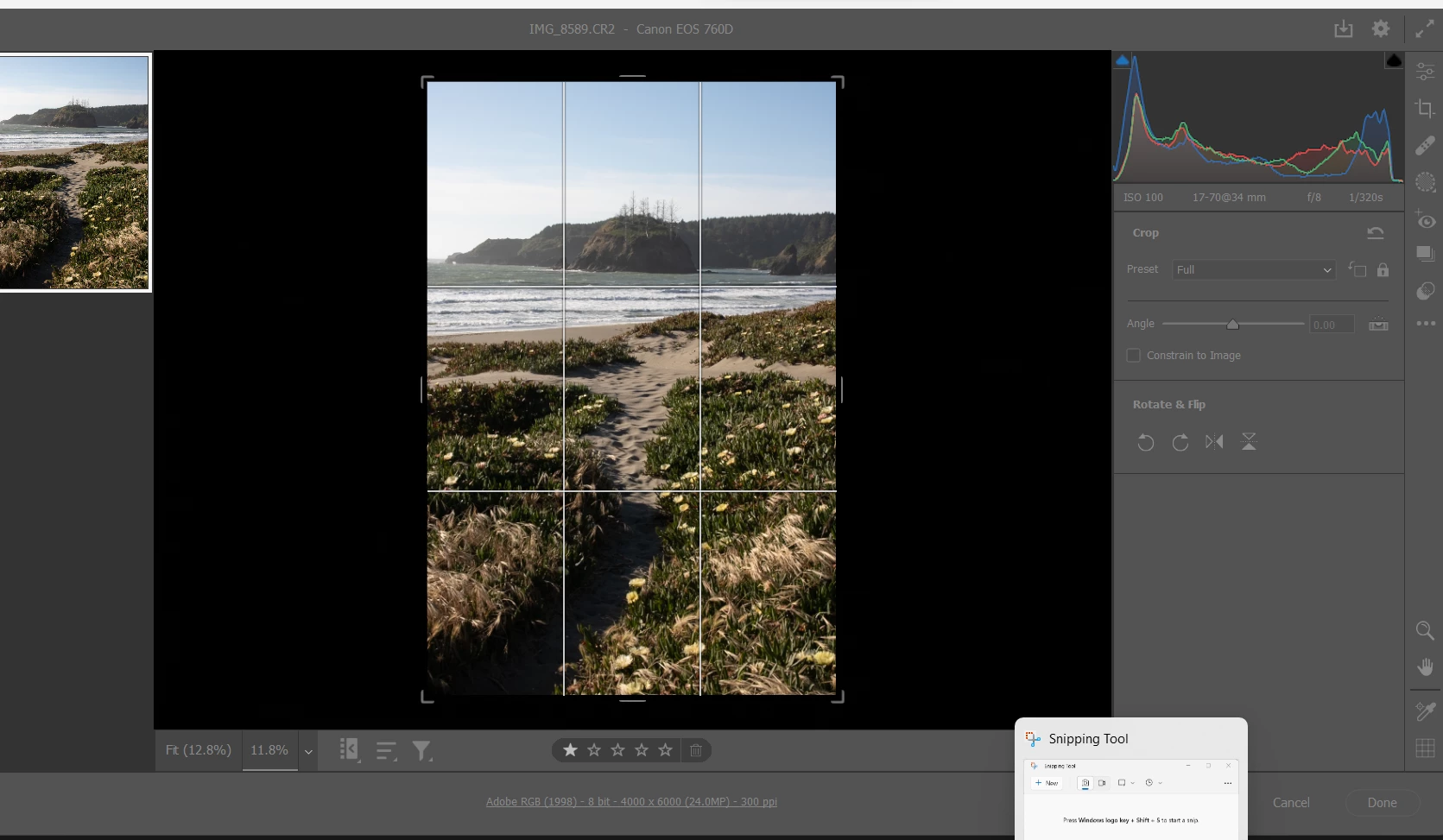
Using ACR 15.4 with Windows 11: As soon as I enter a number into "angle" the crop selection changes to outside the picture. This error does not happen when the angle is changed in a different way (e.g. double click on level tool).
This topic has been closed for replies.

4 replies

Rikk Flohr_Photography
Community Manager
Community Manager
October 10, 2023

Greetings all,


Updates for the Adobe Photography Products have been released.  The October 2023 updates contain a fix for this issue. 

If you do not see the update in your Creative Cloud Application, you can refresh it by hitting [Ctrl/Cmd]+[Alt/Opt]+[ R ].

Note: It may take up to 24 hours for your update to be available in your Creative Cloud app.


Thank you for your patience.

Rikk Flohr: Adobe Photography Org
Rikk Flohr_Photography
Community Manager
Community Manager
June 29, 2023

Adding bug number - setting status.

Rikk Flohr: Adobe Photography Org
peterb86513089
Inspiring
June 28, 2023

Me too. I get the same thing in ACR 15.4.0.1508

I use the crop tool to straighten horizons in seascapes. I usually click in the numeric field for angle and then tap up arrow or down arrow as I watch the horizon line. Now, with this version of ACR, when I tap the arrow key the image jumps to the upper left corner of the screen. I can't find any way to pull it back down so I exit ACR and try again.

Peter

UPDATE: I just found that if I grab the slider for angle the image comes back to where it should be. I guess we just stay away from the numeric input field for now.

Jeff Arola
Community Expert
Community Expert
June 26, 2023

Yes i see that on the Mac side as well using Camera Raw 15.4 with Photoshop 2023 (ps ver 24.6)

running on mac OS Ventura 13.4.1


Does not occur in Camera Raw 15.3.