


ahmadoooo
Participating Frequently
December 25, 2023

P: Denoise produces purple line at the edge of the photo with Lens Corrections turned off (Canon R8)

  • December 25, 2023
  • 7 replies
  • 1593 views

Hi,


I am facing a bug when using Enhance Denoise AI in lightroom on RAW photos.

Enhance is set to 50%

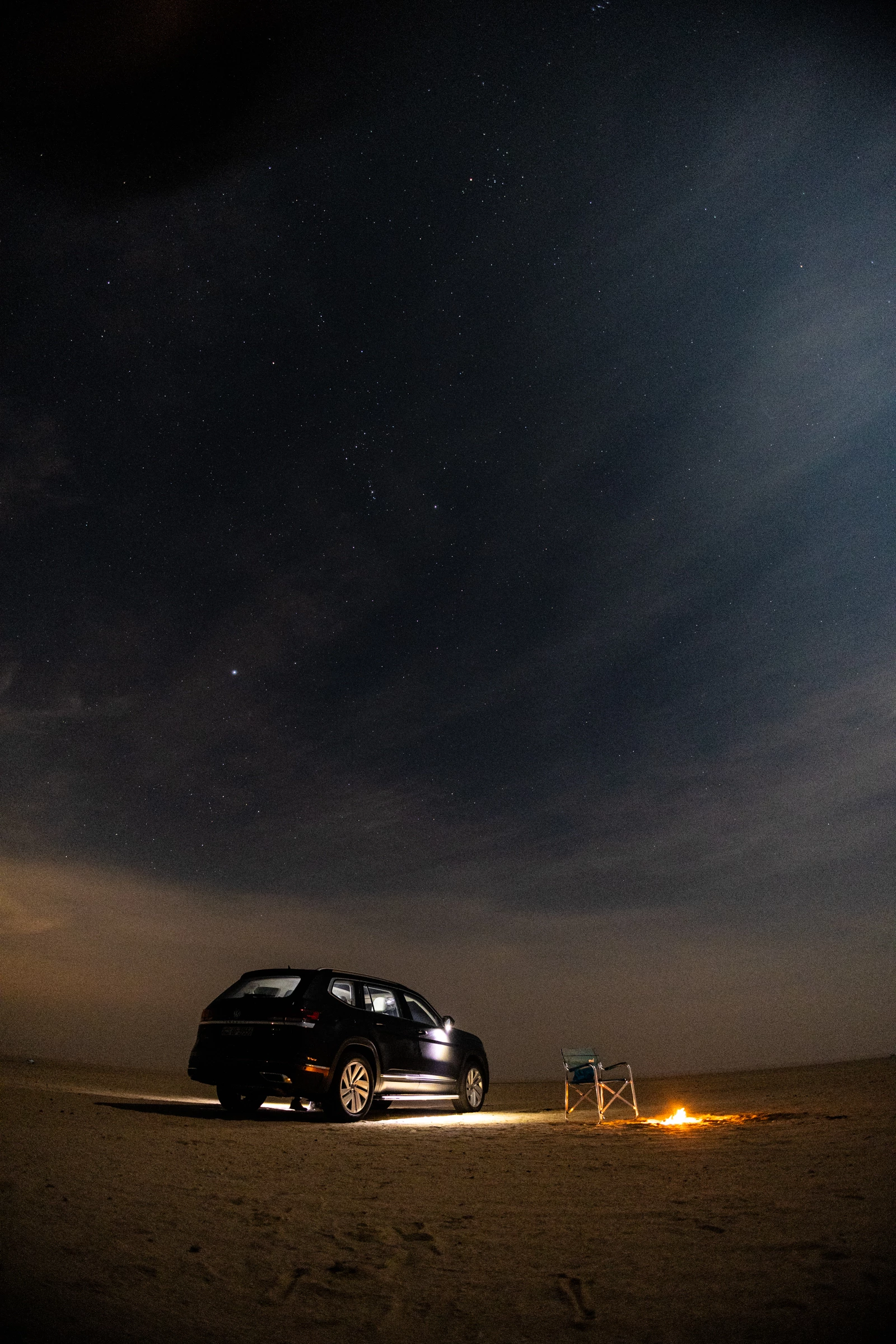
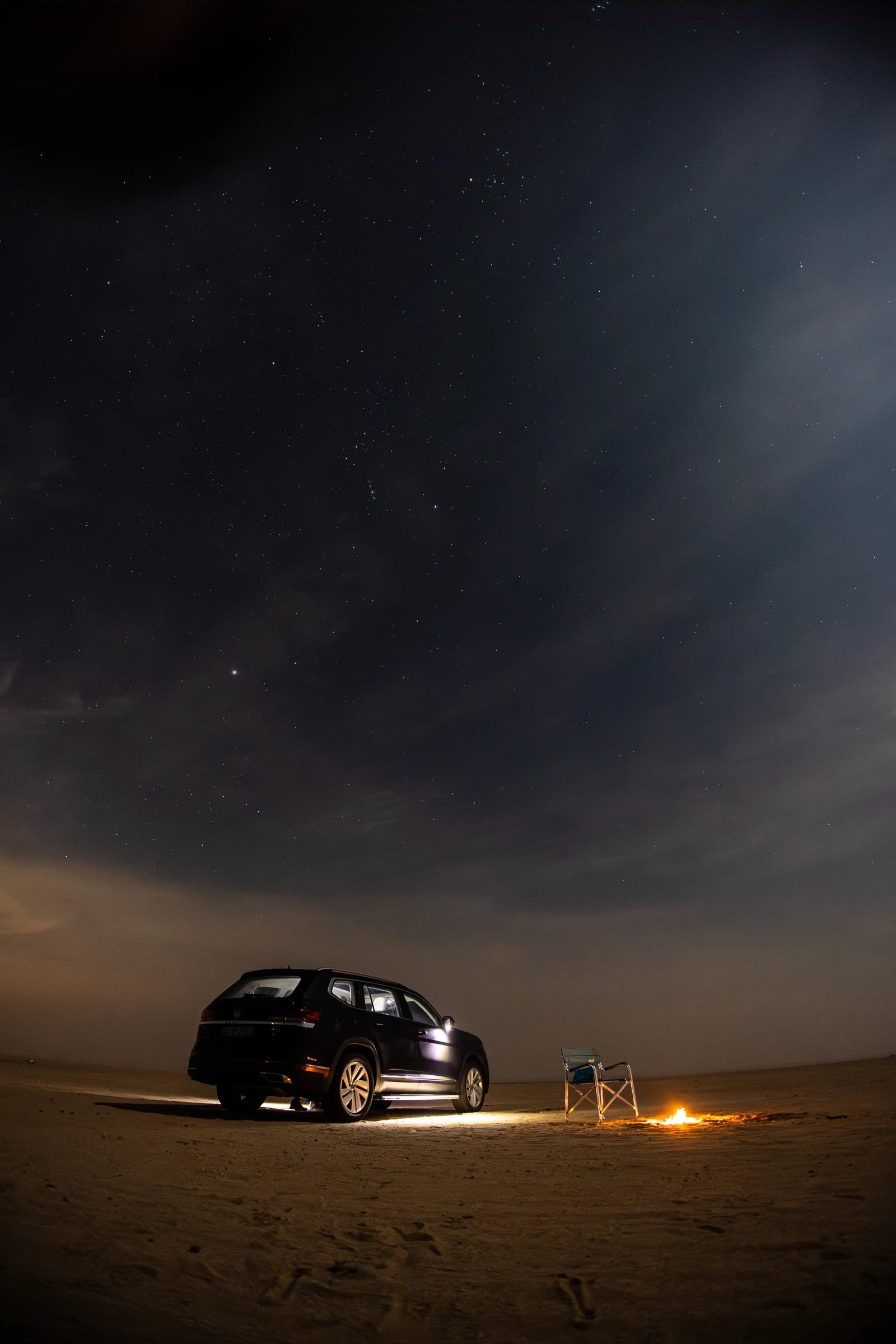
Two purple lines appear at the short edge of the photo. See the top of the photo attached below:


Image format: CR3

Capture camera: Canon R8

Lens used: Canon RF 16mm f/2.8


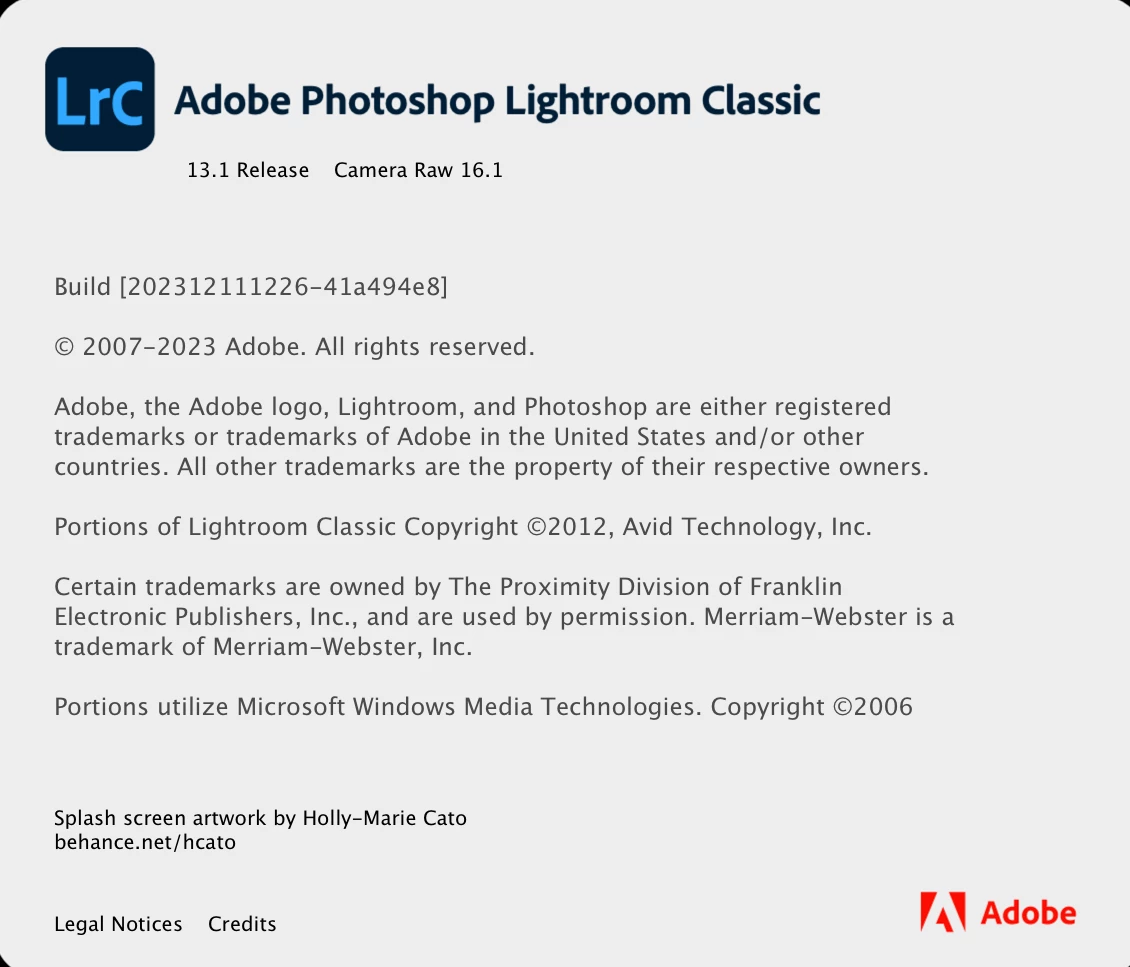
Please find Lightroom version attached:


OS version attached: 

 

Original image:


After image:
 

Thanks

This topic has been closed for replies.

7 replies

Participating Frequently
April 27, 2024

This issue has already been reported by other users. To summarize once again, if you run the AI denoise function on a RAW file taken with the EOS R8's 'electronic shutter', two or more purple lines will appear in one corner (right of the photographer)... In the original file before running the function, Since the problem does not appear to occur, it seems to be a compatibility issue between the function and the ‘Electronic Shutter RAW File of EOS R8’.


I also complained about the same symptoms after seeing it reported here around January of this year, but even though the employee said they had received the test file and passed it on to the technical team, the problem has not been resolved yet?


I am eagerly waiting for the problem to be resolved through an update. If anyone is experiencing a similar problem, I would like to look into the case together.


※ To improve visibility, I raised the exposure to a certain level. Please pay attention to the purple lines drawn in the right corner of the photo.

johnrellis
Legend
April 28, 2024

Unfortunately, Adobe rarely indicates when or if a bug will be fixed. LR and Camera Raw are normally released every 8 weeks, which means LR 13.3 is overdue and likely to be released soon.

Participating Frequently
April 2, 2024

Is there currently an outline of a cause or solution for this problem?

Participating Frequently
March 17, 2024

I am also experiencing a problem with the same model as the author of this article, EOS R8. In particular, when AI noise is removed from RAW files taken with an electronic shutter, a clear purple line is visible as in the text. When will the error be corrected?

Participating Frequently
March 17, 2024

When I apply the AI noise reduction feature in Lightroom Classic to a RAW file taken using the electronic shutter on my EOS R8, I'm having an issue with a distinctly thick purple line appearing on the right side of the photo.

Although the problem is not visible in the RAW or JPG file itself, it becomes easily identifiable once the AI noise reduction function is used. If it is a dark area, it becomes more noticeable, and even if it is not, it is definitely a problem.

At first, I thought it was a sensor problem, but after searching, I found several cases of the same problem. And even with the same body, the problem appears to only occur when an electronic shutter is used, so I am guessing that it may be an operating error in the AI noise reduction function.

This problem occurs as shown in the photo attached below, and the exposure was intentionally adjusted to an exaggerated value so that it could be clearly identified.


Rikk Flohr_Photography
Community Manager
Community Manager
January 2, 2024

Thank you for the test files. The Camera Raw team is reviewing the issue. 

Rikk Flohr: Adobe Photography Org
Rikk Flohr_Photography
Community Manager
Community Manager
January 2, 2024

Moving to Camera Raw Forum

Rikk Flohr: Adobe Photography Org
Bob Somrak
Legend
January 1, 2024
Rikk Flohr_Photography
Community Manager
Community Manager
January 1, 2024

Is it possible to share both the original and the enhanced DNG for us to review? 

Rikk Flohr: Adobe Photography Org
ahmadoooo
ahmadooooAuthor
Participating Frequently
January 1, 2024

I tried to upload the images twice but not sure why I receive this error. Also, tried to put them in zip file but it was not allowed. Any suggestion?


Correct the highlighted errors and try again.

The attachment's img_1433.cr3 content type (application/octet-stream) does not match its file extension and has been removed.
The attachment's img_1433-enhanced-nr.dng content type (application/octet-stream) does not match its file extension and has been removed.