Participating Frequently
March 4, 2025

P: LCP profile needs adjusted for Sony Raw-M and Raw-S

  • March 4, 2025
  • 5 replies
  • 469 views

Hello everyone,
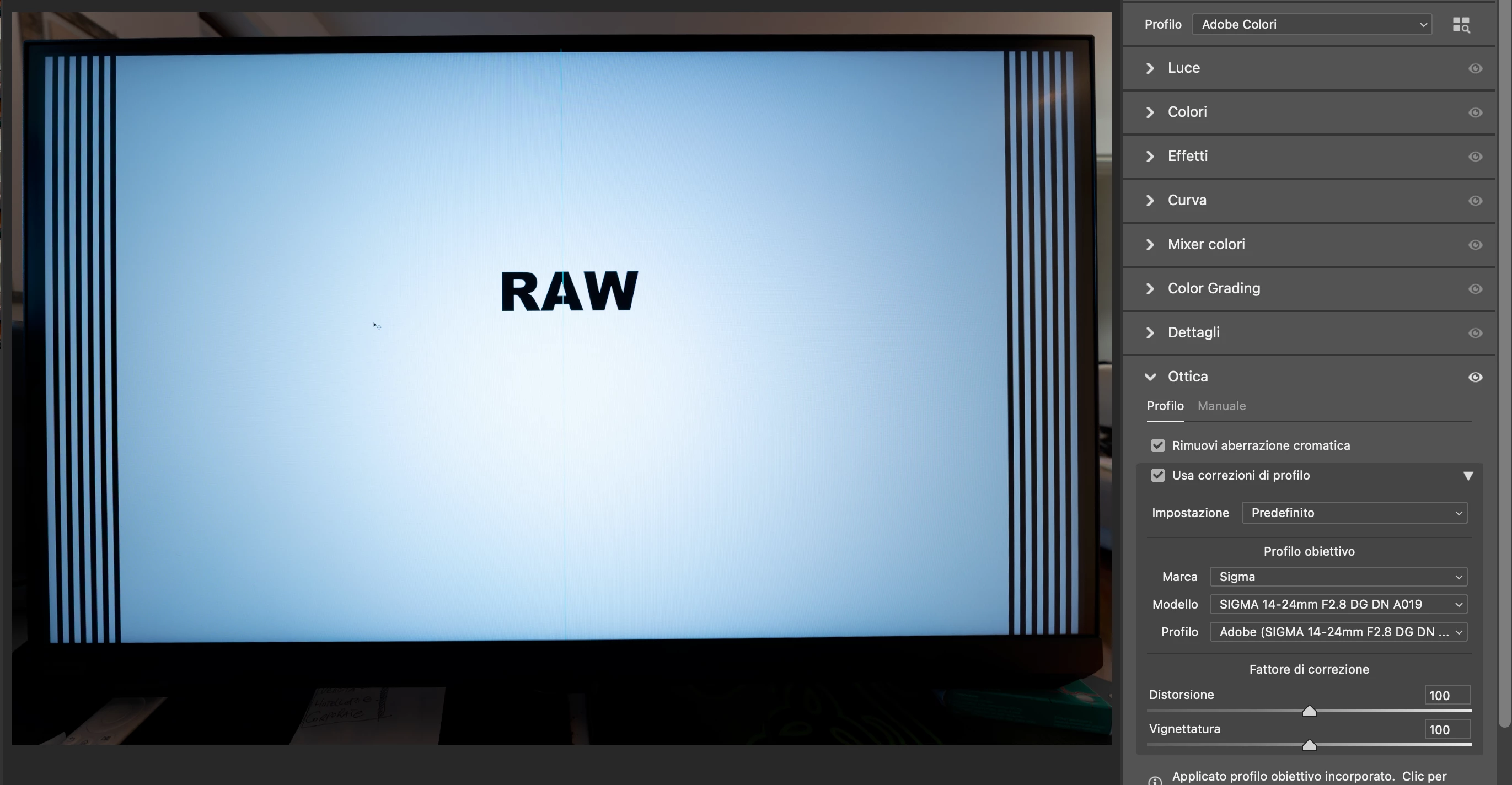
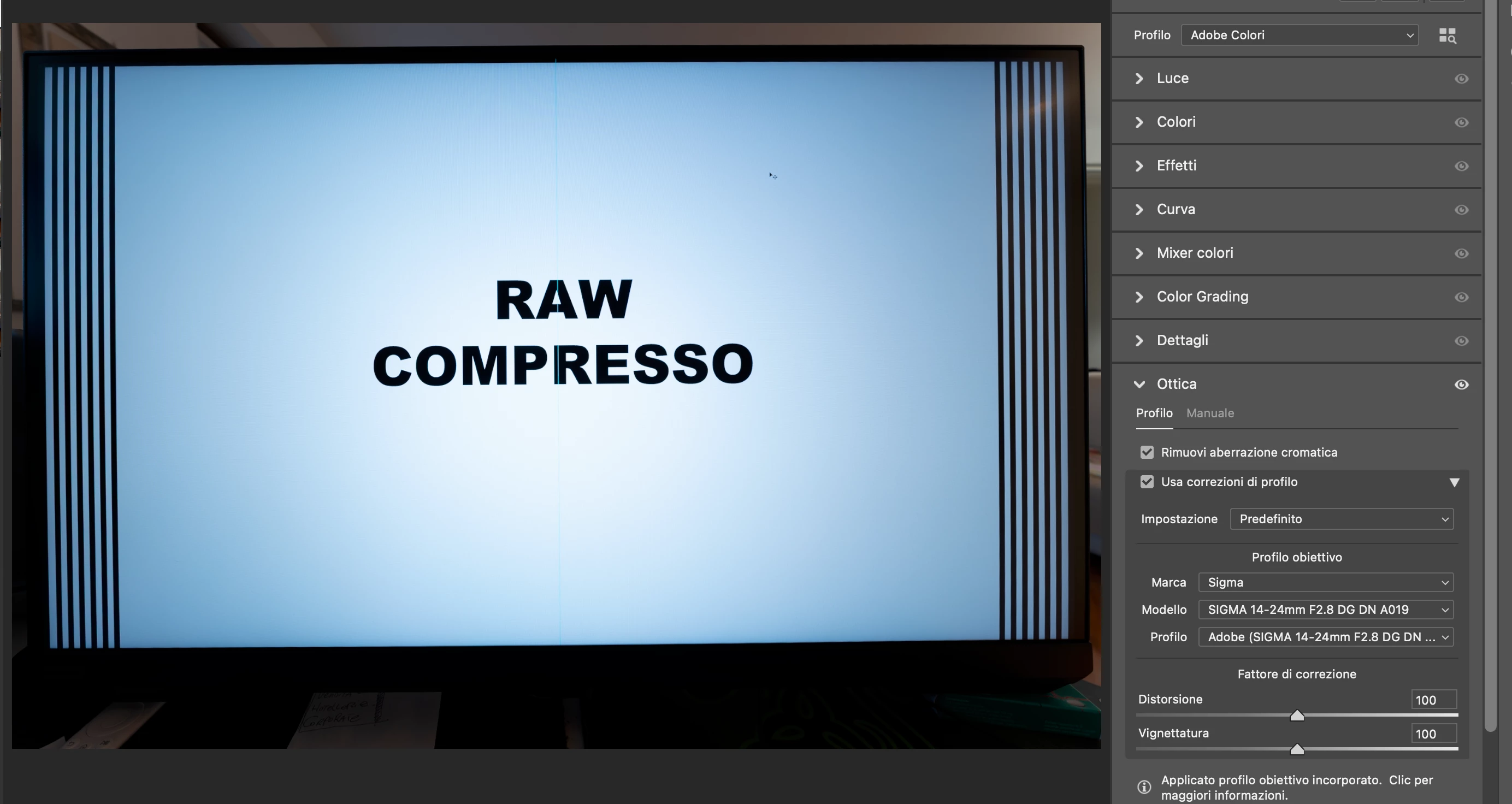
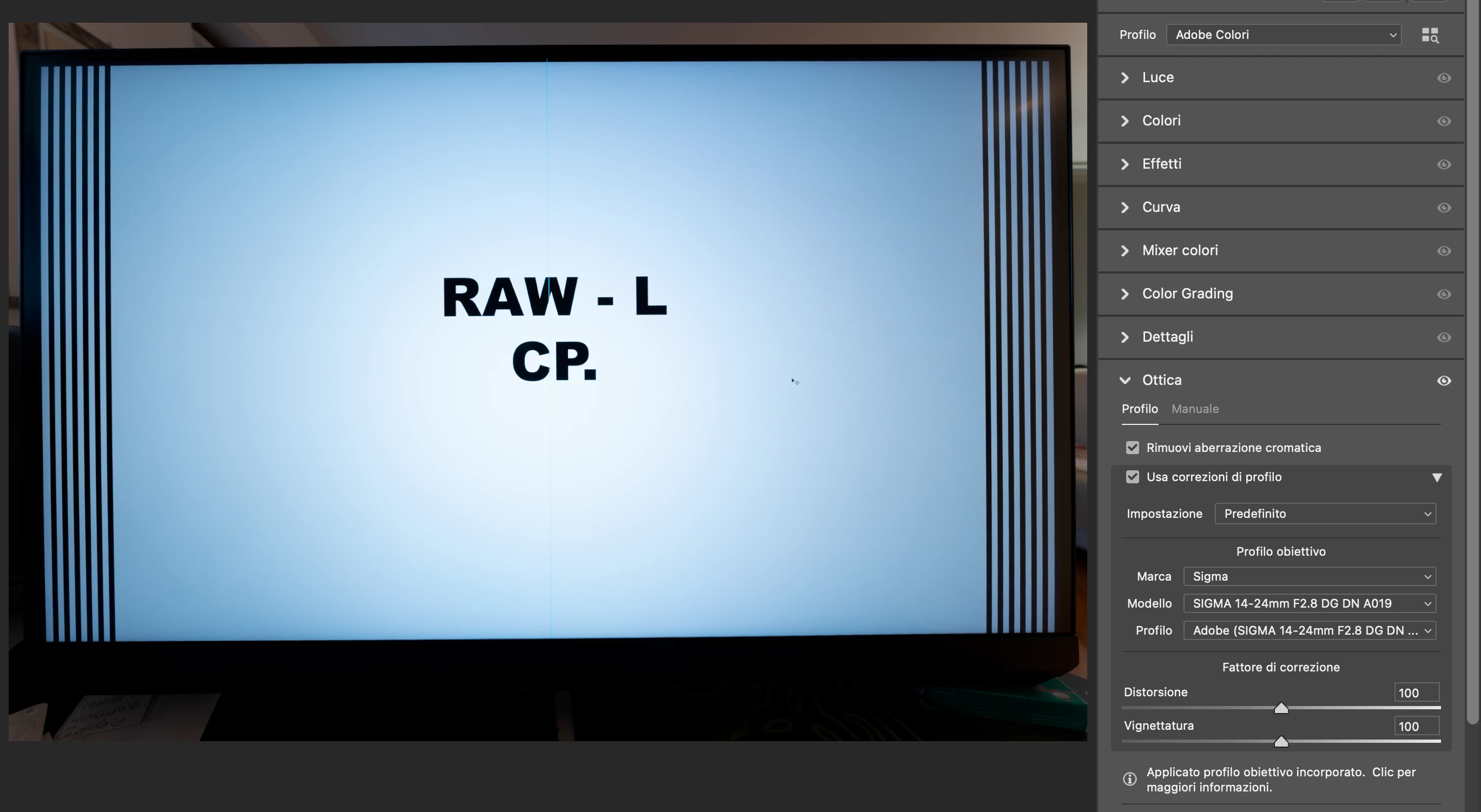
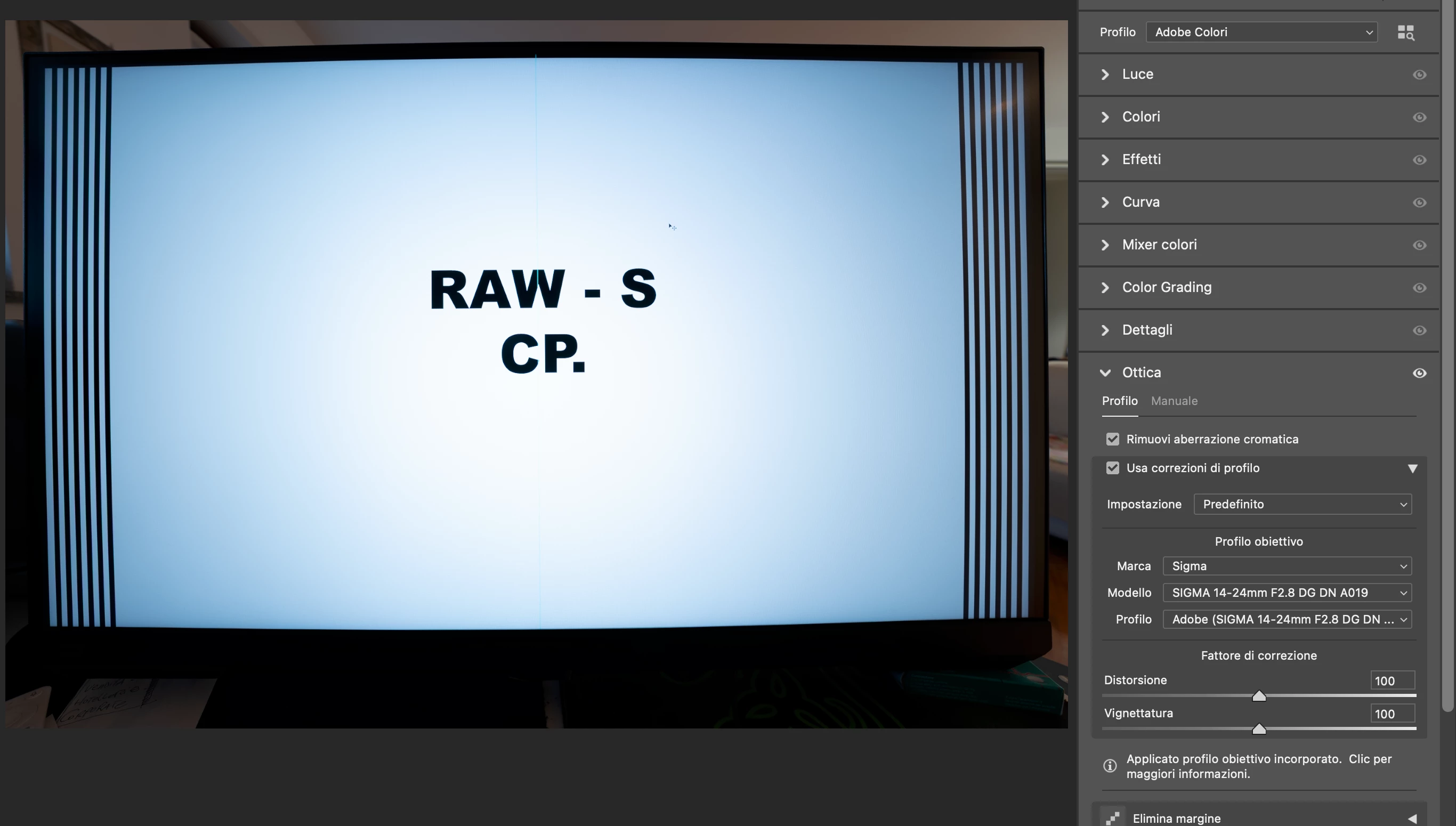
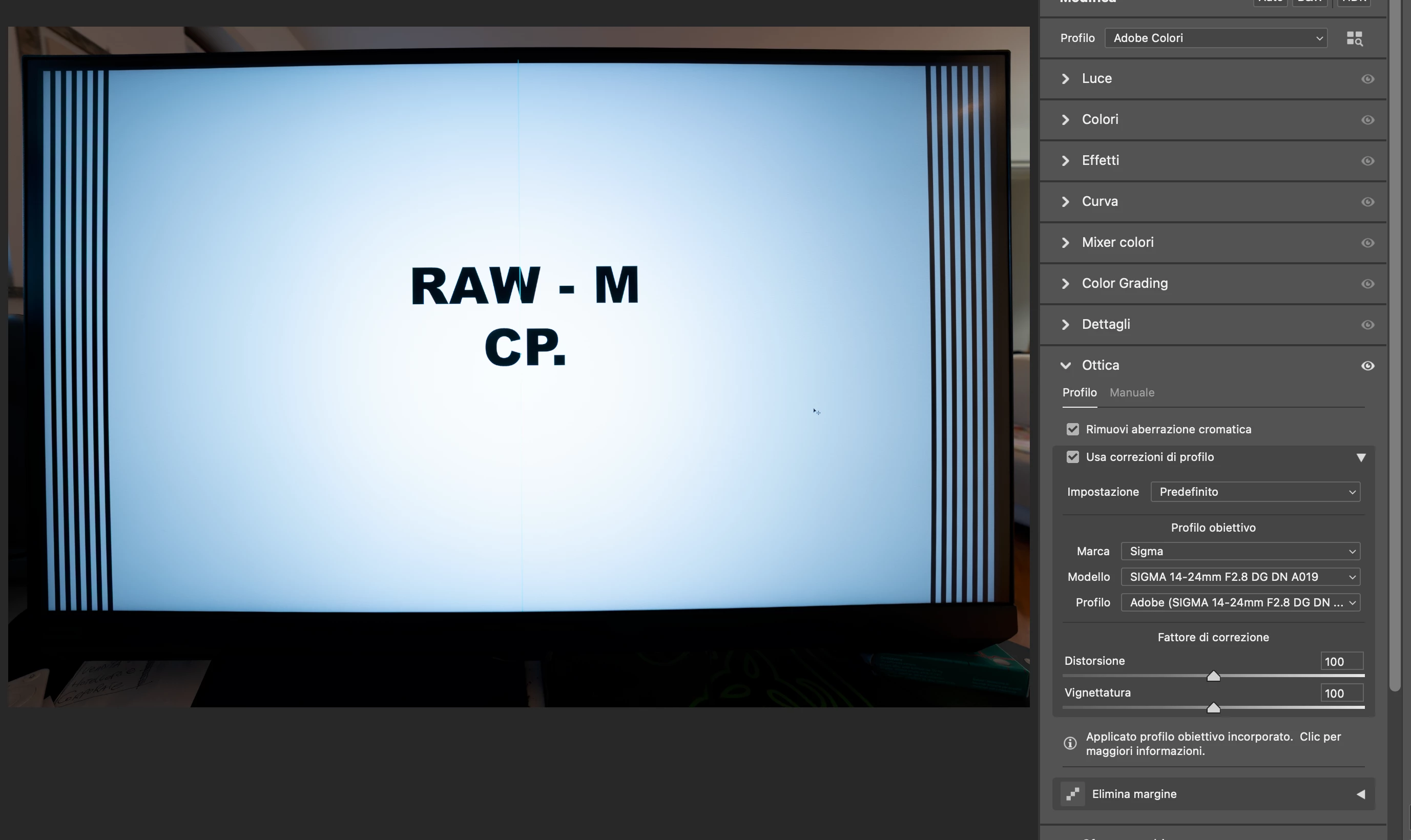
I’ve noticed that on Camera Raw, the RAW-S and RAW-M files from the Sony A7RV are rendered poorly, both in terms of color but especially in distortion correction.

On Capture One and Sony’s Image Edge, the images look perfectly identical and distortion-free.
On Camera Raw, however, they appear overly distorted.

Here is the download link for the RAW files:  https://www.swisstransfer.com/d/2610f26d-8328-4694-b9c9-ddf1f63f33f4
I did tests with RAW, RAW COMPRESSED, RAW-L, RAW-M, and RAW-S, and the issue only occurs with M and S.

I need the distortion and vignetting to be corrected properly, considering that I pay for the software.

I hope someone can help me.
Thank you
5 replies

Participating Frequently
October 23, 2025

I'm so glad I'm not the only one seeing the same happening.

In my case the same incorrect correction is applied in Lightroom Classic, the same way as described above. It also happens with Sony A7 IV (I suspect all M and S RAWs from Sony will be affected).


I also see this happening in other circumstance - when I convert any kind of RAW into resized/smaller lossy DNG in Adobe DNG Converter before I import them to LrC, and then I create HDR in a Lightroom (creates another HDR DNG out of say 3 source DNGs), the lens corretion profile is incorrectly applied the same way as with native S and M RAWs straight from the camera. And when I convert to lossy DNGs, but keep the same pixel count, the HDR merge in LrC has no proble and LCP applies correctly.

Karsten.G
Known Participant
April 1, 2025

As developer of a LrC plugin that displays focus points I have received a user report that for some A7R5 images the focus point significantly deviates from the camera display.


Analysis of the problem has revealed that the root cause is faulty / inconsistenst handling of embedded previews by LrC for in-camera cropped A7R5 images (taken in 16:9, 4:3, 1:1 aspect ratio). When rendering previews on import (minimal, standard, 1:1) everything works as expected.


To illustrate the situation, here are screenshots from the Library module for a 16:9 in-camera crop capture:
- 1st image: Display of embedded preview 
- 2nd image: Display of rendered preview


RAW file:

https://drive.google.com/file/d/1peDrS8KFcE27Tq-OP-WNBcFGlGGOhOi7/view?usp=sharing


The RAW file contains three embedded preview images, (IFD0:PreviewImage, IFD1:ThumbnailImage, IFD2:JpgFromRaw) - all of them are 16:9, showing the exact same frame like the rendered preview. When using "embedded", LR seems to create a special, faulty version (with with cut-off edges on the left and right) of embedded preview.


The full discussion including links to more images, also in 1:1 and 4:3 aspect ratio can be seen here:

https://github.com/musselwhizzle/Focus-Points/issues/228 

NilsRossiAuthor
Participating Frequently
March 14, 2025

Hello Rikk, 
Is there any news about that? 
Thank you

NilsRossiAuthor
Participating Frequently
March 5, 2025

Thank you! Keep in touch.

Rikk Flohr_Photography
Community Manager
Community Manager
March 4, 2025

The Camera Raw engineering team has opened a ticket to investigate. Thank you for your report. 

Rikk Flohr: Adobe Photography Org