




Access Restricted - Plugins are unavailable for your user type
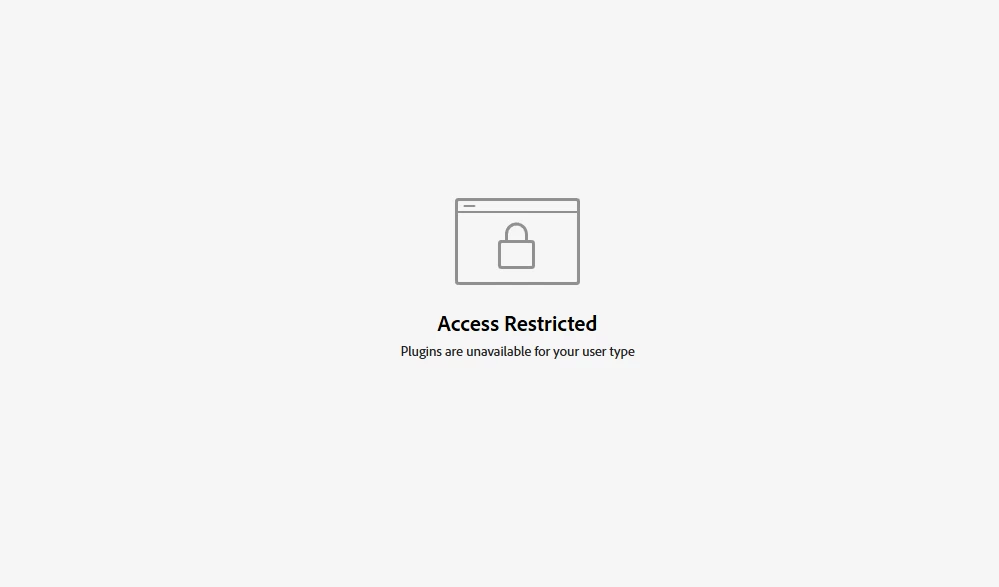
Recently the Exchange team rolled out a change for compliance reasons. For the change, the Exchange marketplace was disabled for education accounts. Unforutanely, all education accounts were disabled, not just kindergarten - 12th grade accounts as intented (sometimes called primary school). We are working to roll back this change until we can filter K-12 accounts on the Exchange and allow higher education accounts (colleges and universities).
You can verify if your account was affected if you ses the error pictured above and the message "Access Restricted - Plugins are unavailable for your user type" when visitng this page: https://exchange.adobe.com/apps/browse/cc If you log out, you can see and browse plugins as expected.
If you don't have an education account and are still experiencing this error, please reach out to asupport@adobe.com with the affected email address.
Update, December 19: The change was rolled back. Let us know in this thread if you continue to experience this problem.
 AdChoices