

Under Review
Changing the font in the Glyph panel updates Character toolbar, but then doesn't reflect correct font when changing selection.
First, can I just say that this bug form is a mess. If I want to edit the title of my post, it loses the content I have been laboring over for the last hour. You end up getting the shorter, less effective description because I have to start all over. Please fix this.
Changing the font in the Glyphs panel will only display the icon font if the text object is empty. If there is text in the text box, selecting Font Awesome in the Glyphs panel shows a blank.
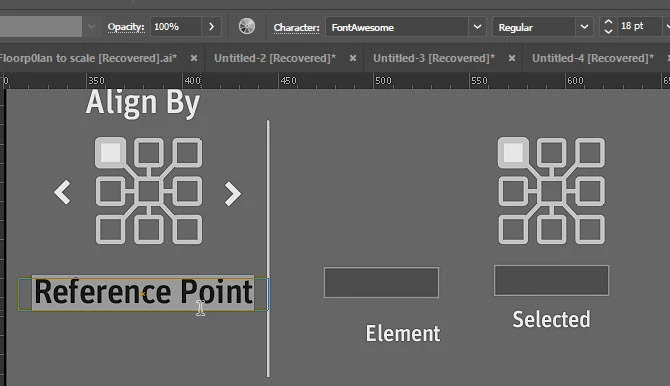
Also, when I return to the workspace and drag-copy a previously defined text object, select the text tool and begin editing the text, the Character field in the main toolbar says “font awesome” though it clearly is not font awesome.


 AdChoices