



Needs More Info
Expanding an object moves the opposite edge slightly
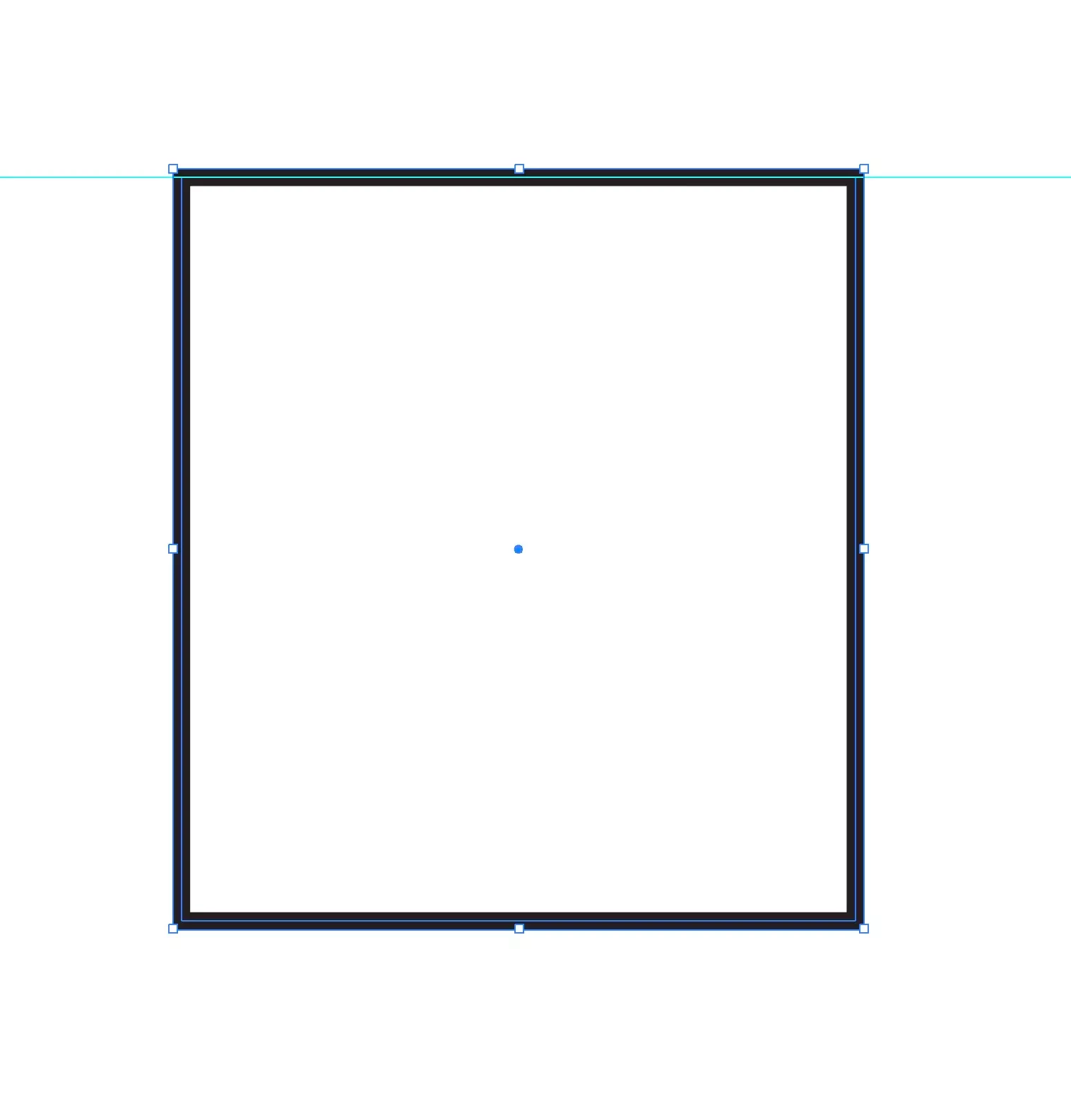
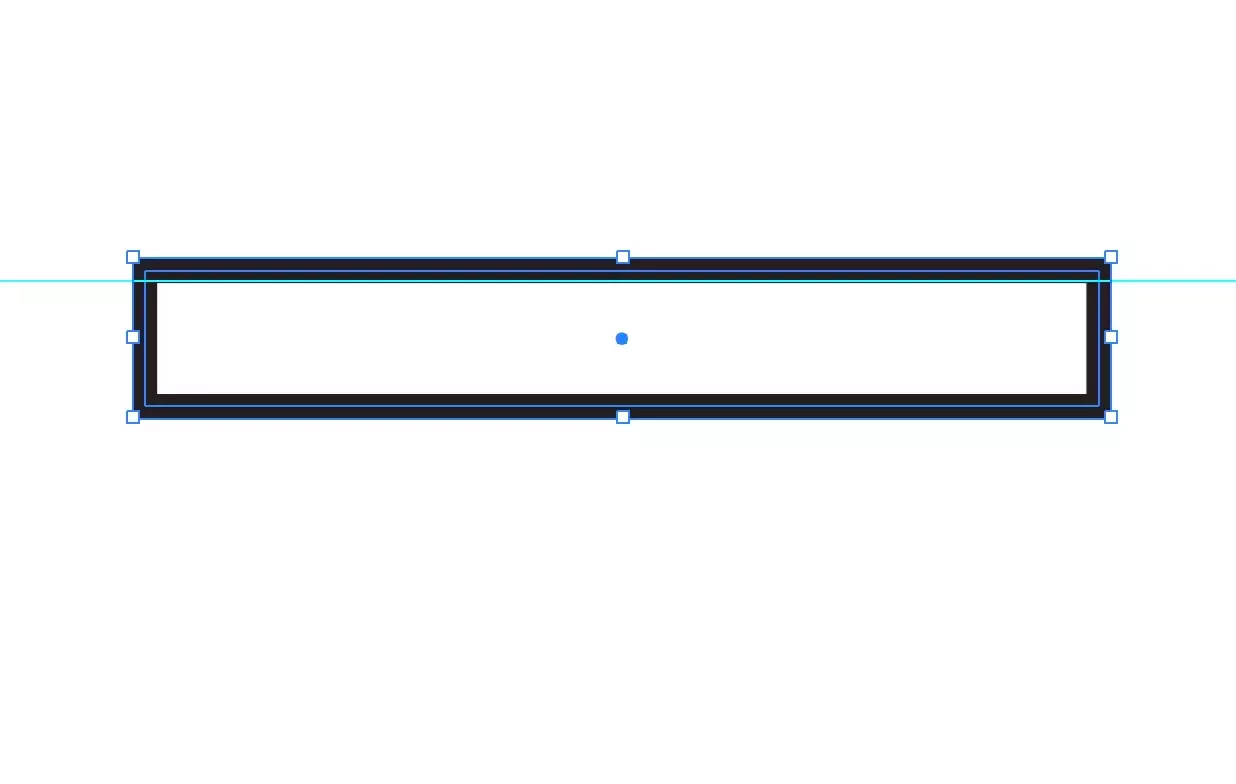
Transforming an object when “use preview bounds” enabled, has a strange quirk. This happens in the beta app and the regular app. What I notice I that the transforming the object moves it slightly.
In the second image below, I have moved the bottom edge up, transforming the square thinner. You can see the top edge has moved up. You can see how the square outline is now above the cyan guide.
Not sure if this is how it is supposed to work, but it’s not what I would expect. I would not except a position shift on transform (manually moving an edge) even with “use preview bounds” enabled.
 AdChoices