Participant
August 11, 2026

scaling objects with a stroke applied changes the origin point of the scale from the edge of the stroke and not the anchor point
  • August 11, 2026
  • 2 replies
  • 7 views

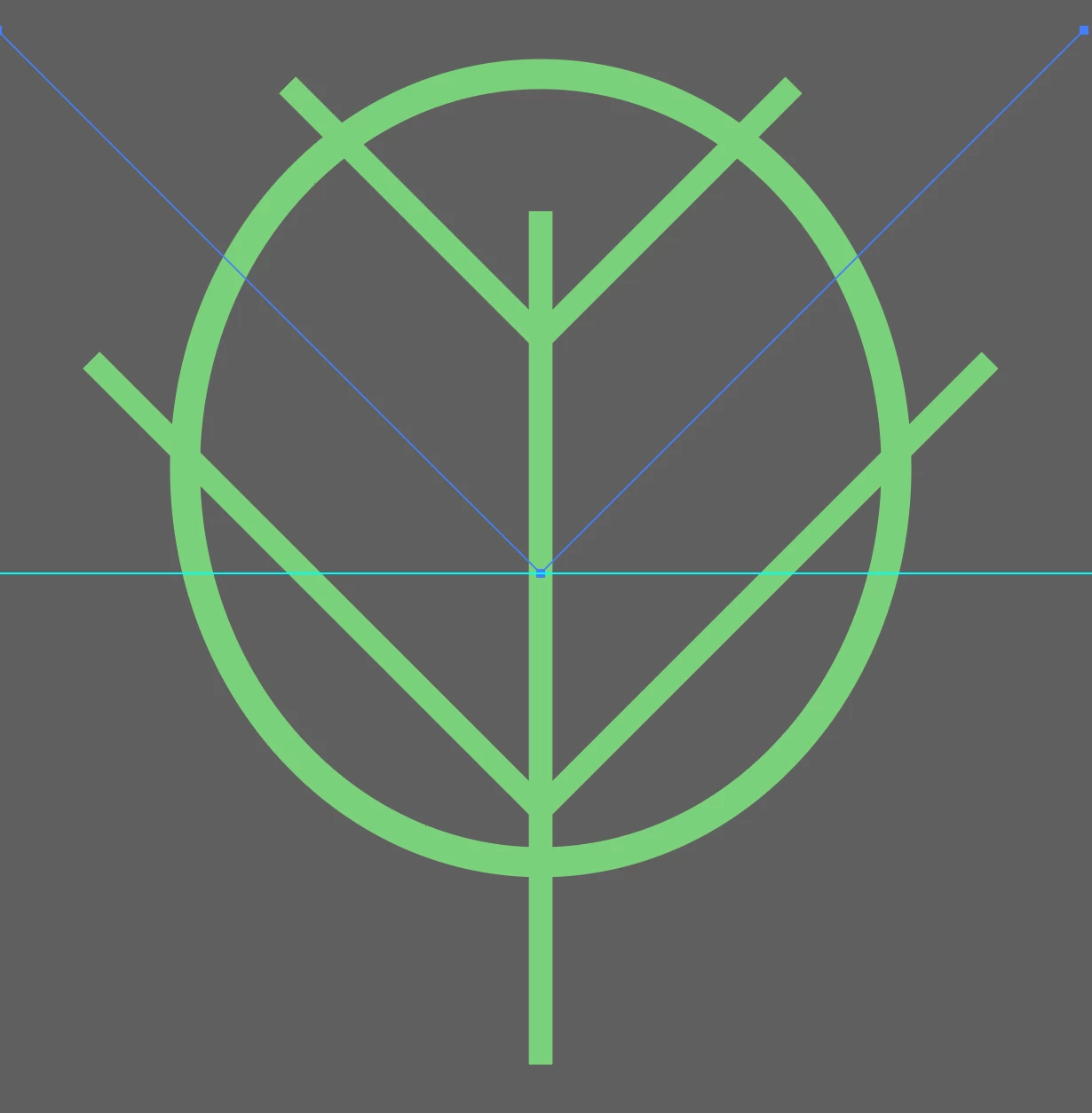
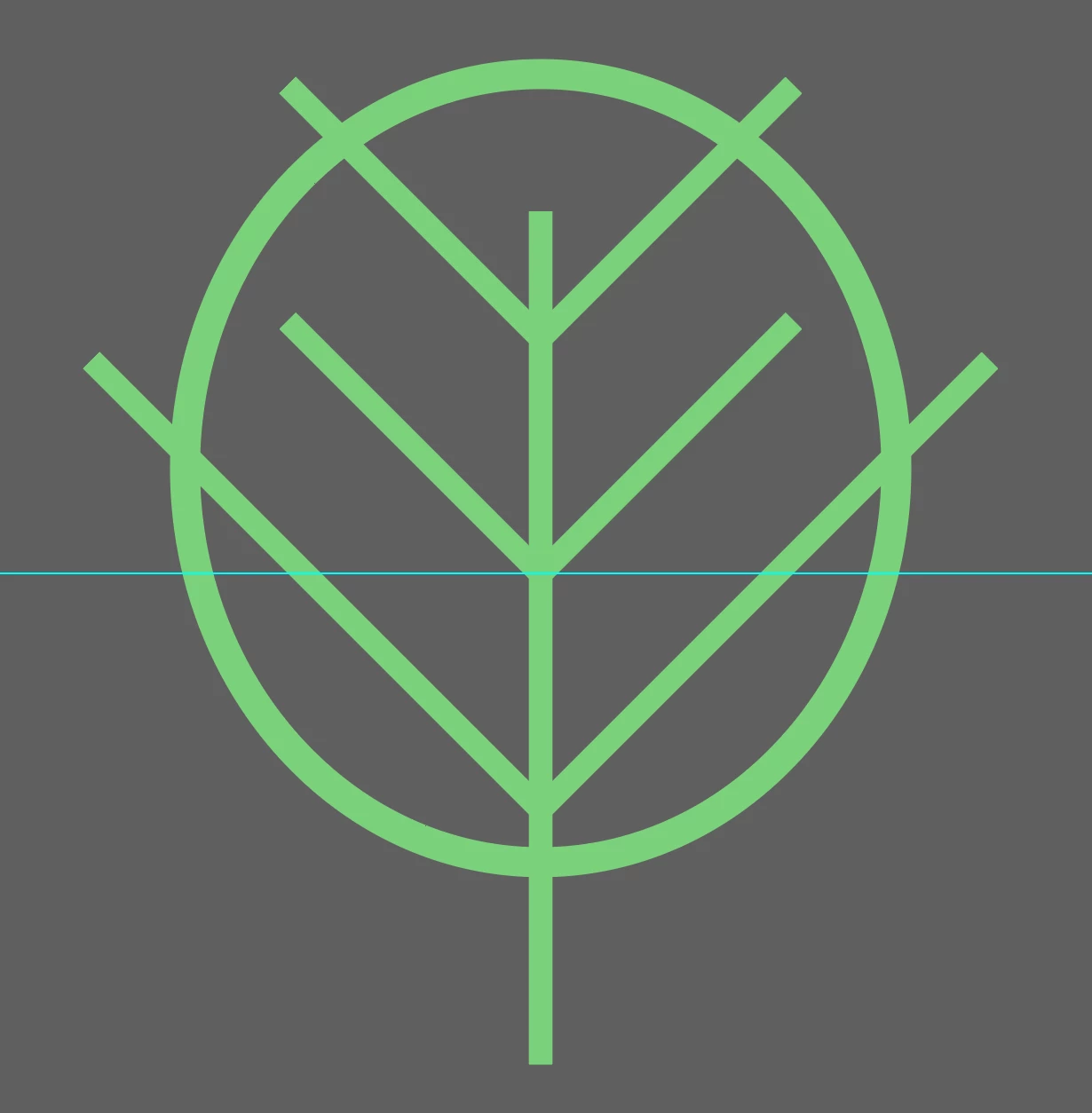
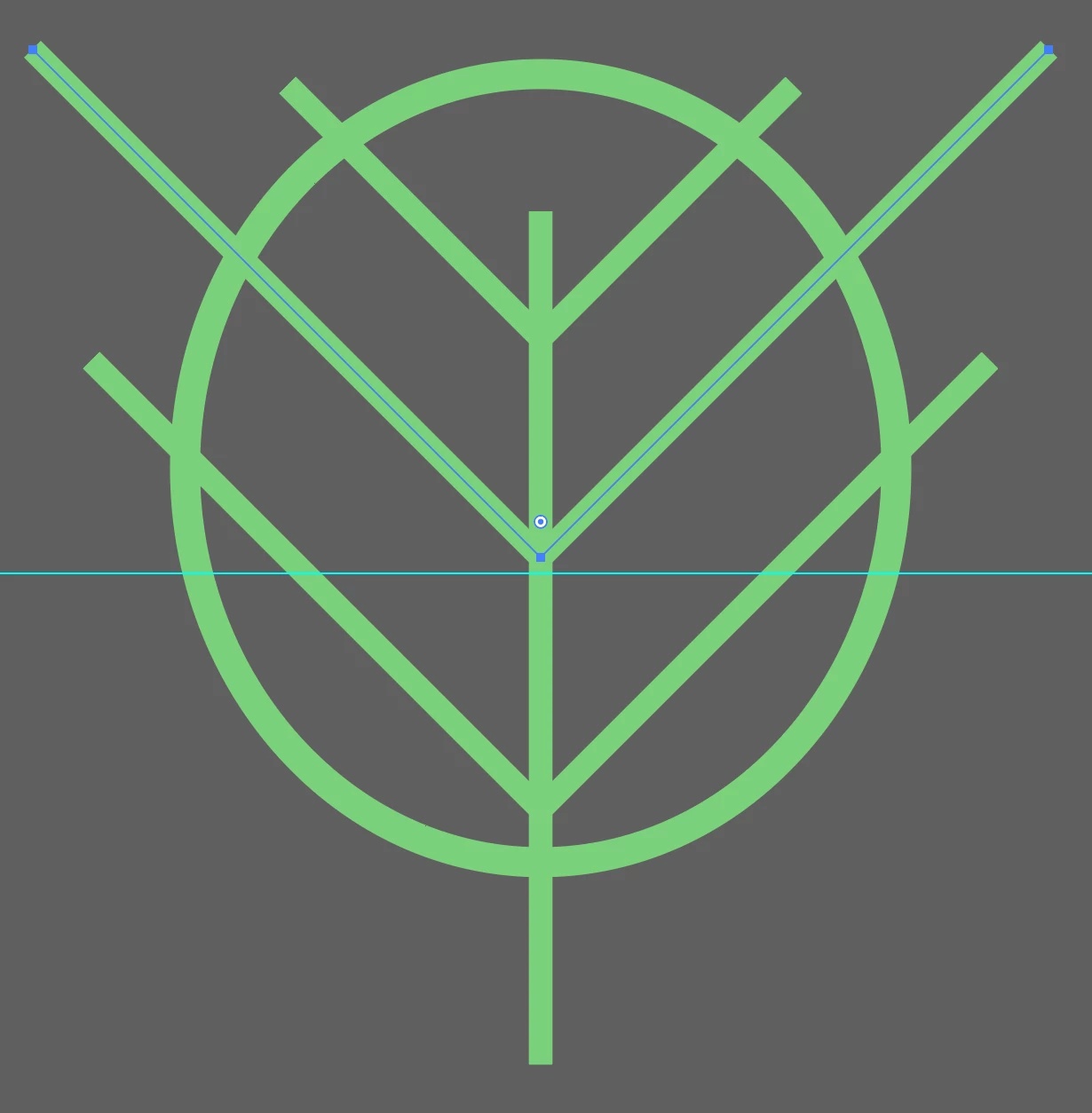
in trying to scale this object up from the top edge when a stroke is applied it changes the position of the bottom anchor point. You can see the anchor point position compared from image 2+3, the transformed line with the stroke has been moved away from the guide, while it (correctly) stays in the right position when the stroke is removed.

    This topic is closed to new replies. Start a new post to keep the conversation going.

    2 replies

    Smriti Capoor
    Community Manager
    August 13, 2026

    Hello ​@RussellWarrington81 thank you for reaching out. Can you please confirm which Beta version are you working on?
    Also, can you please confirm about your “Use Preview bounds” preference? When Use Preview Bounds is ON, Illustrator uses the visual bounding box (outer stroke edge) for transformations. When it's OFF, it uses the geometric bounding box (anchor points). Hopefully, this may help.

    Smriti, Product Marketing, Adobe Illustrator
    Participant
    August 13, 2026

    The ‘Use Preview Bounds’ was turned on...problem solved!

    Thank you.

    (For the record I am using 30.9.89)