


Turntable feature immediately flashes open/close pop-up and fails across multiple computers
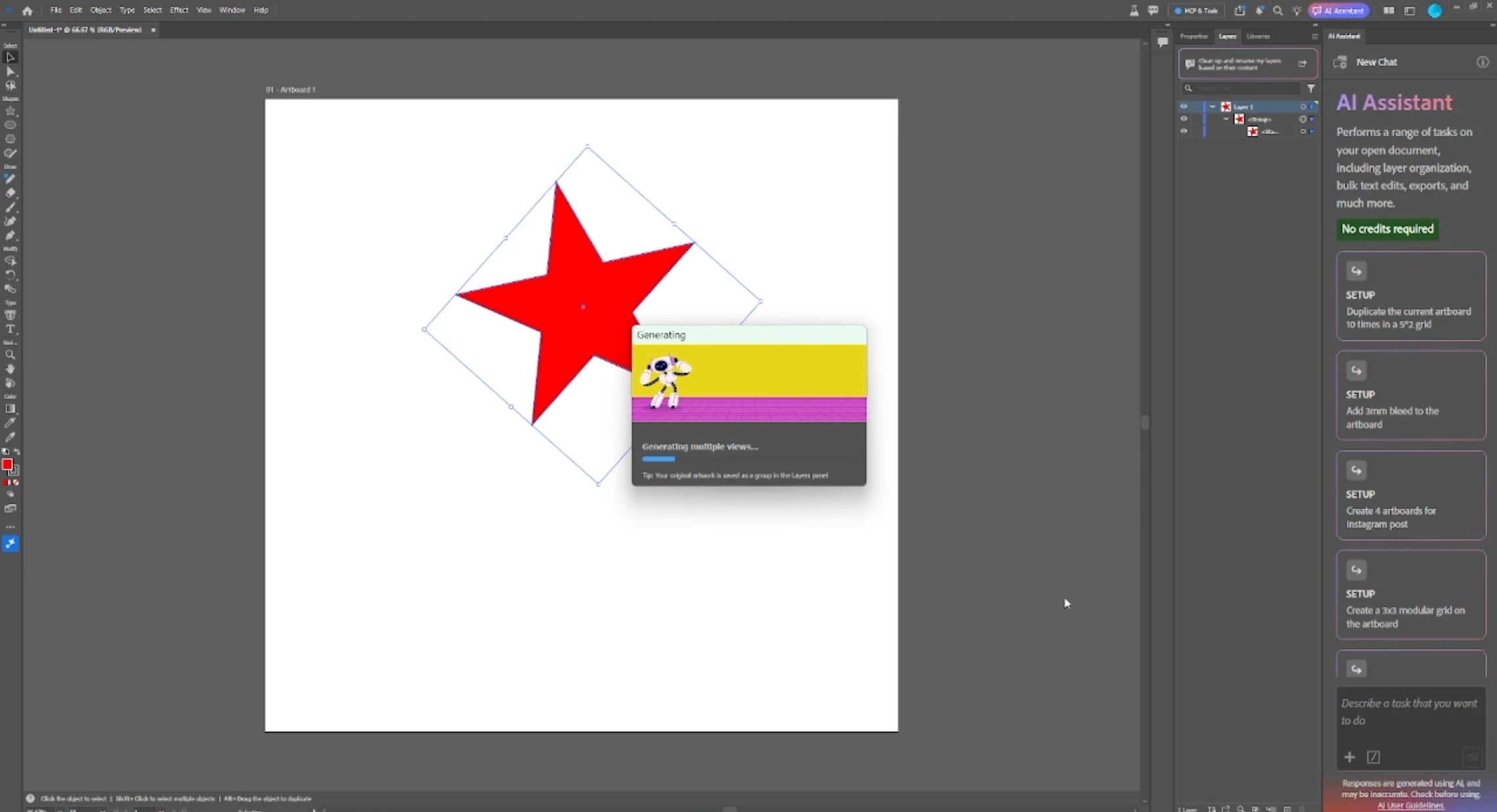
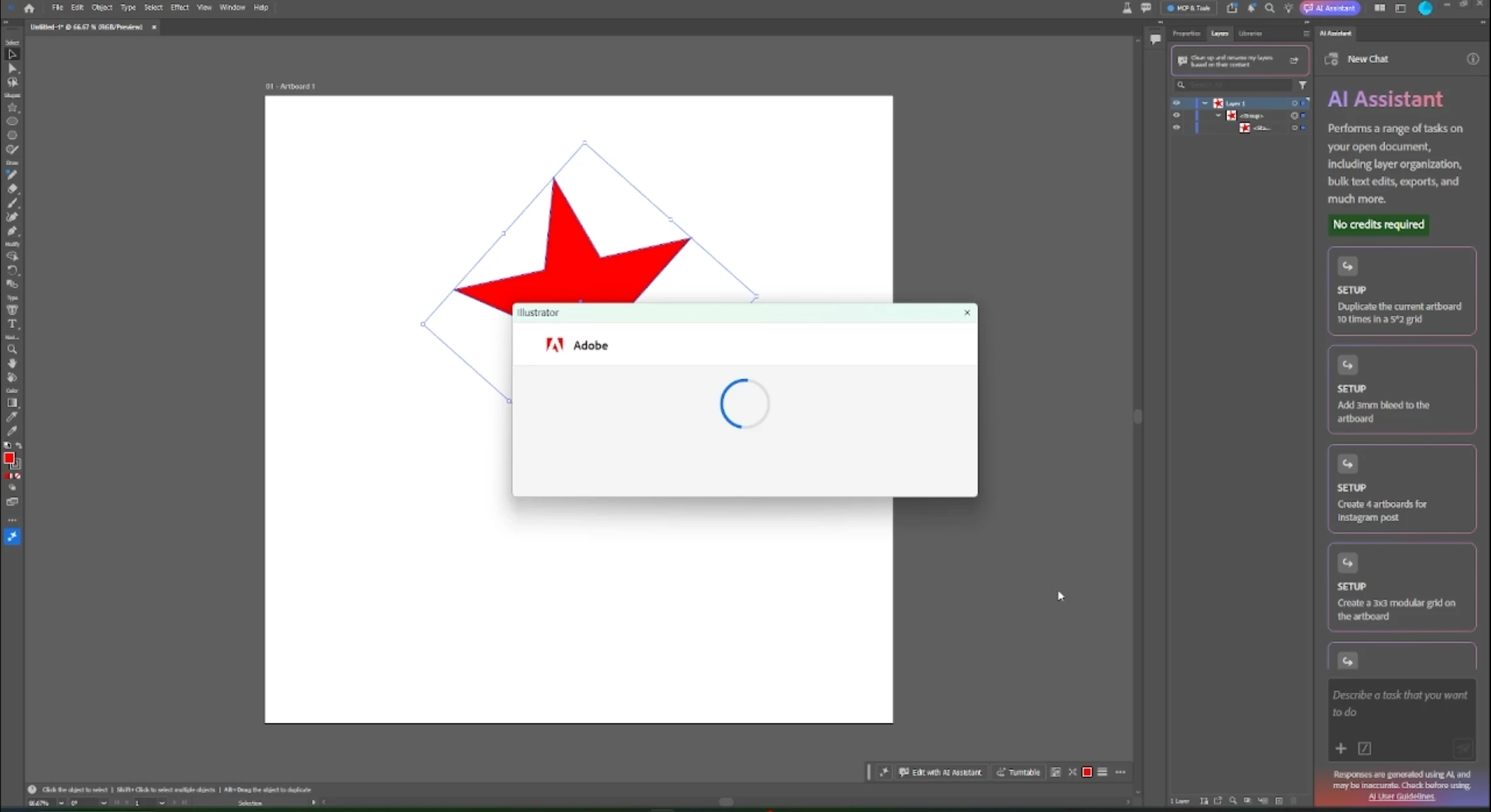
I'm having a really annoying issue with the new Turntable feature in Illustrator. Whenever I select an object and click Turntable, the generation loading window flashes on my screen for a split second, immediately shuts down, and then nothing happens. The artwork doesn't change at all, and it doesn't even turn into a Turntable group in my layers panel.
This isn't just a glitch on one machine or with one specific file. It happens on multiple different computers using my Adobe login, even if I try it on a super basic shape in a brand-new blank document.
The weirdest part is that other AI tools like Text to Vector work completely fine on the exact same computers and internet network. So I know my internet is working and I definitely have plenty of generative credits left.
Here is everything I've already tried to fix it, but nothing has worked:
- Checked my Adobe account page to confirm I have lots of generative credits.
- Grouped and expanded the artwork to make sure the paths are clean.
- Tried it on both the standard version of Illustrator and the latest Beta app.
- Made sure the Contextual Taskbar is turned on and tried resetting the workspace.
- Turned off GPU rendering to see if it was a graphics card glitch.
- Renamed the UXP cache folder to reset the plugins.
- Rasterized the object into pixels before clicking the button.
Since it is happening across different computers, it feels like Adobe's servers are directly rejecting my account connection or dropping the tool's handshake right as it loads. Has anyone else dealt with this or found a workaround?
 AdChoices