


PC Optimization for Premiere Pro
Hello Guys,
My PC has the following specs:
ASUS Prime Z790-P Gaming Motherboard Socket Intel LGA1700
Intel Core i9-13900K Desktop Processor 24 Cores (8 P Cores + 16 E Cores) 36M Cache, up to 5.8GHz
Noctua NH-D15 Chromax.Black, 140 mm Dual-Tower CPU Cooler (Black)
Corsair HX Series 80Plus Platinum
Corsair iCUE 5000X RGB Mid Tower
LG 32UL950-W 80.01 cm (31.5 Inch) Ultra HD 4K UltraFine Monitor
The gear that I am using is:
A7Siii + iPhone 13 Pro + GoPro Hero 9
Now, what steps should I take to optimize my PC to its highest productivity as I mainly use Premiere Pro and so far, quite rarely After Effect?
- Changed the Nvidia driver from Game Ready to Studio
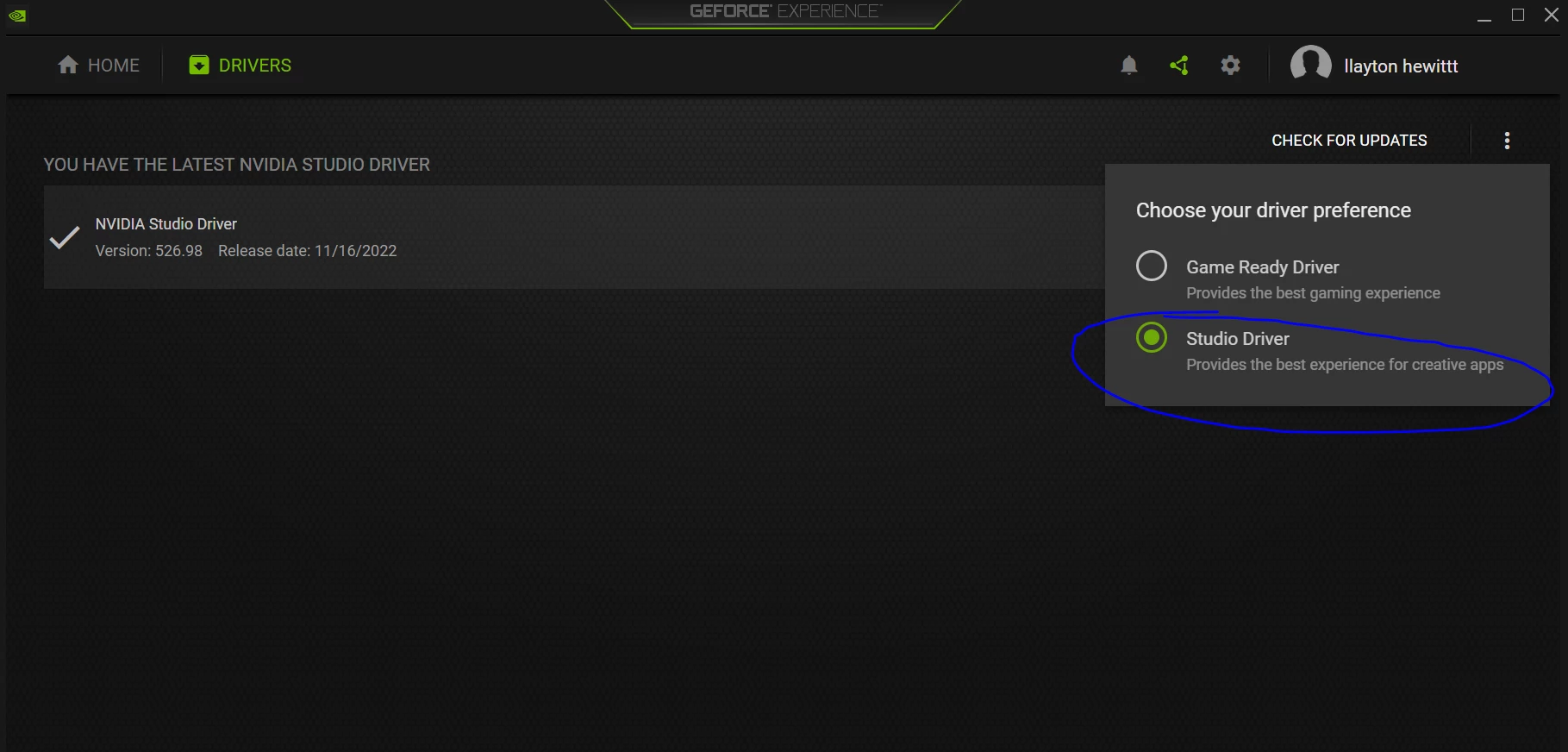
- As kindly suggested by Mr. RjL190365
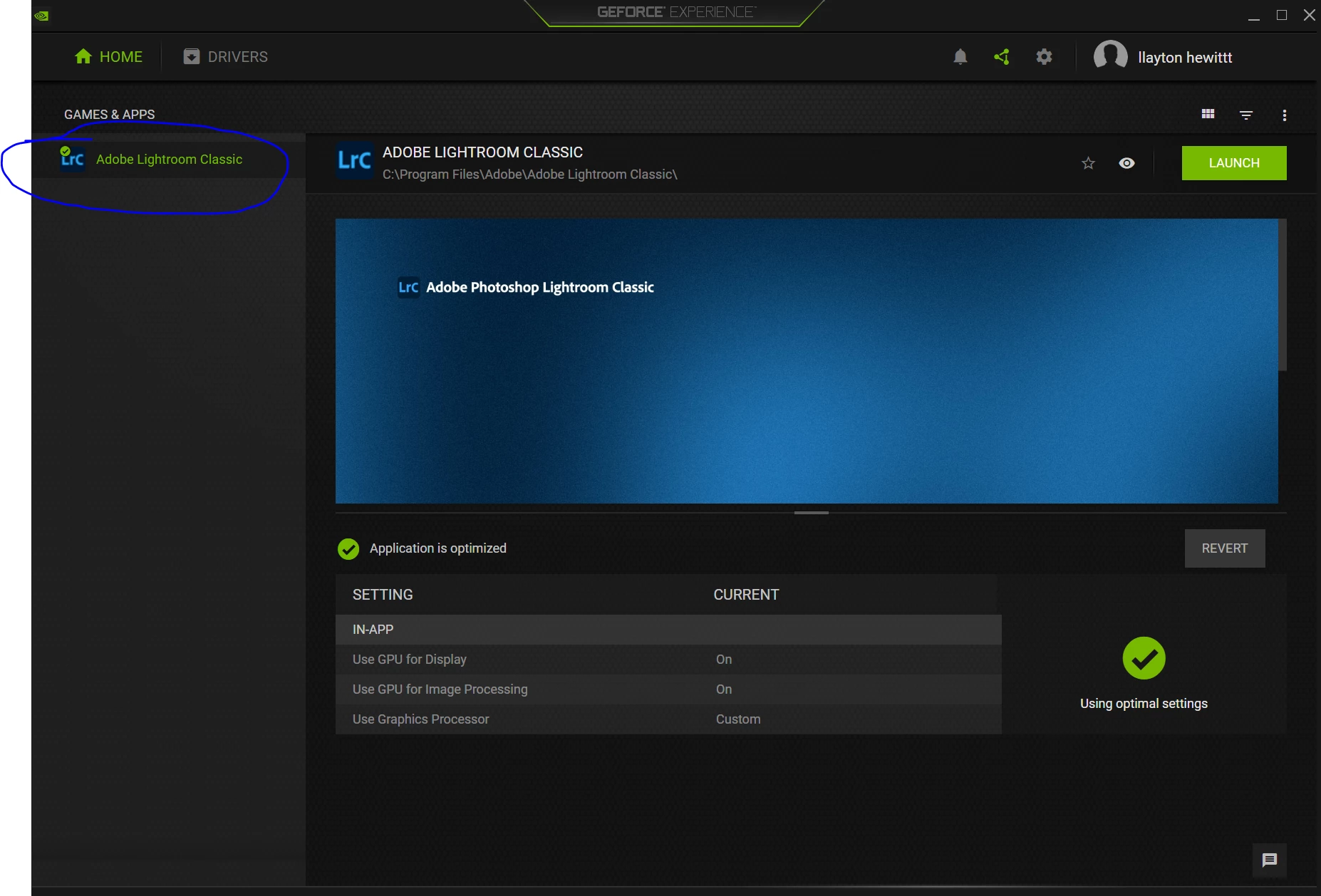
“Some motherboards disable the IGP by default. To enable the IGP on the Asus motherboard, you will need to get into the BIOS setup, click "Advanced mode", then click the "Advanced" tab and then the "Graphics Configuration" line item, and then enable the "iGPU Multi-Monitor" (this item may have been set to "Disabled" by default).” - Here in my Geforce Experience could not find Premiere Pro (only Lightroom classic), guess no plugin for Premiere Pro?
I have noticed that when I try to, say force my PC with higher workload, say decode the H.264 10-bit 4:2:2 from my A7Siii or speed up some 4h long video from my iPhone/GoPro, again quoting the man, the myth, the legend Mr. RjL190365
“CPU gets slammed while decoding that footage (because all decoding of that 4:2:2 video will be handled entirely by the CPU with absolutely no help whatsoever from the GPU)”
Confirming that with the following screenshot:
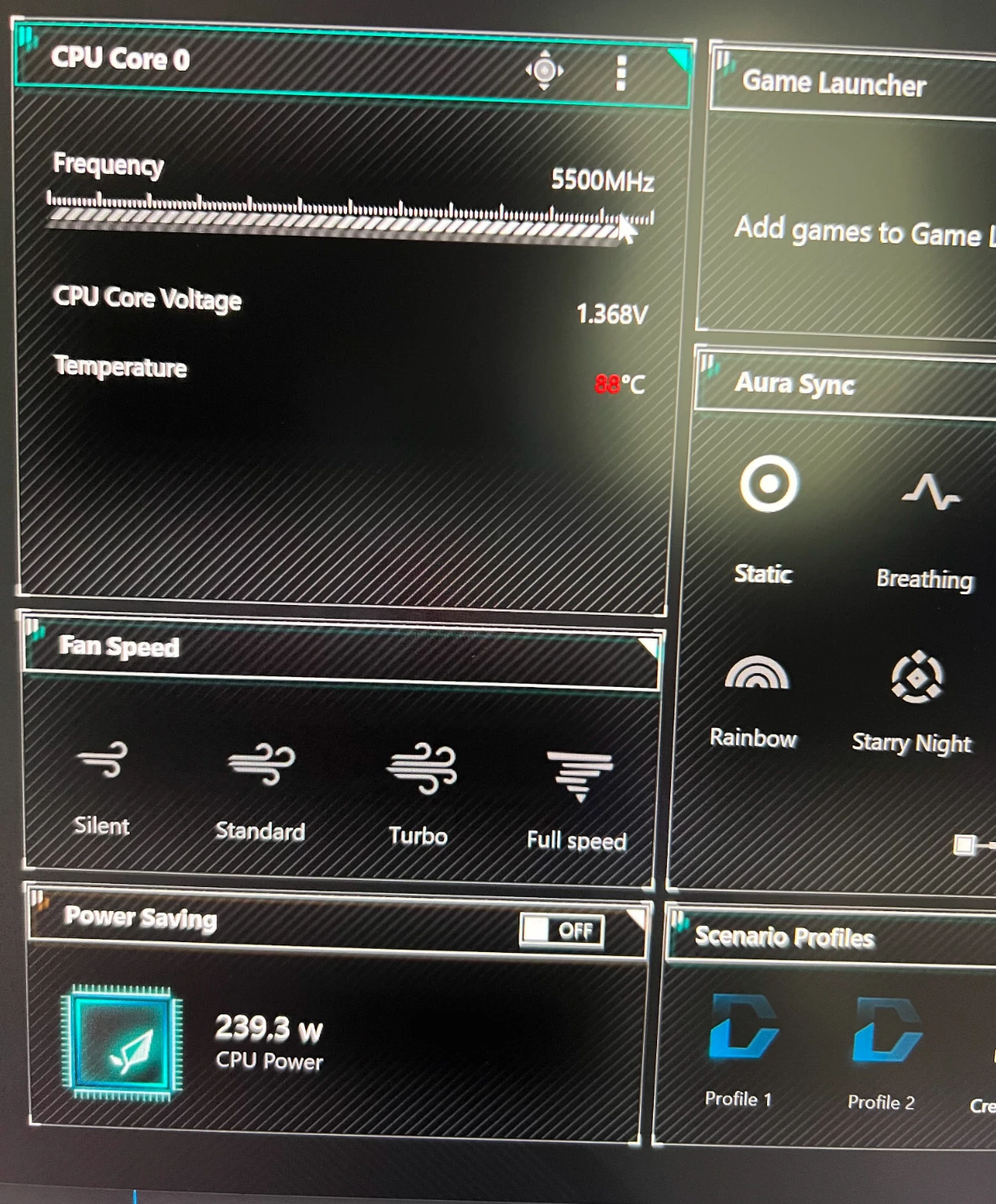
In the task manager, CPU Usage Column equaled 100%
Definitely do not want to blow up the processor, so what do you awesome people suggest to mitigate this issue?
- Anything else I might be missing?
Thank you so much, in advance, for taking the time to help me out!
 AdChoices