



Premiere not utilising Radeon (OpenCL) card during playback
I'm experiencing a lot more chop than usual during playback.
OpenCL is correctly being detected and selected for my project: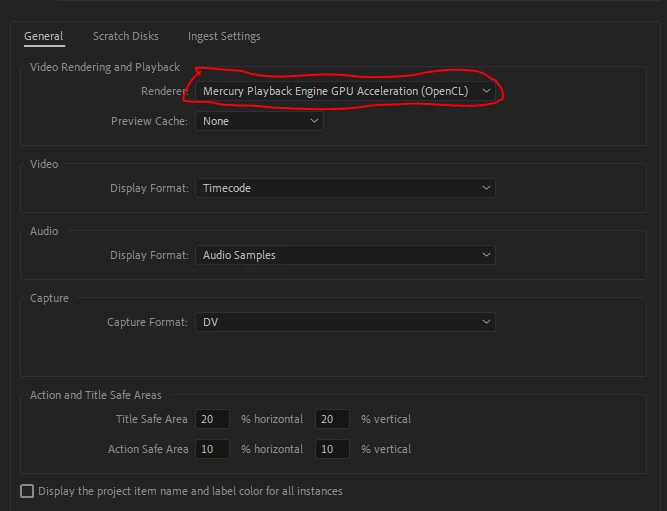
However, during playback my graphics card is barely being utilised (Radeon RX 550), while my CPU is maxed out at 100% (Intel i7-9700).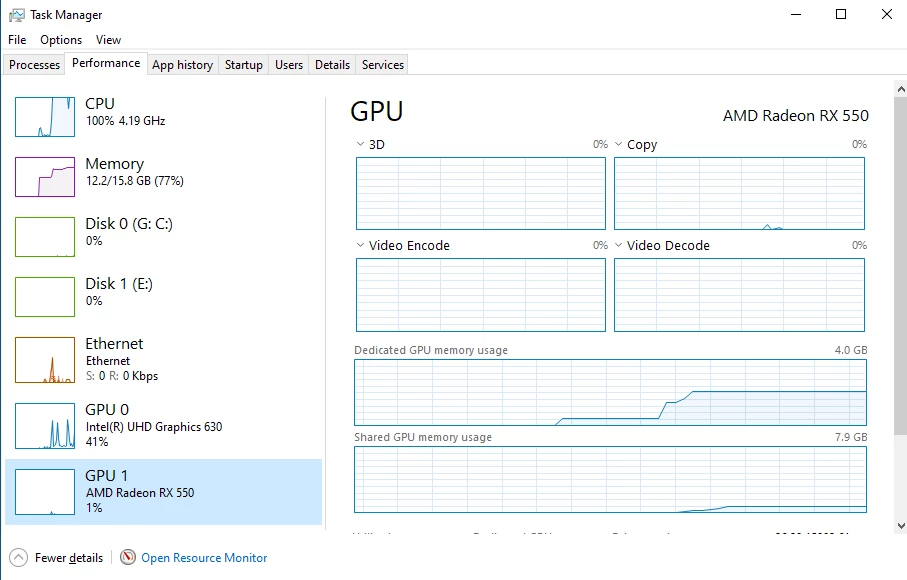
The footage is h264 and has several effects applied (Ultra Key, etc.) -- but I'm still seeing chop even when effects haven't been applied / FX is turned off (although curiously the CPU isn't at 100%):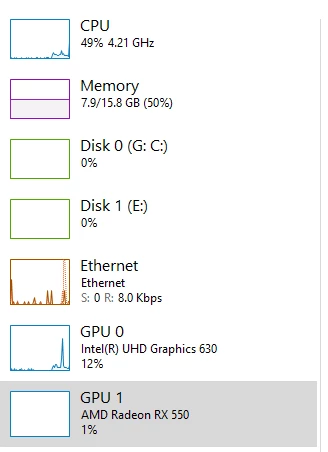
I recently upgraded my workstation - from an 8th-gen i3 & nVidia graphics card - and performance was reasonable on the previous machine, so if anything I expected the i7 to provide a big boost in speed.
I imagine the difference is down to Premiere Pro not actually using the Radeon card as task manager suggests.
Any ideas on how I can resolve this? I've seen some suggestions on using the registry to disable the Intel graphics - but this is not something I can easily do on this machine. (NB: the issue in that thread is slightly different to mine as I can actually select GPU renderer).
 AdChoices