


JBrouwers
Inspiring
December 27, 2018
Question

Rendering - slow - i9 14CPU, SSD disk, etc - is there a way to utilize full capacity

  • December 27, 2018
  • 2 replies
  • 851 views

Good evening everyone,

I am rendering a project with multiple dynamic link to AE.

it is taking 3 hours although the project was entirely rendered minutes ago.

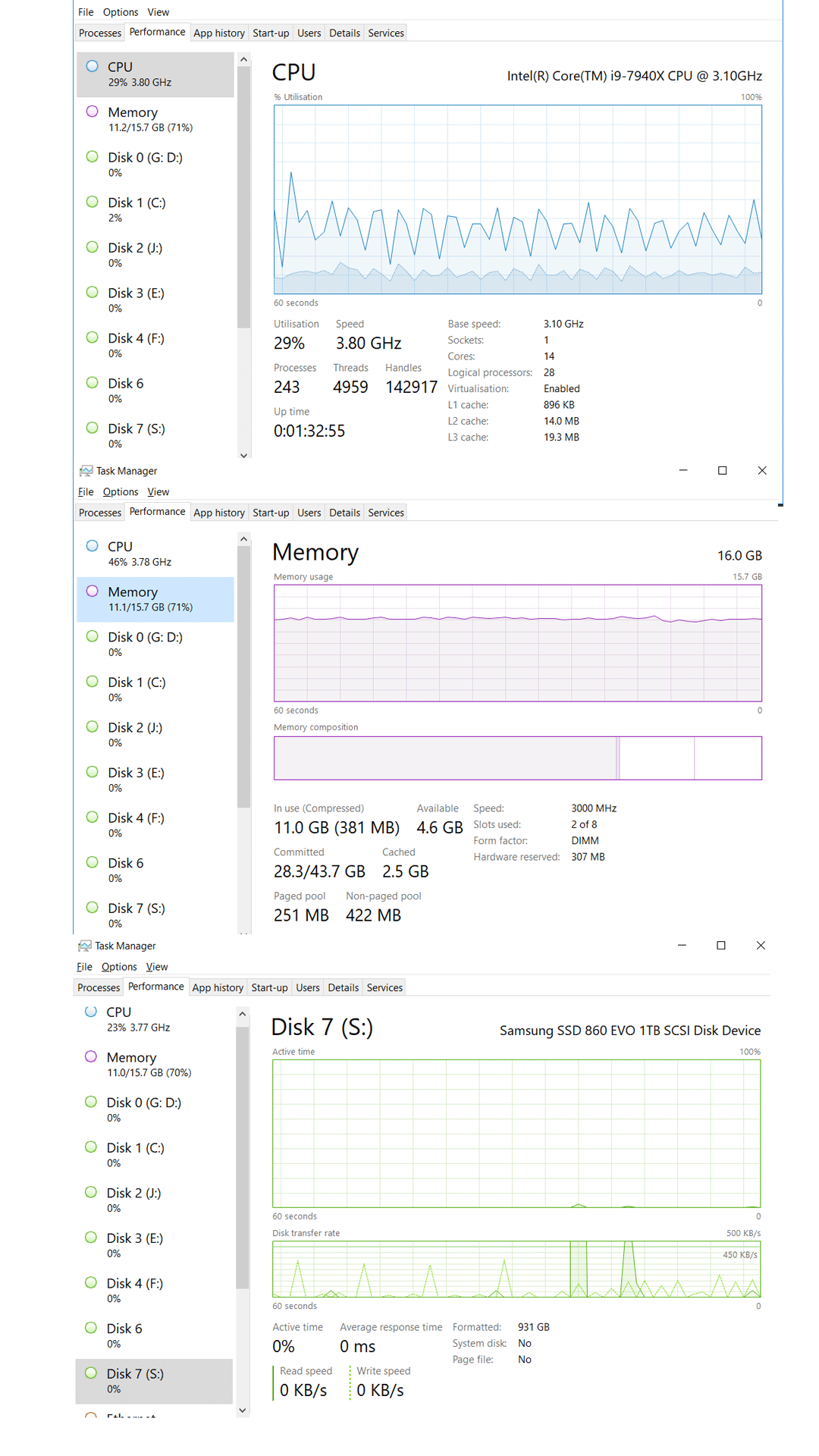
I invested in a very fast computer (14CPU i9, SSDs, Sufficient RAM, latest graphic card)

is there something I missed in the settings.

Here is the stats summary:
This topic has been closed for replies.

2 replies

Peru Bob
Community Expert
Community Expert
December 27, 2018

JBrouwers  wrote

(14CPU i9, SSDs, Sufficient RAM, latest graphic card)

16 GB RAM is not enough to fully take advantage of that processor.

What graphics card and driver?

What exact version numbers of PP and AE?

How long a timeline?

How many tracks?

What effects and transitions are used?

Any third party effects?

Is GPU acceleration enabled?

What type of media?

Are you using proxies?

What sequence and export settings?

JBrouwers
JBrouwersAuthor
Inspiring
December 28, 2018

Hello Peru Rob,

1 - Ram - I will upgrade (I just read that 8 was sufficient for premiere but I need more)

2 - graphic card = Nvidia GeForce GTX 1080

3 - Version PP and AE - adobe cc - always update as new version comes is (currently 2019 version

4 - TimeLine length = 2min

5 - about 6 tracks

6 - GPU accelerated - yes

7 - media come from Sony A7 (Mp4)

9 - no proxies on this one

10 - exporting in 1080p 30 bit rate.

Thanks again,

J

JBrouwers
JBrouwersAuthor
Inspiring
December 28, 2018

100% CPUs used: (as a test)

exporting clips paste together without any modification, effect etc...

that is using 100% of my CPU - hence going considerably faster than my MacBookPro 4CPU.

Maybe the lag in the original project posted above lays in the use of dynlink through AE.

J

Peru Bob
Community Expert
Community Expert
December 27, 2018

Moved to the Hardware forum.