anat12
Participant
July 13, 2018
Answered

buttons overlaping

  • July 13, 2018
  • 1 reply
  • 671 views

Hi,

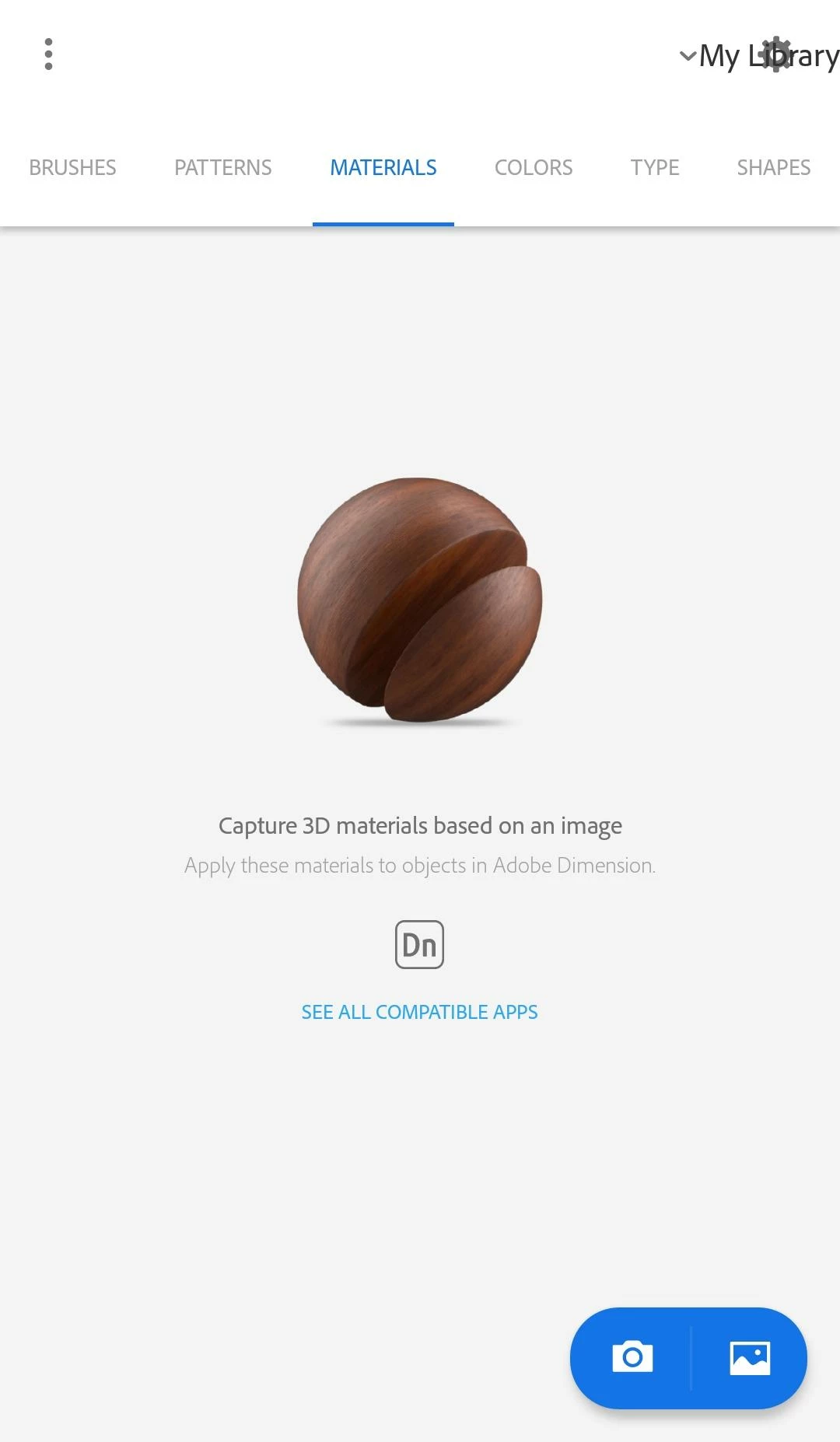
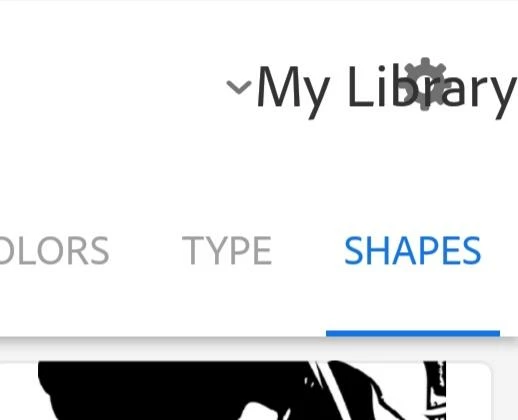
I have just downloaded the app and the my library button is sitting right above the settings icon which make it impossible to change the settings. For some reason the app doesn't connect to the wifi automatically so it doesn't save anything:(

And the app is amazing and I'm creating great stuff with it but nothing is being saved... so frustrating!

I'v tried to remove the app and install it again but the buttons are still one on top of each other.  Please help!

Thanks a lot,

Anat

    This topic has been closed for replies.
    Correct answer Sue Garibaldi

    the version of the app is (732) 4.1

    I'v tried to change the font and screen zoom as you suggested

    and this is what it looks like now:

    maybe the backward order has something to do with the fact that I'm from the middle east and the operating system default is writing right to left?

    other apps in English are working just fine


    Hi Anat.

    I heard back from the product team...

    Please ask if the system setting, "Force RTL layout direction," is toggle on. Capture doesn't support support RTL format so if that setting is toggled off it should correct the display.

    Please let me know if that works.

    Sue.

    1 reply

    Michael J. Hoffman
    Community Expert
    Community Expert
    July 13, 2018

    Hi Anat,

    What device are you using here?

    Mike

    anat12
    anat12Author
    Participant
    July 13, 2018

    samung galaxy A5  2017

    with android 8.0.0

    Michael J. Hoffman
    Community Expert
    Community Expert
    July 13, 2018

    I’ll have to leave this one for Sue Garibaldi​ to check out and comment on support, as I don’t have access to a Samsung Galaxy for testing.

    Mike