


CJNyeArt
Participating Frequently
June 2, 2022
Question

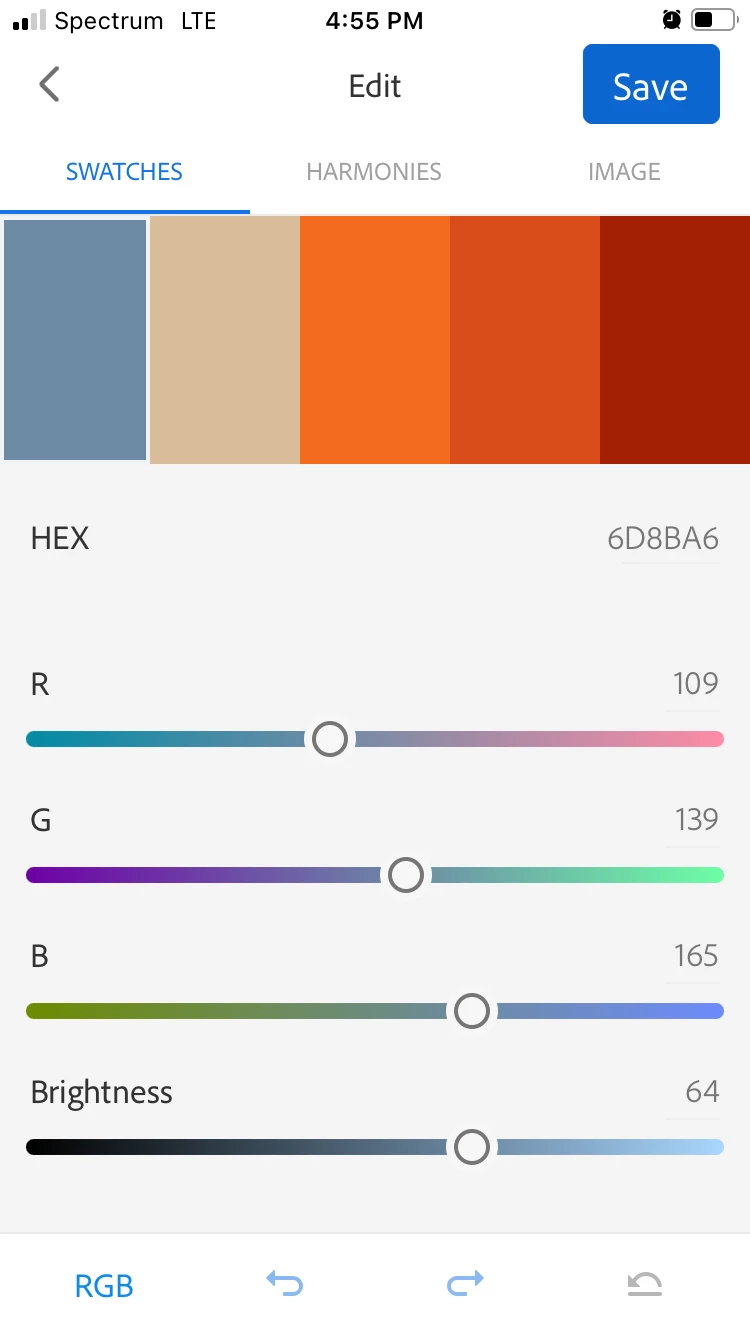
Capture color skews warm - pls fix

  • June 2, 2022
  • 1 reply
  • 827 views

Adobe - please correct for the strong preference in Capture to grab all the reds, oranges, and beige over blue, green, grey and sample for variety. Example was equal parts grey-blue, with dark blue and cream flecks, linen, and orange (with minute shadow, apparently burgundy).
 

    This topic has been closed for replies.

    1 reply

    Adobe Employee
    June 3, 2022

    Thank you for reaching out to us. can you please share original image (if possible), from which you extracted these colors. In general when colors are extracted, they are extracted as per their weight, i.e. more visible the color is in image, more are chances of it being in the generated palette. So we need to check your image here to see if this is as expected or an actual issue.

    CJNyeArt
    CJNyeArtAuthor
    Participating Frequently
    June 3, 2022

    Couldn't grab a screenshot - but, take me word for it, I deliberately framed so that the image was three equal parts of very distinct colors: steel blue, linen, orange
    The blue had large flecks in cream and navy. The linen was gently streaked with brown. The orange, a fine-weave sweater, had *minute* holes - that Capture somehow pulled not one, but two alternate colors out of. I've run similar experiments on several frames. Capture *skews* warm. 
    It should be evened out.
    More, there should be the opton to sample not only for the actual balance, but *also* for variety — it's often the highlights that make a palette great.

    Adobe Employee
    June 9, 2022

    can you please try changing the color mood and see if that helps your use case in selecting cold/bright colors. 

    In original image i would have been able to see if distribution of color is being given weightage here in default selection.