Participant
February 19, 2018
Answered

Exporting as PDF

  • February 19, 2018
  • 1 reply
  • 753 views

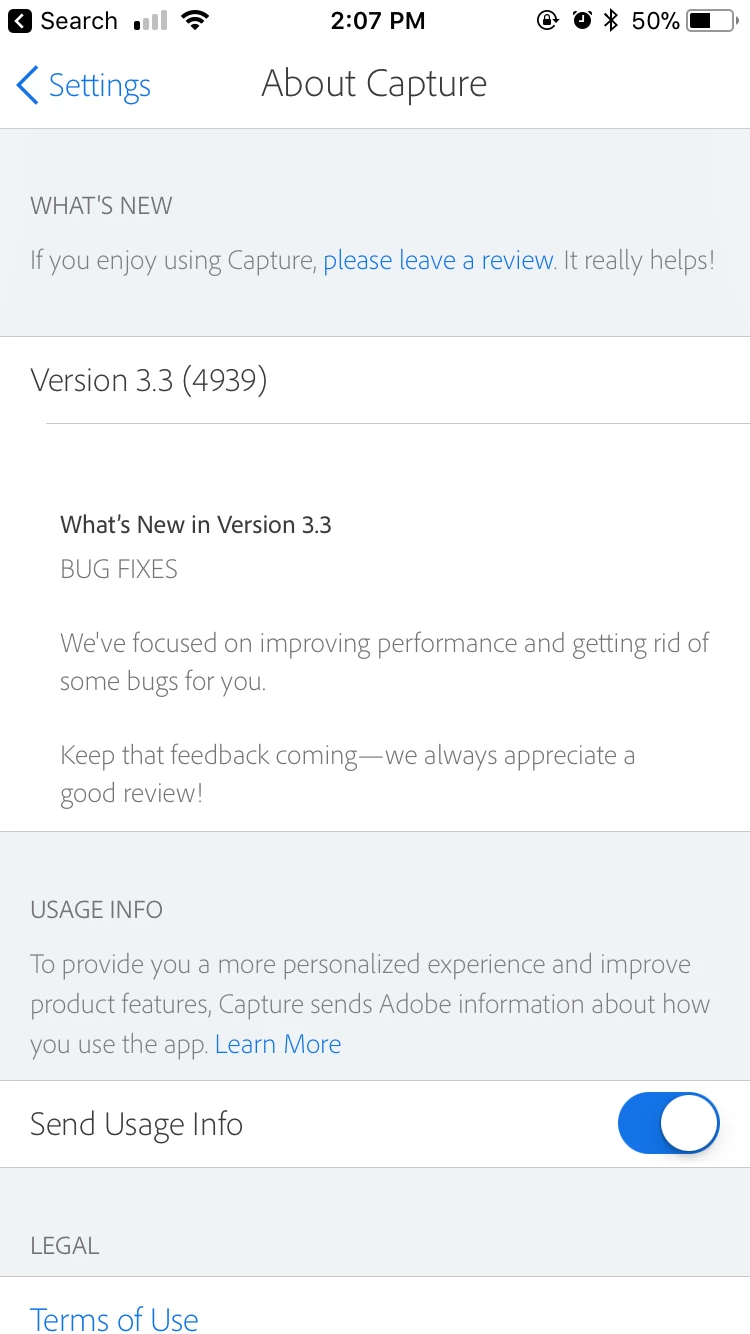
Before I updated to version 3.3 I could export shapes as high-res PDF files with transparent backgrounds, and now I don't see that option. Am I missing something? I used that feature a lot.

This topic has been closed for replies.
Correct answer Raimundo Illanes

Are you using the iOS app or Android app. I'm using the version 3.3 for iOS, and I can export to PDF.

1 reply

Raimundo Illanes
Raimundo IllanesCorrect answer
Inspiring
February 21, 2018

Are you using the iOS app or Android app. I'm using the version 3.3 for iOS, and I can export to PDF.

Participant
February 21, 2018

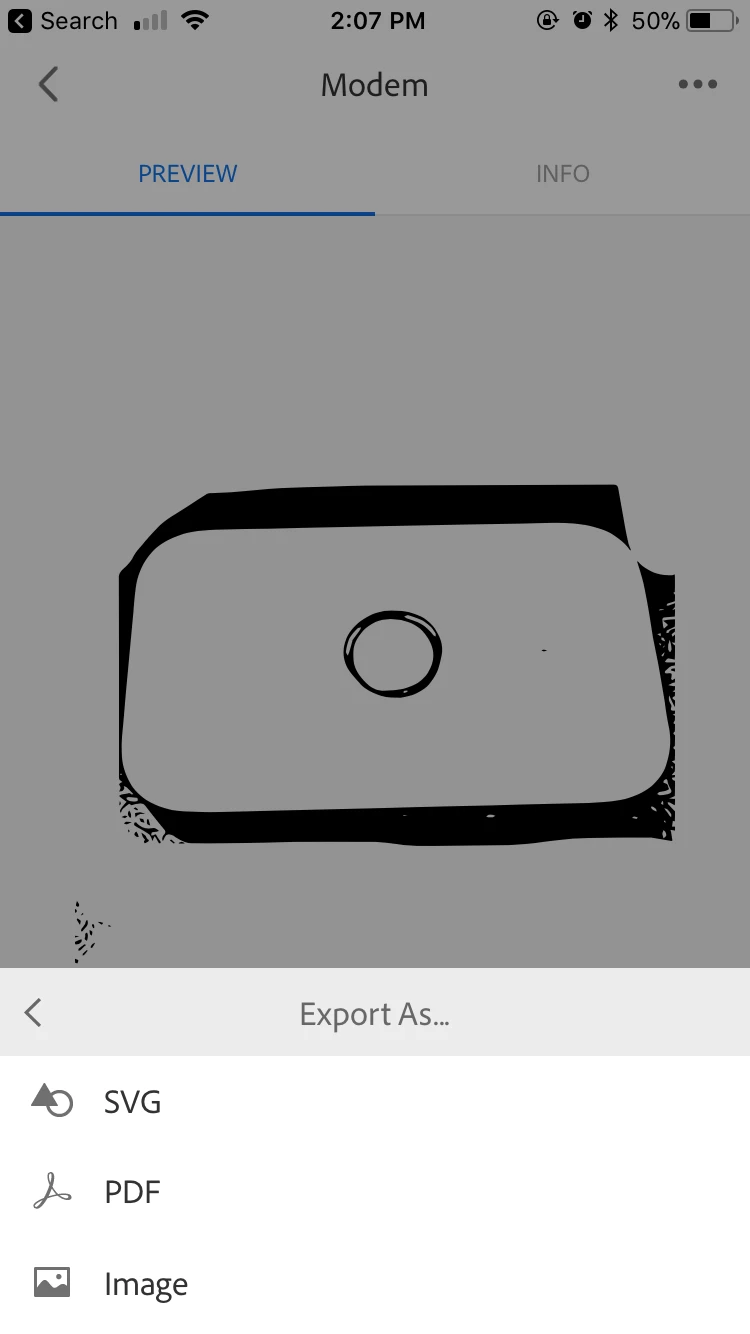
It looks like my "Export As" option has totally disappeared. I'm using version 3.3 on iOS. The three options shown in the attached image are the only options I get when I touch the box with the arrow coming out of it. "Save to Camera Roll" gives my a high-res jpeg, but the PDFs are so much better. I wonder if I delete and re-download the app if it will make a difference.

Sue Garibaldi
Community Manager
Community Manager
February 21, 2018

Hi JazzBuddha.

This feature is only available with a Creative Cloud subscription. Do you by any chance have more than one Adobe ID?

Sue.