


Question
Help with Illustrator: Convert Photo to Vector
Hi there:
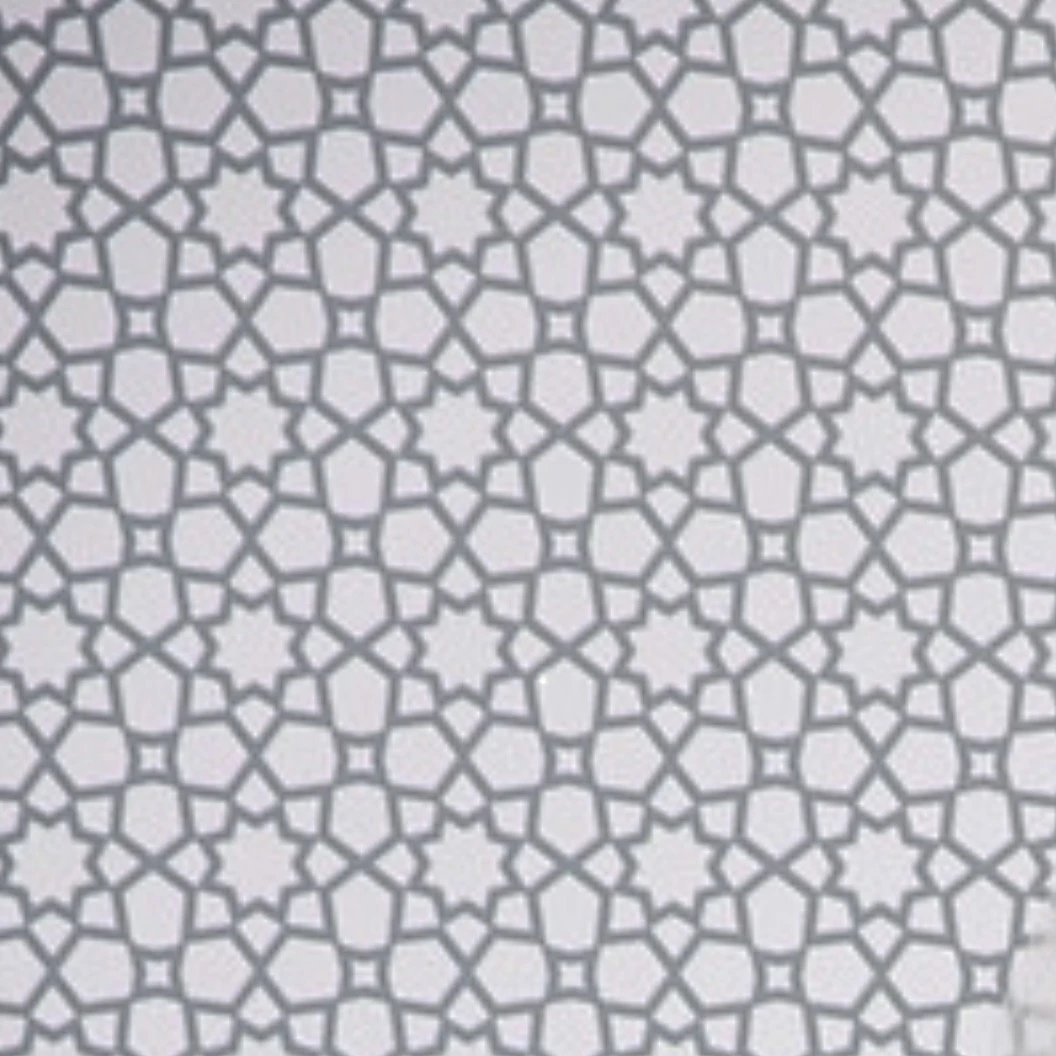
I recently purchased an IPad Pro and am trying to convert the attached photo of a pattern into vector format so that I can use it for a poster. However, when I use Adobe Capture to bring it into Illustrator format, it doesn’t give me clear lines. I think it’s due to the quality of the photo, but unfortunately I don’t have a higher quality photo.
Can anyone with more experience tell me the best way to turn this into a crisp vector image? I am still learning and not sure the process and software tools that would best to accomplish this.
Thank you!
Discussion moved by moderator from Illustrator to Adobe Capture
 AdChoices