


Participant
February 24, 2021
Answered

Help! Wrong image saving

  • February 24, 2021
  • 1 reply
  • 198 views

Hey, 


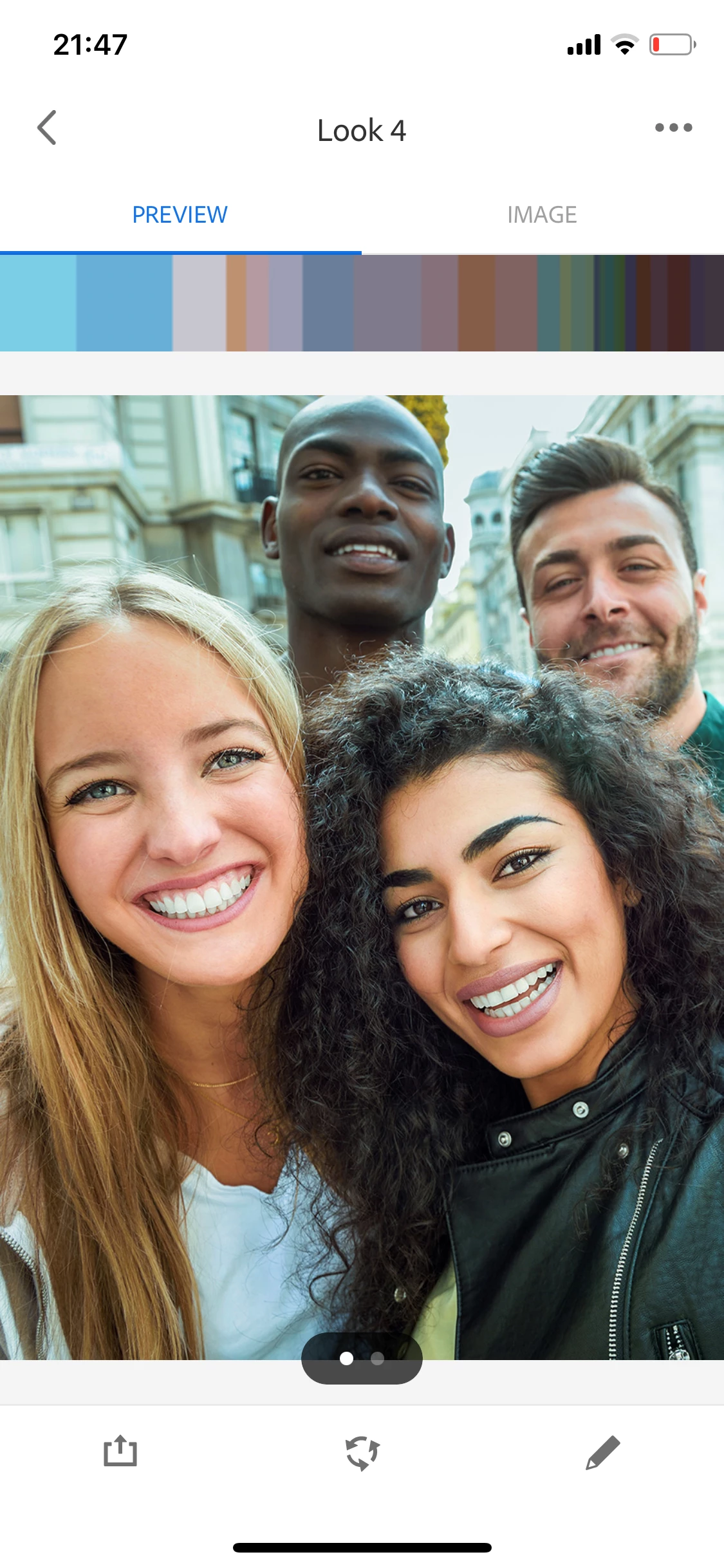
Anybody know why this random image is replacing the image I'm working on in capture just before saving!? I've restarted the app and it's still showing this - it looks like a stock image? I've never seen it in my life. 
    This topic has been closed for replies.
    Correct answer Sue Garibaldi

    Hi. 


    You're in the Looks module (which many people use for creating color and light for video; what you're seeing is a reference image for adjusting hues.


    I think this blog post will be helpful to you:

    https://blog.adobe.com/en/publish/2019/03/18/capture-your-look.html#gs.ugkaxv


    Let us know if you have additional questions.


    Sue. 


    1 reply

    Sue Garibaldi
    Community Manager
    Sue GaribaldiCommunity ManagerCorrect answer
    Community Manager
    February 24, 2021

    Hi. 


    You're in the Looks module (which many people use for creating color and light for video; what you're seeing is a reference image for adjusting hues.


    I think this blog post will be helpful to you:

    https://blog.adobe.com/en/publish/2019/03/18/capture-your-look.html#gs.ugkaxv


    Let us know if you have additional questions.


    Sue.
