


tinev
Participant
December 17, 2020
Question

How can i secure high resolution when exporting a Repeat pattern file.

  • December 17, 2020
  • 1 reply
  • 560 views

Hi 🙂


I made a lot of beautifull patterns in Adobe Capture and i would like to use them in Spoonflower as fabrick designs.

The problem is that the resolution is to low to make the patterns clear when they come back as print swaches.

I know that Adobe Capture is now inside Photoshop. Is the export resolution better there ? 

If not when will this be improved apon ?  Or ist there anything i can do to improve the resolution as it is ?


Warmth´s from Tine


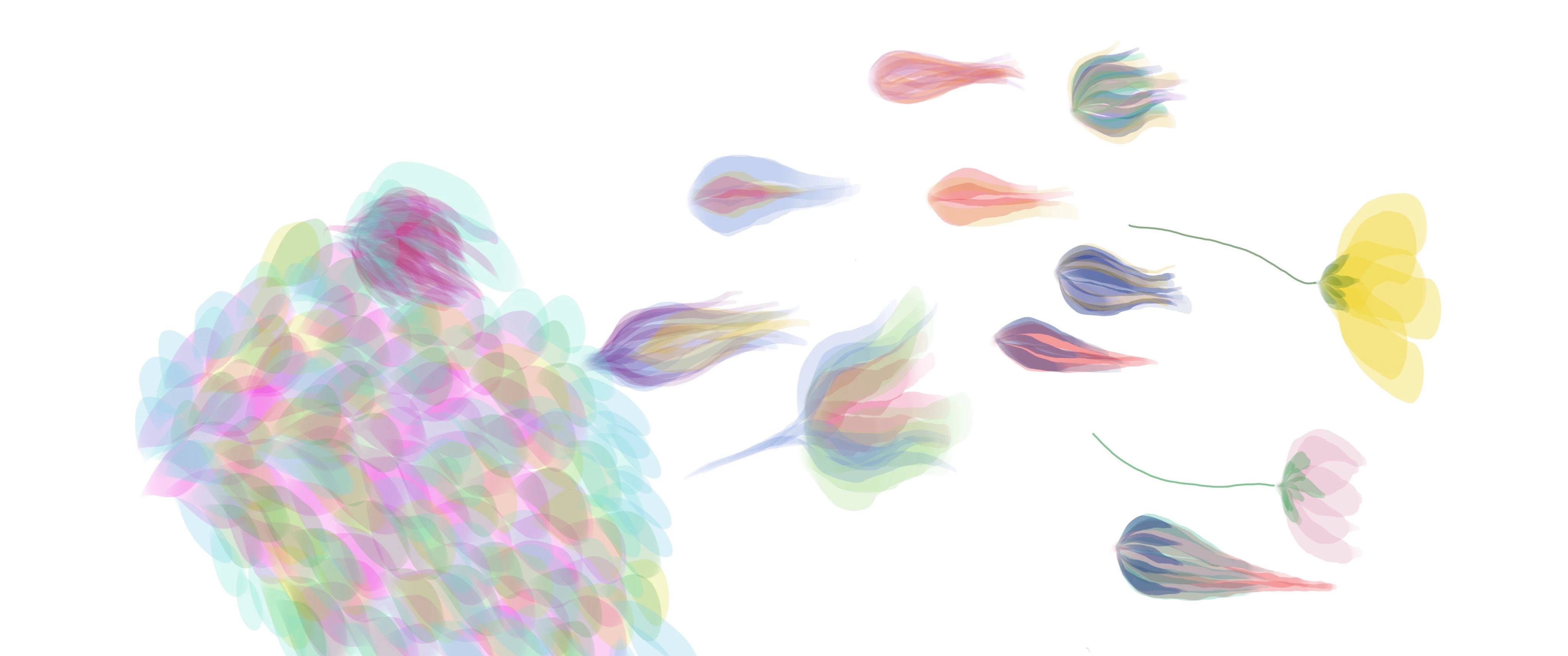
this is the picture i use in Capture 


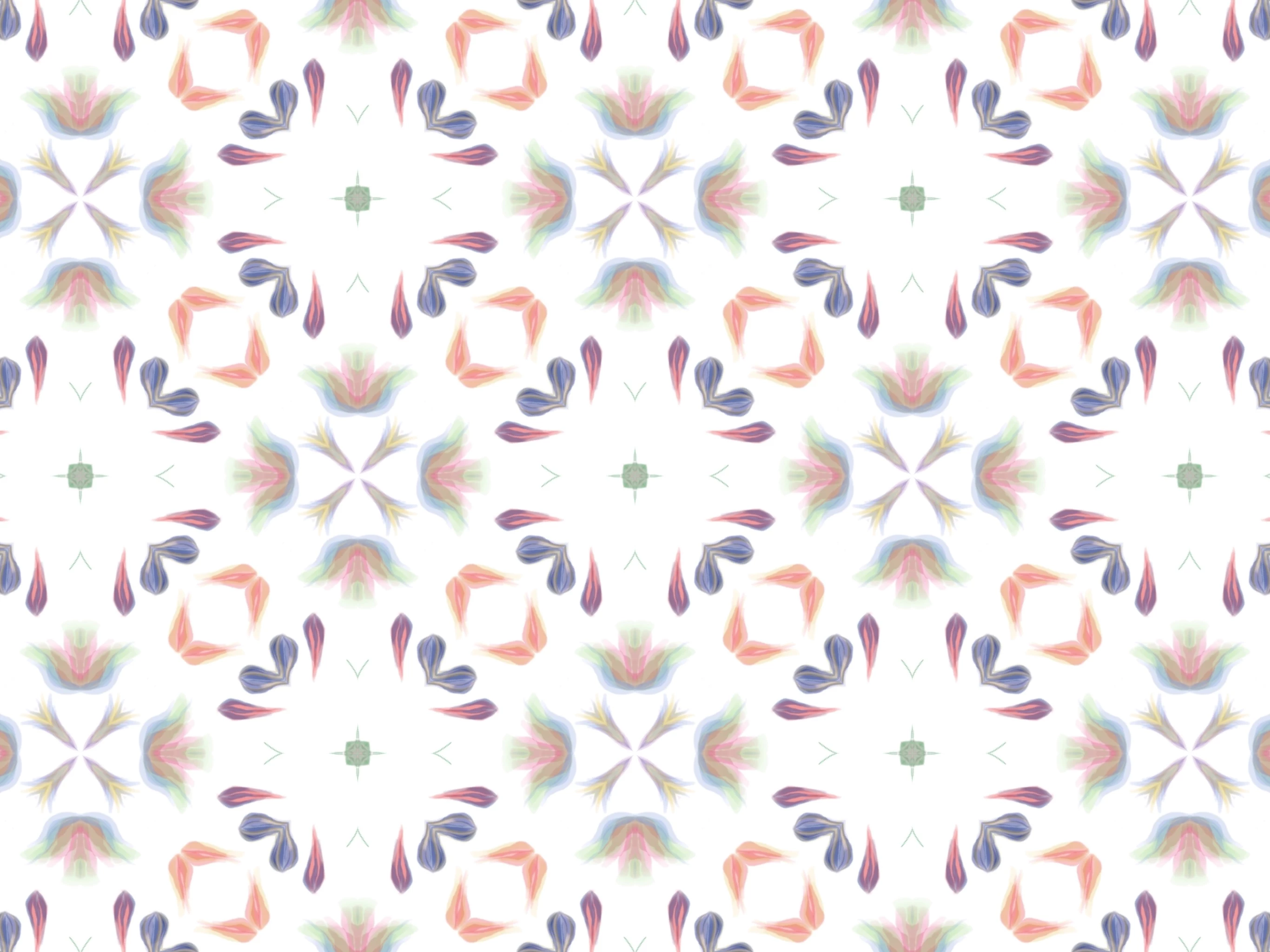
And this is the picture after itś ben modifyid in capture
    This topic has been closed for replies.

    1 reply

    Adobe Employee
    December 18, 2020

    Hello tinev, 
       Thanks for reaching out and using Adobe Capture. Since the original image shared is of low resolution(May be because it was downsampled when attached) , i am not able to confirm if it is the app which is generating low resolution pattern output on export. I would request you to share the original image url from any image hosting site like imgur. So that it is not downscaled while saving. 
      Meanwhile you can try saving this pattern in your creative cloud library.Then open photoshop and go to your  your library and drag-drop this pattern on Canvas. You should get better resolution output there. The reason why you may see a low res output on mobile is , while exporting on mobile app , we set a fixed resolution to the output image. This image can be pixelated when scaled or used on higher dpi screens. Please let us know if you this helps your issue.