


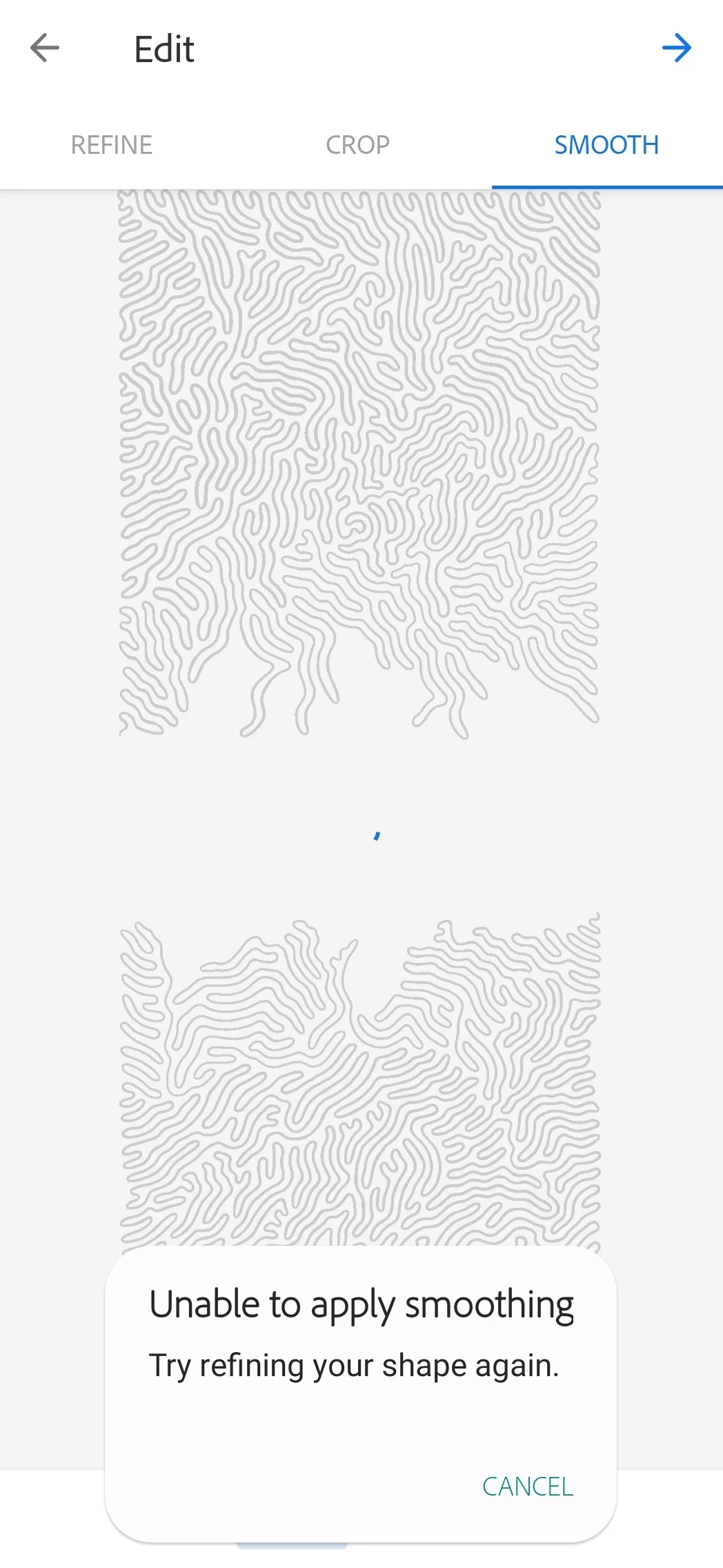
I almost always get the "Unable to apply smoothing error"
I love Adobe Capture. It has seriously helped me so much as an artist to covert simple one-line drawings into beautiful vector files.
I always use "Shapes", then I refine, and then I go to smooth. Smooth is where the problem is. I personally never turn the Smooth to "On" because I have found that leaving it "off" still applies a small but perfect amount of smoothing. However, my problem is that when I go to smooth it always says it cannot apply smoothing and I should refine the shape.
I always make sure that my phones have free RAM when I do this. This happens to me on a Samsung 20 Ultra and also a Google Pixel 5. I CAN get this to process on my IPad Pro but when I use that, it will always leave a small, random, artifact in the picture as soon as I go to smooth section. Please HELP!
 AdChoices