Bdeb.
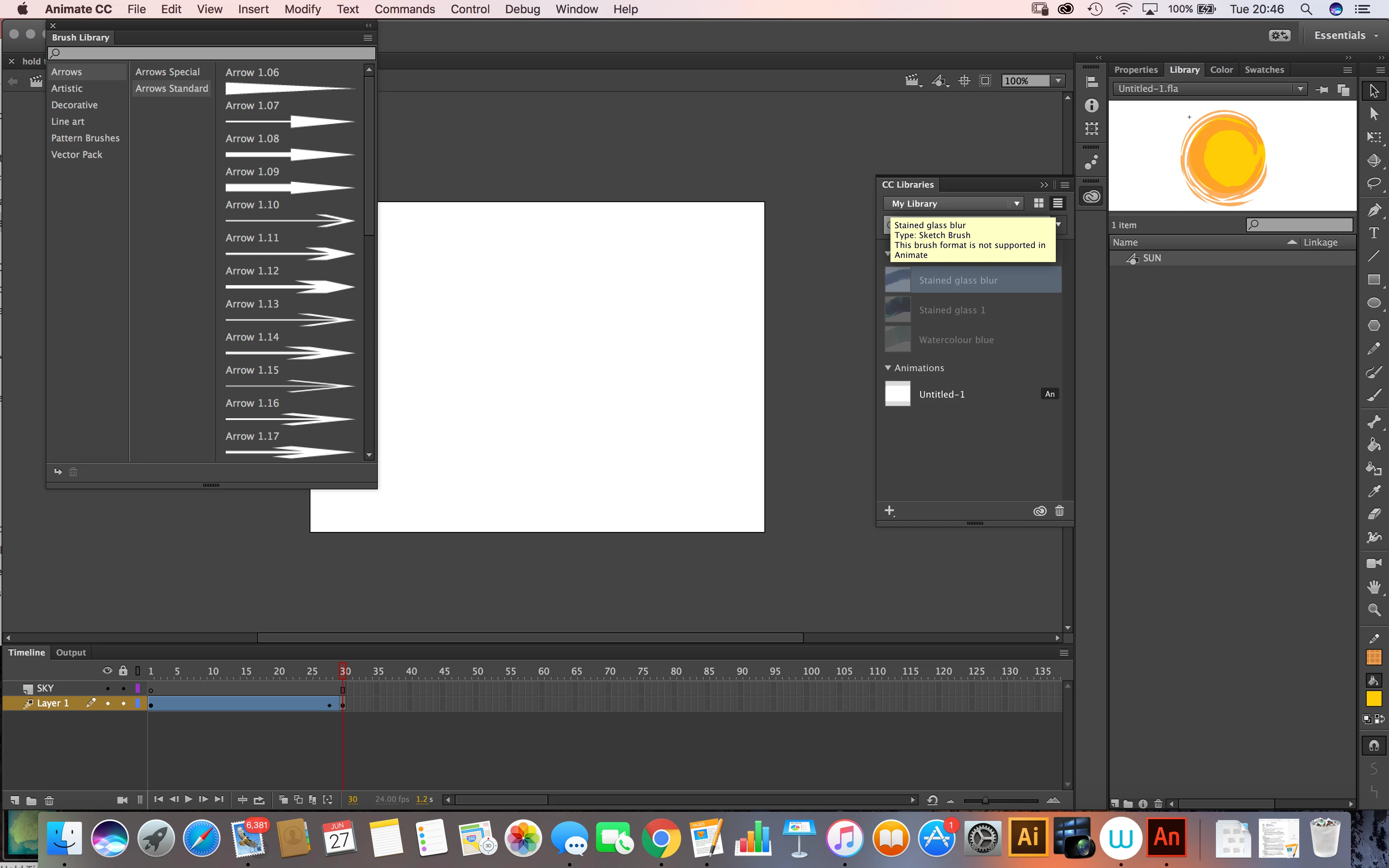
I didn't think Capture brushes could be used in Animate CC but... it looks like perhaps brushes saved for Illustrator CC will show up in the Libraries panel in Animate.
However, from your screenshot, it looks like you've saved your brush for Sketch; that brush will only open in Sketch. Try this:
Go into Capture CC and choose that brush that you've saved as a Sketch brush
Tap the edit icon (square with a pen); that will open a visual list of brushes
To use the brush in Illustrator (or, in this case, Animate), make sure you've chosen a "Illustrator" brush (tap the circle to check it) and Save. It will save to your library as a Illustrator brush and as soon as it syncs you should be able to open it in Animate.
Let me know how things are going.
Sue.





 AdChoices