


Participant
October 26, 2022
Question

Shape filter

  • October 26, 2022
  • 1 reply
  • 155 views

Hello, i have been trying few things with the shape filter on this app and i was wondering if there was any possible way of disabling the auto smoothing you get after saving an image ? I'm no talking about the "smooth effect on/off" option you have on the modify part, but i'd like to keep this raw/messy look the filter tend to give you initially, before any changes.


I don't know if that's possible on this app and if it's just built to work this way, i'll give you a screenshot to illustrate what iam saying (it's a screenshot sorry in advance for resolution)
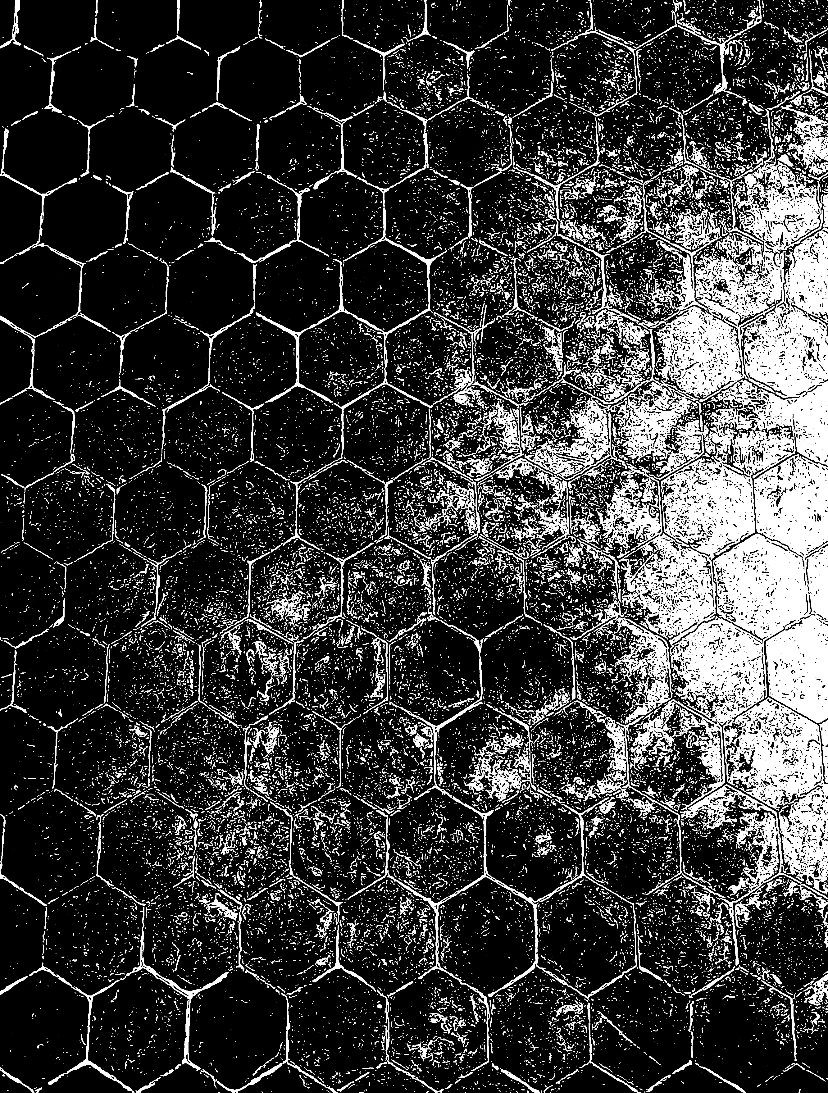
do you know how can i find a similar effect on either photoshop/illustrator/inkscape ?


thanks

    This topic has been closed for replies.

    1 reply

    Adobe Employee
    November 3, 2022

    Dear Jerryferrari,


    Unfortunatelly, Shape filter and auto-smoothing features are are not modifiable. Also, this shape filter is custom created for camera in adobe capture application, and is not available in any other application like photoshop/illustrator. Sorry, we can't help you much here.


    You can take snapshot of the screen when this filter is applied, if that works for you (although it will be low res image dependent on the screen size of the device).

    • When an image is imported, the screen will be frozen.
    • If you are trying to capture from live video feed, tap on the screen, it will freeze the feed. 


    Hope this works for you.


    Regards,

    Abhishek

    Adobe Capture Team