Ilan Purple Art
Inspiring
October 3, 2019
Answered

Use the Gradient from Capture in CC apps

  • October 3, 2019
  • 2 replies
  • 1613 views

I created a few gradient through the COLOR section in the app, and they all appear in my library, but I can't use any of them, in any CC app! How can I retrieve them as usable assets?

    This topic has been closed for replies.
    Correct answer ABkc4here

     Apparently, You have to export it, before you can use it.... 

    2 replies

    Anubhav_Jain
    Adobe Employee
    Adobe Employee
    October 3, 2019

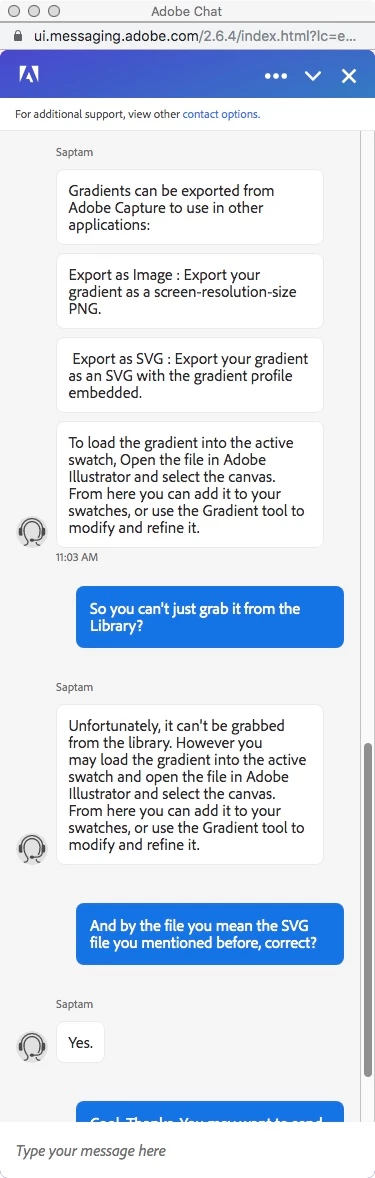
    Gradients can be exported as PNG, SVG and CSS. Exported files can be used in Adobe products. Please refer - https://helpx.adobe.com/mobile-apps/help/gradient-faq.html

    ironchef_marc
    Inspiring
    October 31, 2019

    Is this the same as a gradient capture from an image in Photoshop? In the CC  library tab in PS I clicked the "+" sign and selected "create from image". I then clicked on gradient tab and created a gradient that was added to my CC library. 

    I know for an image or other graphics I can right click the item in the library and select "place layers" or "place link" but that option is not available for gradients.  When I drag the gradient on the canvas I see the small square box and + sign but nothing seems to happen.I check the gradient section to see if it would be copied in my local library but it's not.

    I don't see an option to export to PNG, SVG or CSS.  So I can't figure how to use this feature.


    shamit_mehta
    Adobe Employee
    Adobe Employee
    November 1, 2019

    We are working on a better integration with PS.  Please bear with us for some more time.

    ABkc4here
    ABkc4hereCorrect answer
    Inspiring
    October 3, 2019

     Apparently, You have to export it, before you can use it.... 

    Ilan Purple Art
    Inspiring
    October 4, 2019
    I just do not understand! Why put it in the library to occupy space on my workspace in the first place? Why not make it simply accessible as it clearly is designed to be? Can someone from adobe answer?
    Sue Garibaldi
    Community Manager
    Community Manager
    October 5, 2019
    Ilan. This feature is still in beta; as such it currently can only be exported as an SVG and imported into Ai, Ps, XD.