


richards55626649
Participant
October 20, 2016
Answered

Acrobat Pro DC - Images look bad after re-editing PDF

  • October 20, 2016
  • 2 replies
  • 723 views

I have a PDF that I need to edit. I open Acrobat Pro DC and enter edit mode and make a few text changes. I then resave as a new file name but the quality is horrible. Can anyone suggest a way to keep this from happeneing?

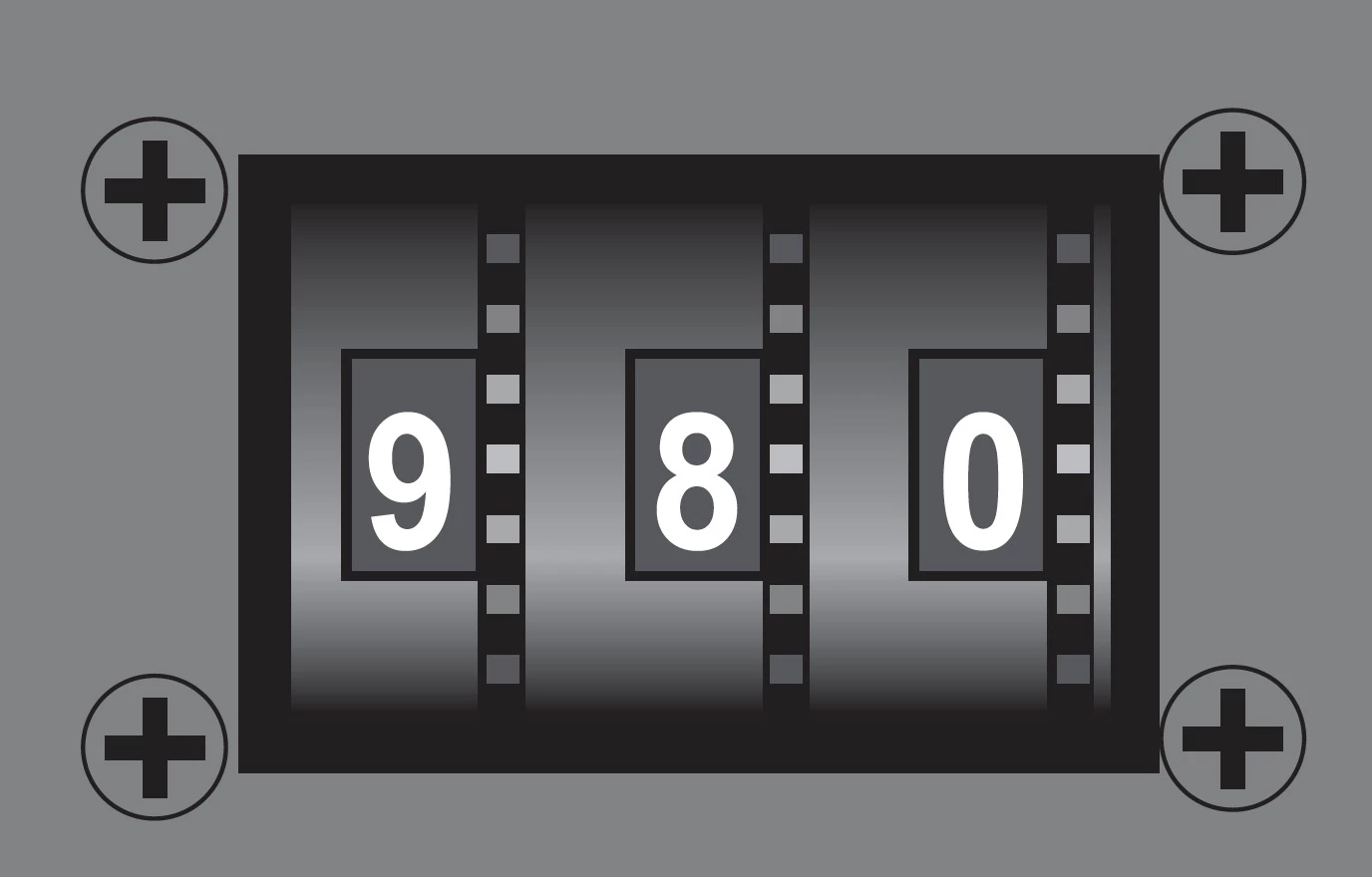
BEFORE THE EDIT
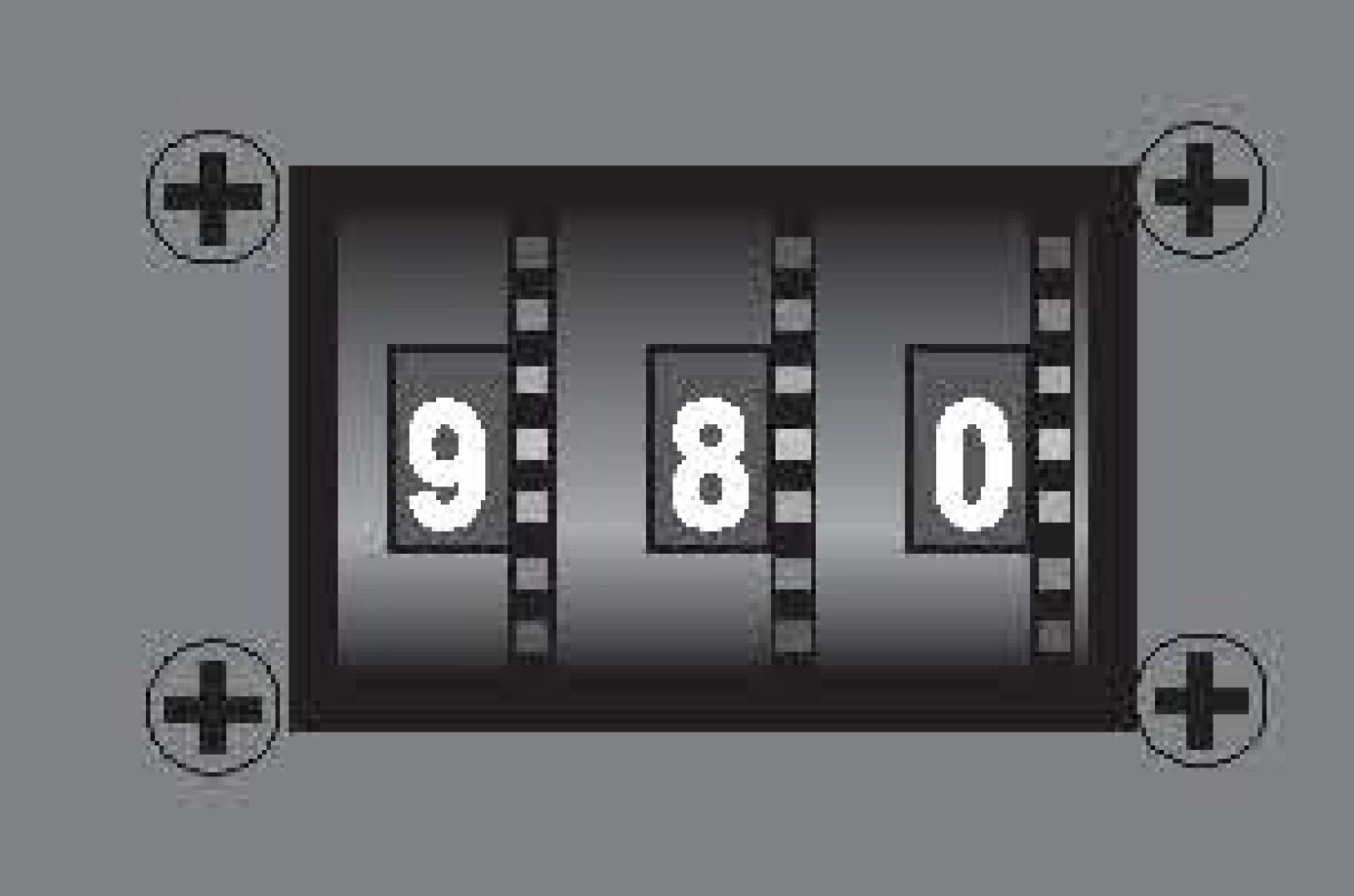
AFTER THE EDIT
This topic has been closed for replies.
Correct answer Priyanja

Hi Richard,

Thanks for reporting the issue.

Please check whether "Revert to Image" option under Scanned Documents section(in right hand pane) is enabled or not. If enabled, just press this button to convert the document back to its scanned\image format.

Please share your findings.

Regards,

Priyanka

2 replies

PriyanjaCorrect answer
Adobe Employee
October 24, 2016

Hi Richard,

Thanks for reporting the issue.

Please check whether "Revert to Image" option under Scanned Documents section(in right hand pane) is enabled or not. If enabled, just press this button to convert the document back to its scanned\image format.

Please share your findings.

Regards,

Priyanka

Karl Heinz  Kremer
Community Expert
Community Expert
October 20, 2016

What changes exactly are you making to the file?

richards55626649
Participant
October 20, 2016

I am just updating some of the graphics and wording in the doc.