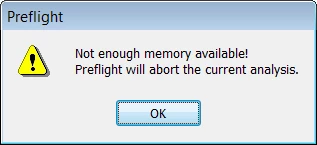
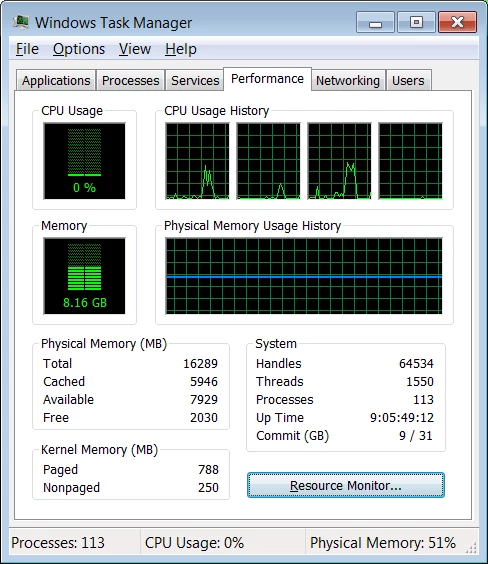
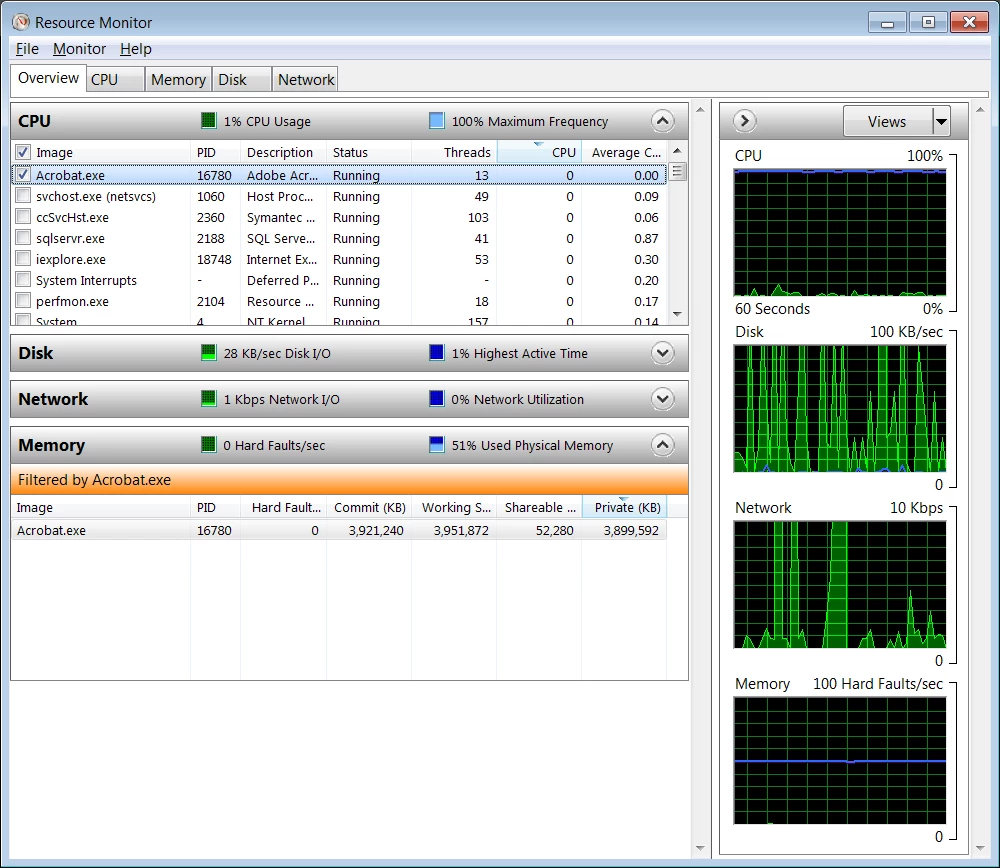
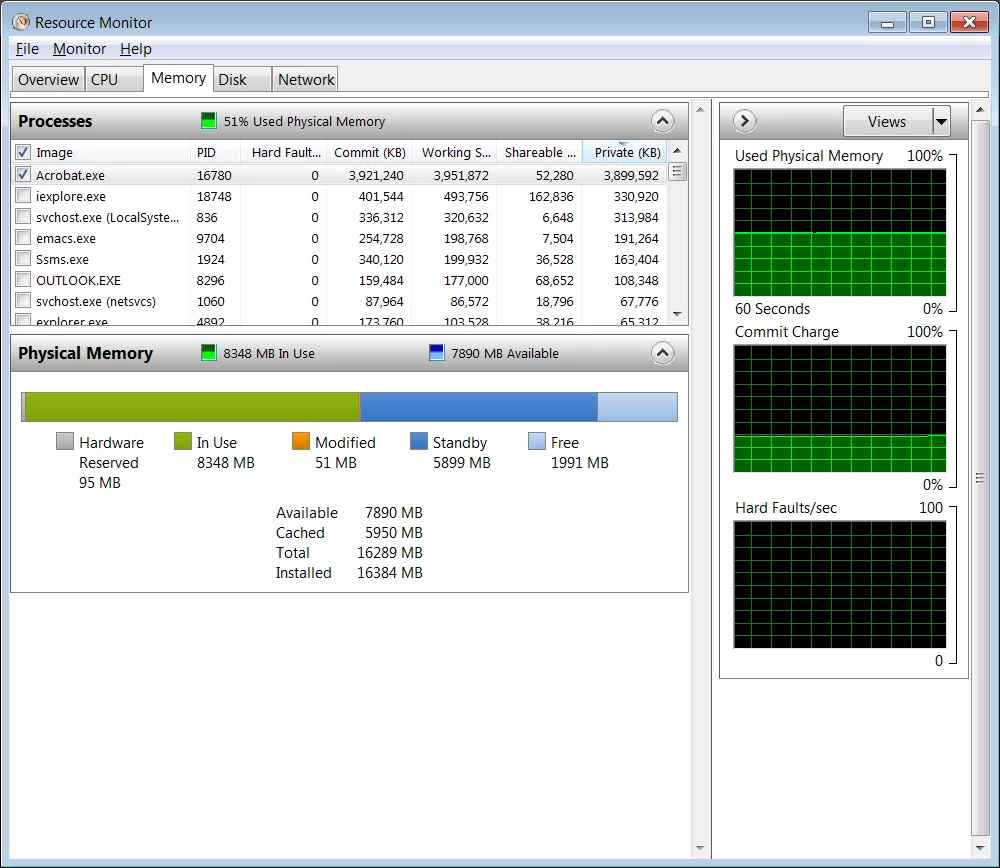
Actually, the issue is not whether there is enough physical memory on your system, but whether Acrobat has exhausted its 32-bit address space. Acrobat under Windows (either 32-bit or 64-bit versions of Windows) is still a 32-bit application, limited to approximately 4GB of address space, maximum, of virtual memory which per your screen shots, is exhausted.
You didn't indicate what version of Acrobat Pro you are running, but prior to Acrobat DC (i.e., Acrobat 11 and earlier), it was relatively easy to run out of virtual memory when using Preflight against long, complex, or both long and complex PDF files.
If you are running Acrobat 11 or earlier, the only fix is to upgrade to Acrobat DC Pro in which many aspects of Preflight were significantly updated including support for long and complex documents and performance.
If you are currently running Acrobat DC Pro, I would personally like you to contact me via a personal message in these forums with the particulars so that I can help analyze what is going on. If there are remaining issues in Acrobat DC Preflight, we would like to remedy them if at all possible.
- Dov




 AdChoices