
action button (email) does not work properly
Hi, In my form I used an action button to email the form once the required field are filled. If not a message has to appear and the missing field are highligted in red. I used a Script I found in this forum
var emptyFields = [];
for (var i=0; i<this.numFields; i++) {
var f = this.getField(this.getNthFieldName(i));
if (f==null || f.type=="button") continue;
if (f.required && f.valueAsString==f.defaultValue) {
f.strokeColor = color.red; //Highlights the required fields with red outline
emptyFields.push(f.name);
} else f.strokeColor = color.gray; //Highlights the filled in fields with gray outline
}
if (emptyFields.length>0) {
app.alert("WAIT! You must fill in all of the required fields before printing this form");
} else this.print();
At first it seems to work but when I click the message the email is made anyway. How can this be solved so that an email is only made when all the required fields are filled?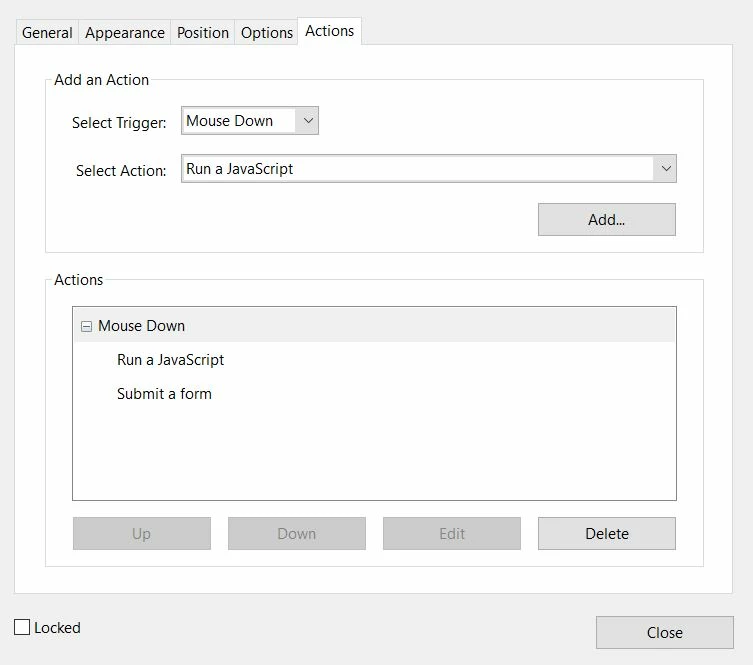


 AdChoices