
Participant
July 11, 2016
Question

Adobe Acrobat Pro Calcuating Fields

  • July 11, 2016
  • 1 reply
  • 906 views

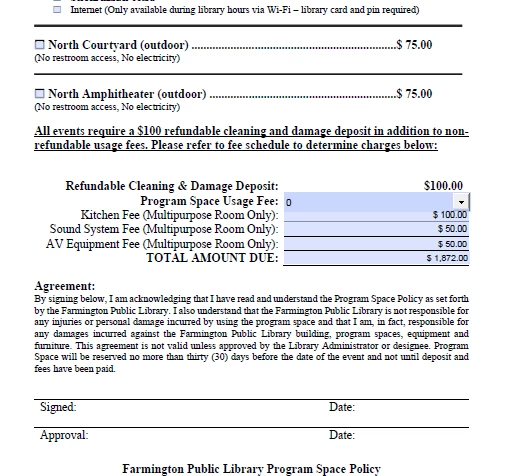
When I am trying to create a calculated field in Adobe Acrobat I am unable to mark the fields for calculation.  I can select the field but I cannot check the field to identify it as one of  the fields I would like calculated.(Image One) I can however choose select all and all the fields get a check mark.(Image two) When I do this it seems to start multiplying random numbers (Image three)

I am test driving this for my job at a Public Library and so far I am not impressed.

Image one
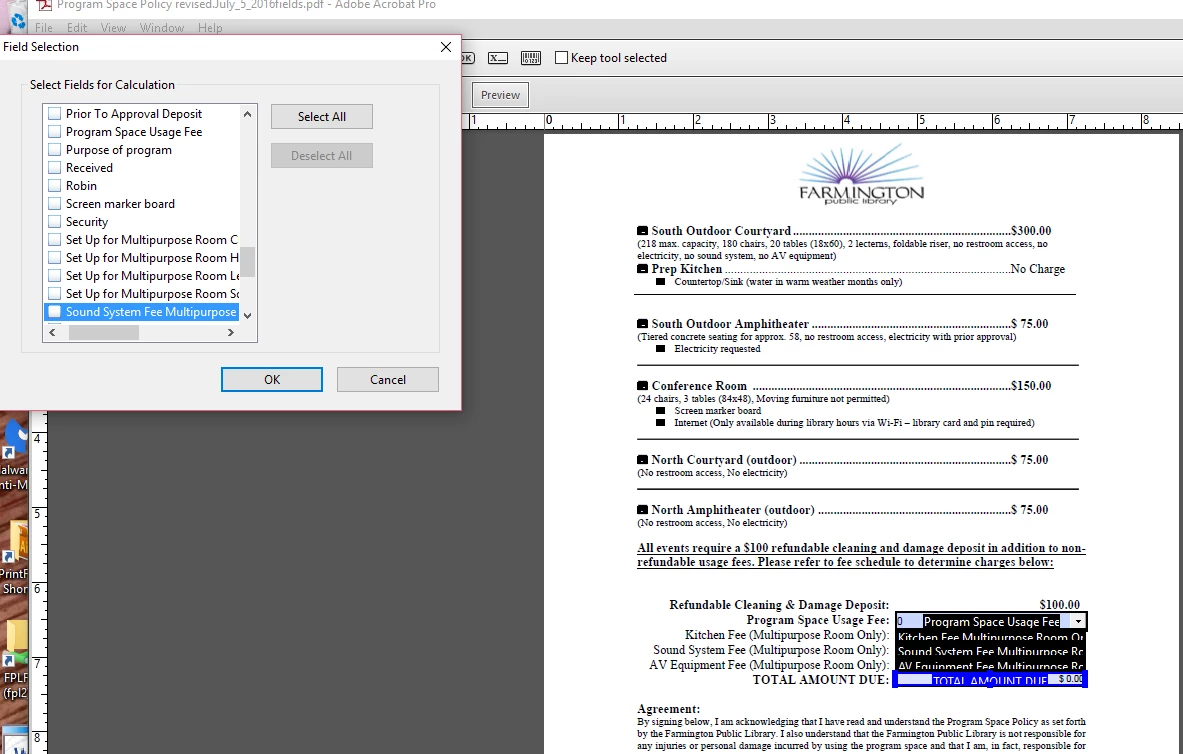
Image two
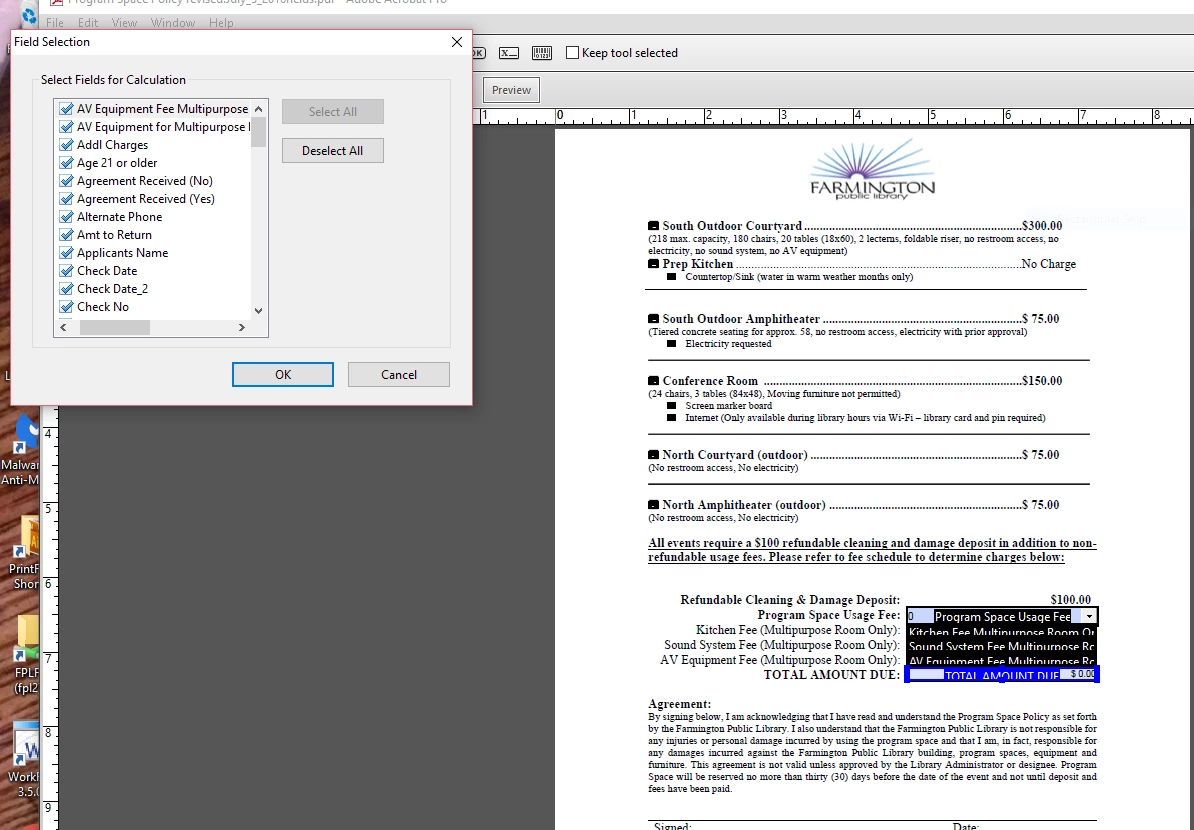
Image Three
Thank you for your comments.

Robin

This topic has been closed for replies.

1 reply

Inspiring
July 11, 2016

Some users are not able to select a field by clicking the check boxes, but are able to use the spacebar to toggle the selection and use the arrow keys to navigate the list of fields. You might be able to use the mouse to select a check box by clicking near a check box but outside of it.

Another optiion is to use the simplified field notation option or JavaScript.

You should also check the field calculation order (which is different than the tab order) to make sure it's correct for your form if you're getting seemingly incorrect results.

jim-at-lancair
Participant
October 20, 2020

I'm having what I think is a related problem. I'm trying to create a calculated subtotal of two other fileds. When I try to select those fields, two odd things happen: (1) both fields appear twice in the "field selection" window, but they only appear once in list of fields in the toolbar/sidebar; (2) when I attempt to select any of them in the "field selection" window, I get a message saying that field does nto exist. I've tried selecting with mouse and spacebar - same results. Screenshots below.

Any idea how to fix this?

Nesa Nurani
Community Expert
Community Expert
October 20, 2020

In your case dots . are problem, replace them with comma , like this $25,000,00 or  use something simple as field name