Participant
February 2, 2016
Question

Adobe acrobat pro dc- document all distorted after crash

  • February 2, 2016
  • 1 reply
  • 913 views

Hello,

One of user was working with adobe acrobat pro dc when it crashed, I know adobe saves file every so often in temporary location, but there is no file there anymore since it is temporary location.

Document is all distorted after the crash, and I am looking to find either way to recover file, or way to fix the distortion.
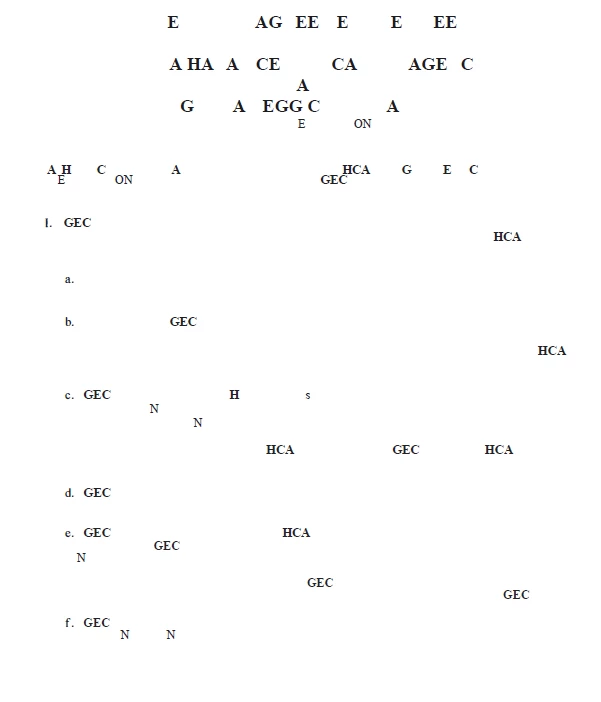
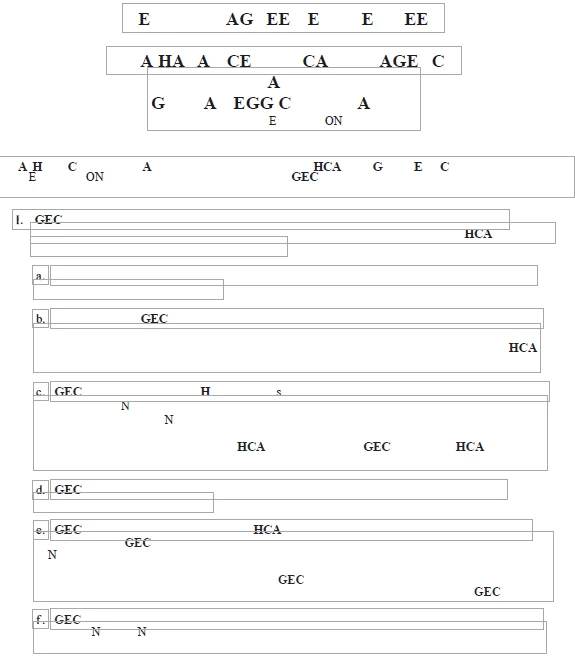
thats how document look after distortion

This topic has been closed for replies.

1 reply

Legend
February 2, 2016

Hi,

Are you using the desktop Acrobat Pro app on a Windows or Mac computer?

You posted your question to the Acrobat Reader mobile forum.  But I can move it to an appropriate forum.

Thank you.

Participant
February 2, 2016

Hello,

Thank you for pointing this out, I could not find more appropriate forum, I am using adobe acrobat pro dc on Windows

Legend
February 2, 2016

Hi,

No problem.

The top-level Acrobat (desktop app) forum page is here:  https://forums.adobe.com/community/acrobat

As you can see, there are a lot of sub-forums.

I will move this discussion to the Editing & Exporting PDFs sub-forum for now.  (It's not a perfect match. But you must be editing something in Acrobat Pro. )

Adobe staff and/or desktop Acrobat experts will assist you shortly.

Thank you.