
Participant
August 9, 2024
Question

Adobe Form Field Calculation OR Script Needed ASAP

  • August 9, 2024
  • 2 replies
  • 329 views

I want to create a basic form that several different people will use. In this form, the user would enter a measurement in inches but when they tab or press enter, I would like their entry to convert automatically to feet & inches based on their input.


Does that make sense?


Example: The user puts in 115" and then goes to the next field. It would change the entry to 9.58' (the actual is 9.58333')


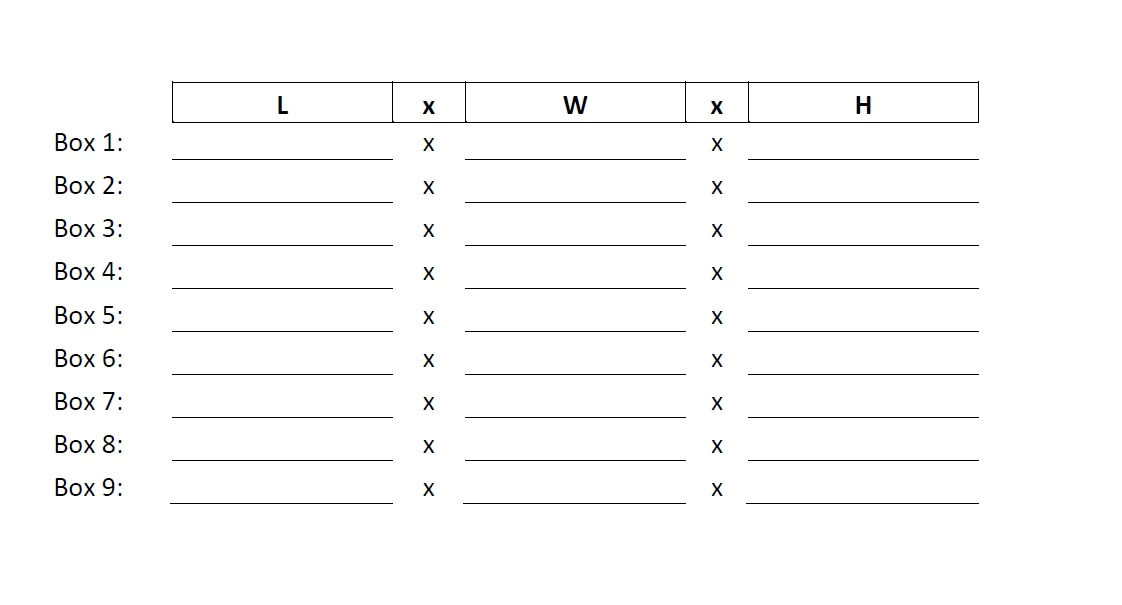
Here is a screenshot of the form fields.


This topic has been closed for replies.

2 replies

try67
Community Expert
Community Expert
August 9, 2024

Enter this code as the custom Format script of the field (under Properties - Format - Custom):


if (event.value) {
	event.value = (Number(event.value.replace("\"", ""))/12).toFixed(2) + "'";
}
Participant
August 9, 2024

When I enter the above into the Javascript editor box, I have the option to cancel to Go To. When I click the Go To button, it is asking for me to enter a Line Number???

try67
Community Expert
Community Expert
August 9, 2024

Make the window larger by dragging one of its corners and you'll see an "OK" button.

Participant
August 9, 2024

Additional Note: I am not an expert and I do not know how to write scripts etc. Please explain in layman's terms 🙂